Logging Function 487
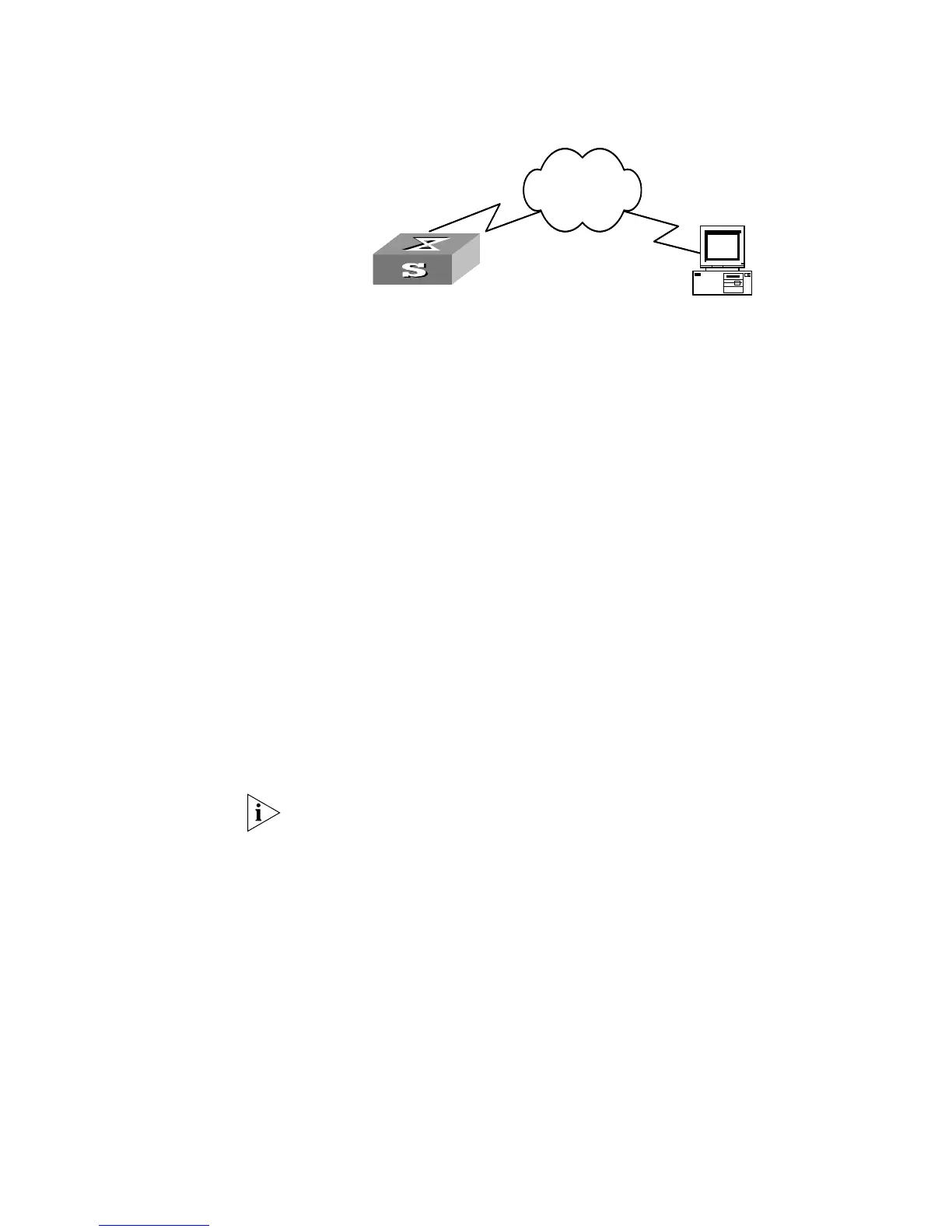
Networking diagram
Figure 128 Schematic Diagram of Configuration
Configuration Procedure
1 Enabling info-center
[SW5500]info-center enable
Set the host with the IP address of 202.38.1.10 as the loghost; set the severity level
threshold value as informational, set the output language to English; set all the
modules are allowed output information.
[SW5500]info-center loghost 202.38.1.10 facility local7 language
english
[SW5500]info-center source default channel loghost log level
informational
2 Configuration on the loghost
This configuration is performed on the loghost.
a Perform the following command as the super user (root).
# mkdir /var/log/SW5500
# touch /var/log/SW5500/information
b Edit file /etc/syslog.conf as the super user (root), add the following
selector/actor pairs.
# SW5500 configuration messages
local7.info /var/log/SW5500/information
Note the following points when editing /etc/syslog.conf:
(1) The note must occupy a line and start with the character #.
(2) There must be a tab other than a space as the separator in selector/actor pairs.
(3) No redundant space after file name.
(4) The device name and the acceptant log information level specified in
/etc/syslog.conf must be consistent with info-center loghost and info-center loghost
a.b.c.d facility configured on the Switch. Otherwise, the log information probably
cannot be output to the loghost correctly.
Switch
PC
Network
SwitchSwitch
PC
Network















 To Next Page