514 CHAPTER 22: FILE SYSTEM MANAGEMENT
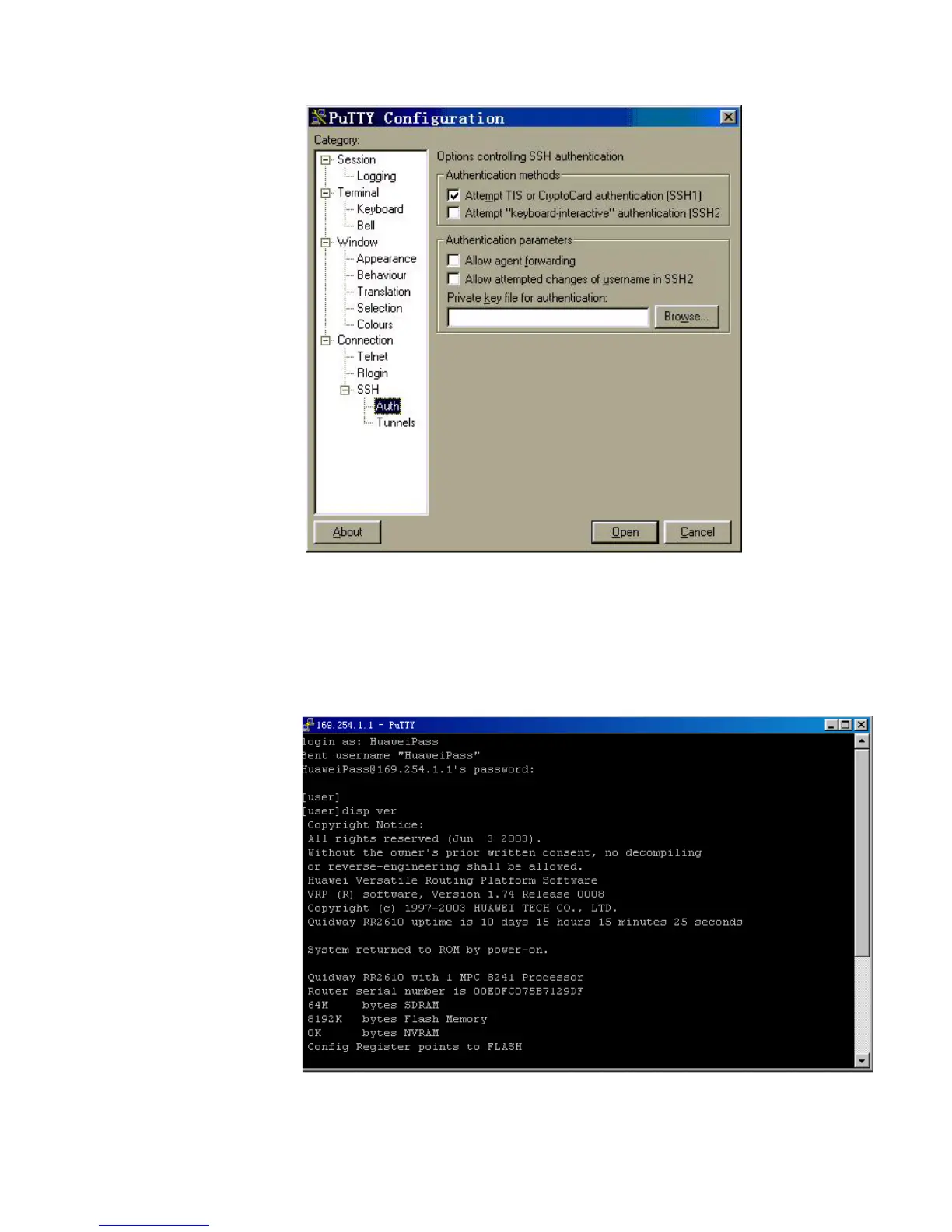
Figure 141 SSH client configuration interface (3)
Click Browse to enter the File Select interface. Choose a desired file and click OK.
Opening SSH Connection
Click Open to enter SSH client interface. If it runs normally, you are prompted to enter
username and password. See Figure 142.
Figure 142 SSH client interface
Key in the correct username and password and log into SSH connection.
Log out of SSH connection with the
logout command.















 To Next Page