640 CHAPTER B: RADIUS SERVER AND RADIUS CLIENT SETUP
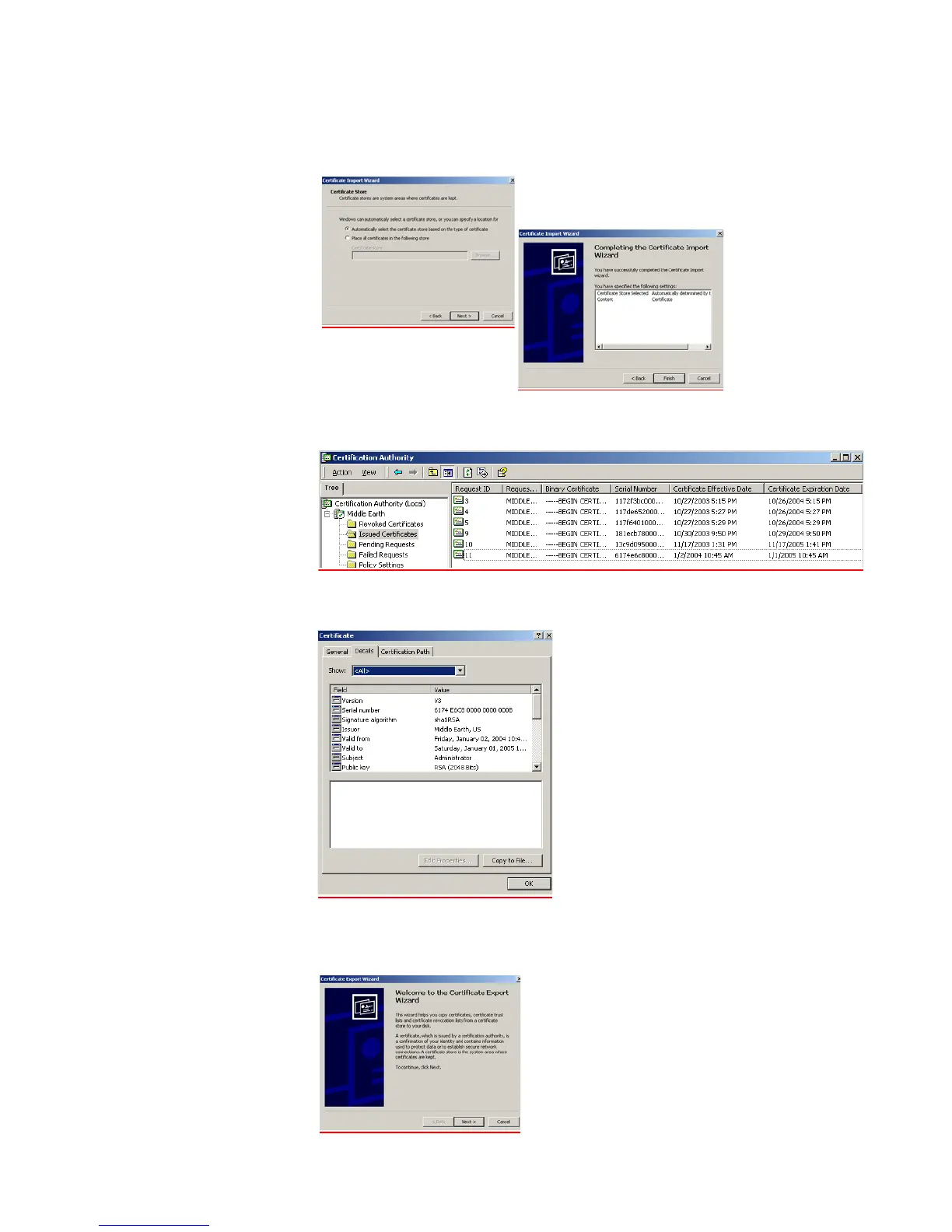
p Leave the settings on the next screen as is, click Next > followed by Finish and
OK. This will install the certificate,
q Launch the Certification Authority management tool on the server and expand
the Issued Certificates folder. You should see the newly created certificate.
r Double-click the certificate that was generated by the client and select the
Details tab
s Click Copy to File to save the certificate. This action is actually already
performed with the Advanced Request, but this is an alternative way to save
the certificate. Click Next when the wizard is launched.















 To Next Page