Setting Up A RADIUS Server 645
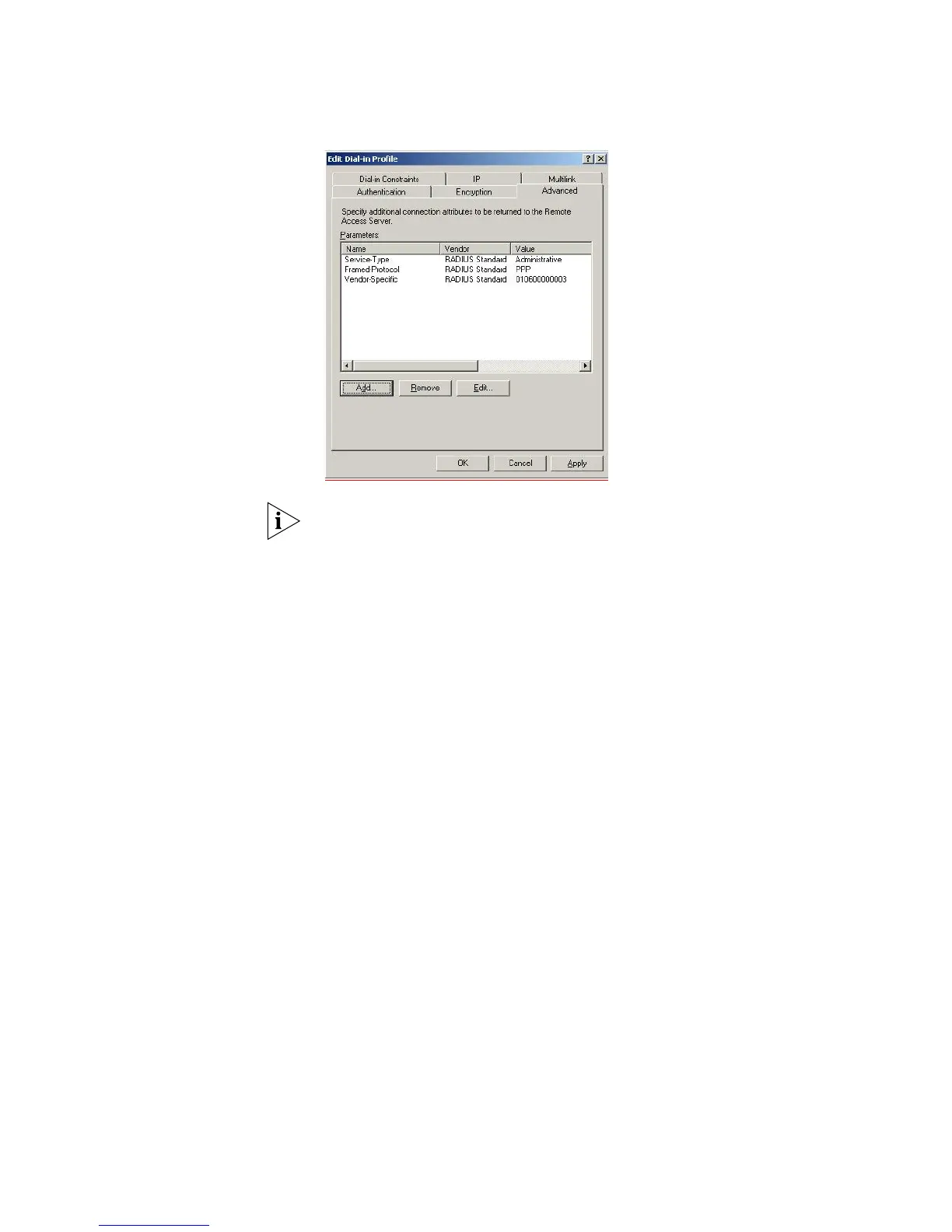
The Value 010600000003 indicates admin privileges for the switch. 01 at the end
indicates monitor and 02 indicates manager access. On the Switch 5500, 00
indicates visitor level.
11 Configure the RADIUS client. Refer to “Setting Up the RADIUS Client” for
information on setting up the client.
12 Establish an IEEE 802.1x session, using Microsoft's Internet Authentication Service.
When you are prompted to select a certificate (it could be that there are additional
active certificates on your client computer), select the certificate that you have
installed for this specific Certification Authority server.
If you encounter problems, check the Event Viewer and the System Log on the
server to determine what is what is happening, and possible causes for the
problems.
Configuring auto VLAN and QoS membership for Microsoft IAS
VLAN Groups are used by IAS to assign the correct VLAN ID to each user account.
One VLAN Group must be created for each VLAN defined on the Switch 5500. The
VLAN Groups must be created as Global/Security groups















 To Next Page