654 CHAPTER B: RADIUS SERVER AND RADIUS CLIENT SETUP
Passwords are case sensitive.
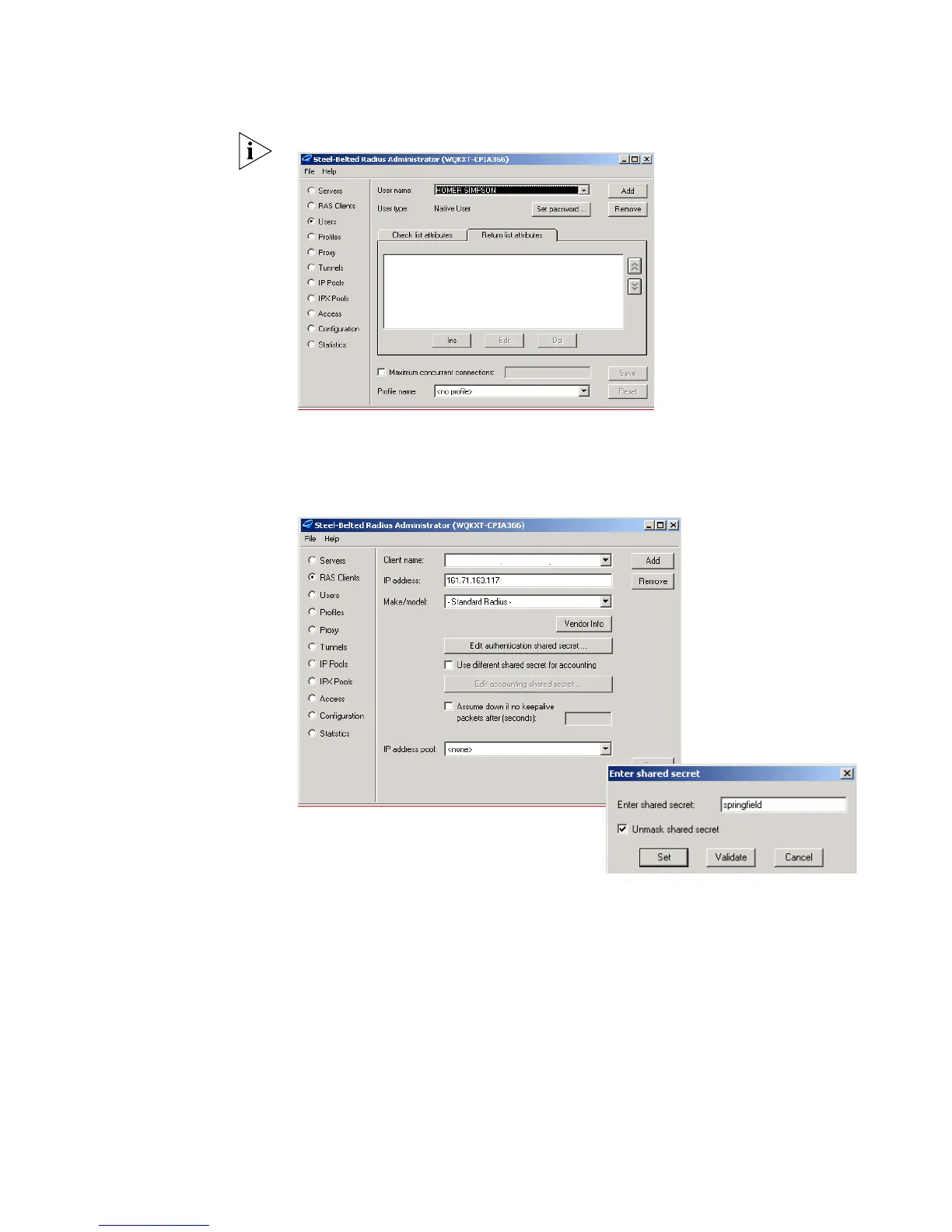
6 Enter the shared secret to encrypt the authentication data. The shared secret must
be identical on the Switch 5500 and the RADIUS Server
a Select RAS Clients
from the left hand list, enter a Client name , the IP address
and the Shared secret.















 To Next Page