660 CHAPTER B: RADIUS SERVER AND RADIUS CLIENT SETUP
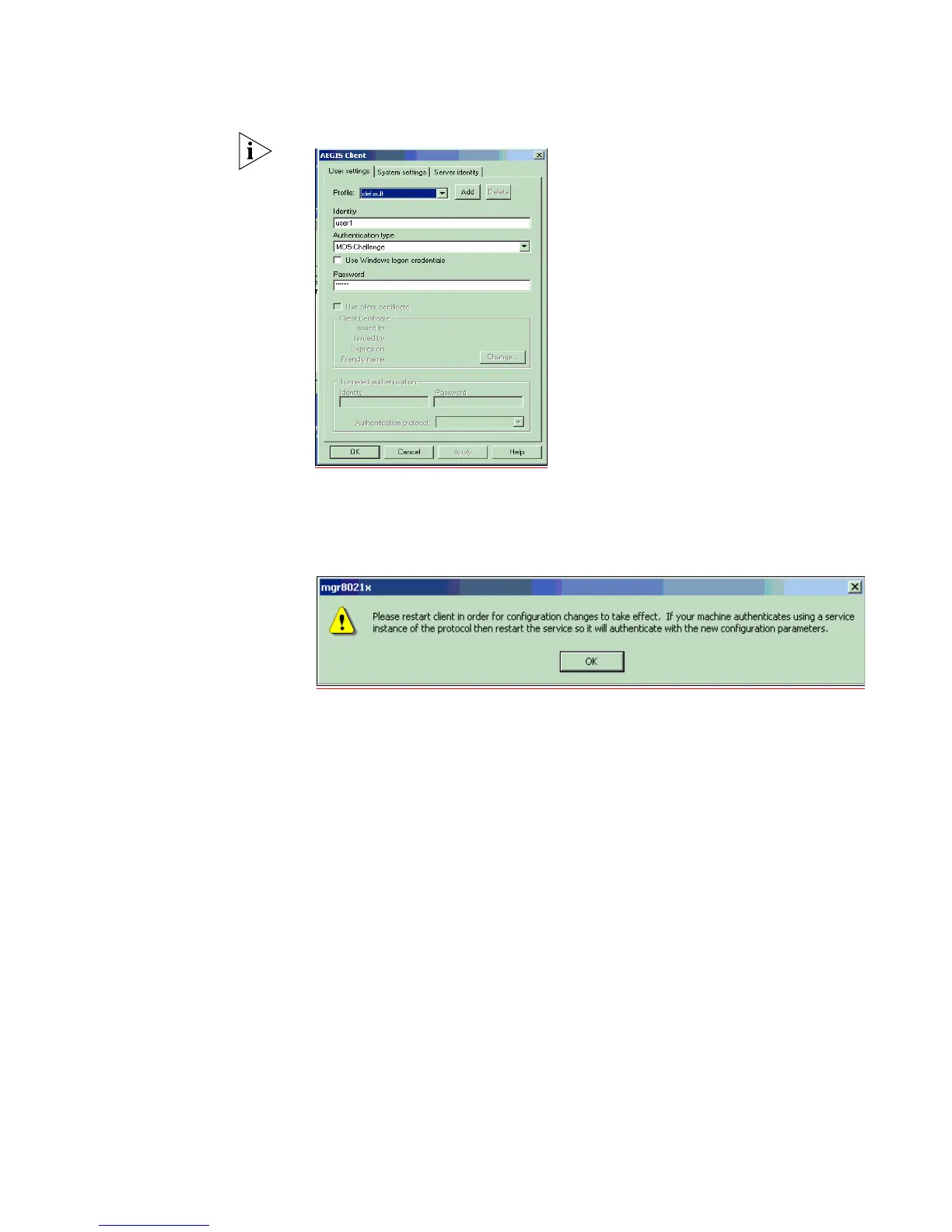
b This screen will appear:
c Leave the Profile as default. The Identity is an account created on the RADIUS
Server with the Password.
d Click OK to finish the configuration.
e Restart the client either by rebooting, or stopping and re-starting the service.
f Click the OK button, then return to the Aegis Client main interface. To restart
the client, press the button with the red-cross. If authentication is successful,
the icon will turn green.















 To Next Page