Setting Up the Cisco Secure ACS (TACACS+) server 663
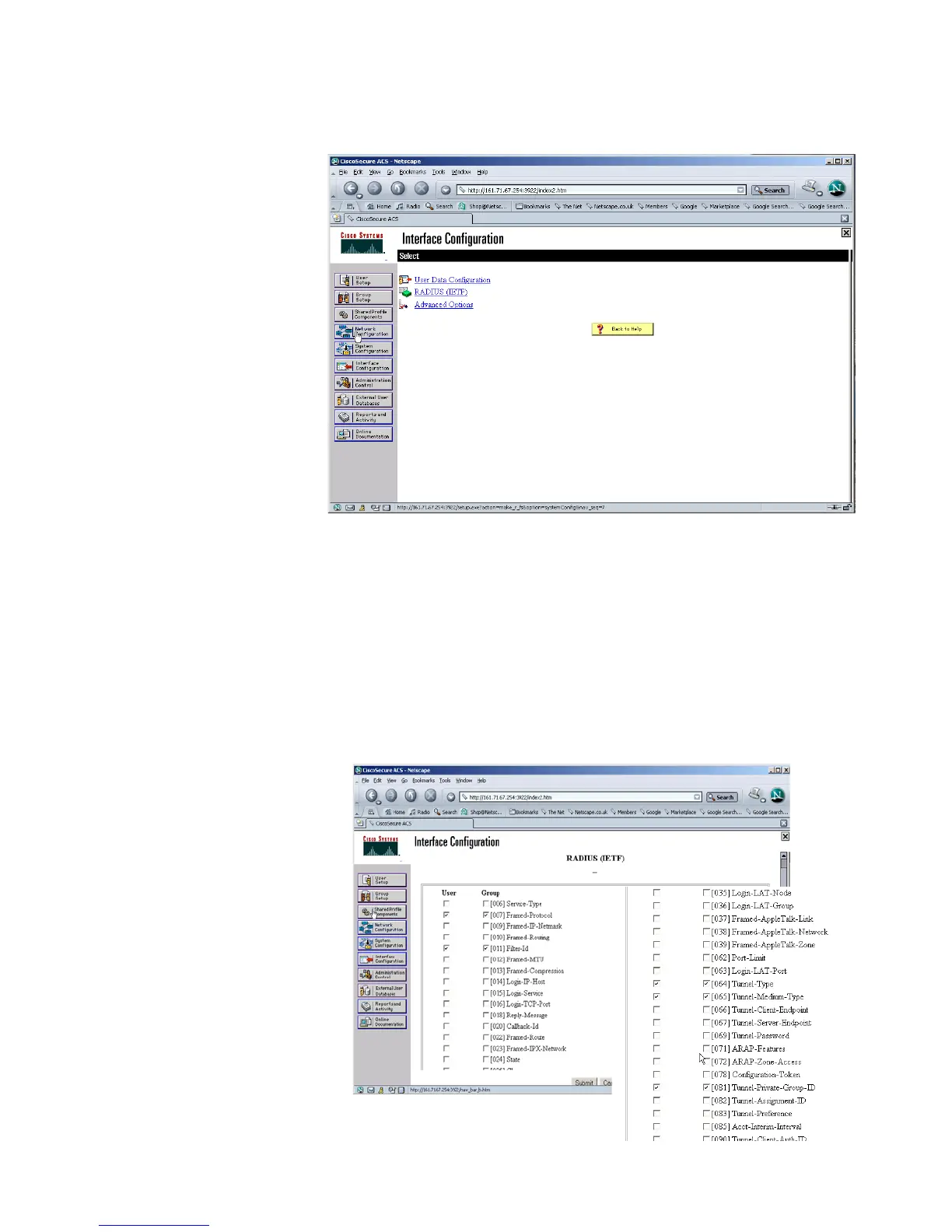
5 Select Interface Configuration from the left hand side.
6 Select RADIUS (IETF) from the list under Interface Configuration.
7 Check the RADIUS attributes that you wish to install.
If you want to use auto VLAN and QoS, ensure that you have the following
options selected for both the User and Group:
n Filter-ID
n Tunnel-Type
n Tunnel-Medium-Type
n Tunnel-Private-Group-I















 To Next Page