ProJet
®
x60 Series User Guide Additional Operations
3dscentral.3dsystems.com 40 All Rights Reserved
5/12/13
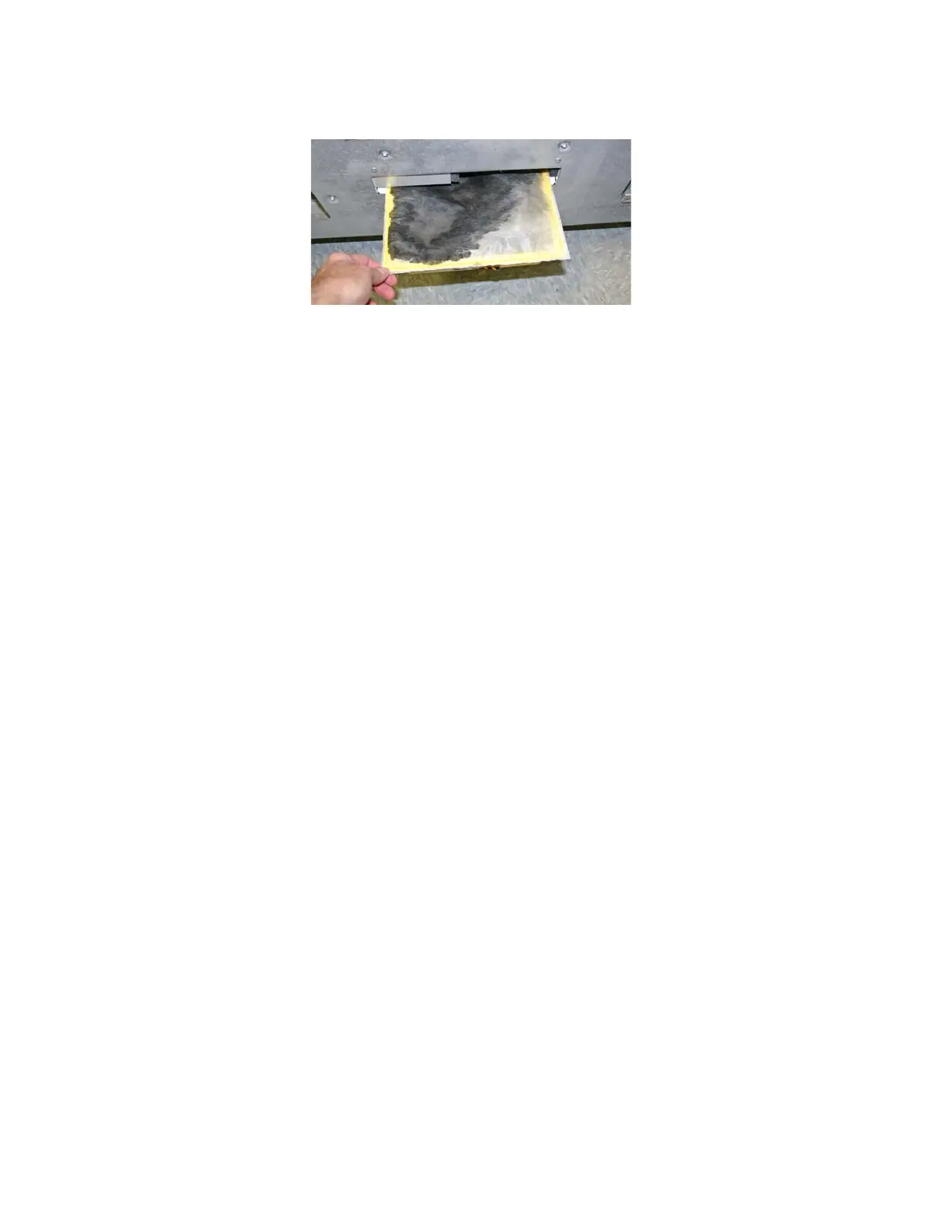
3. Insert a new Waste Tray into its compartment. Ensure the Tray is pushed all the way in.
4. Replace the rear panel.
5.8 Position Build Piston
The Build platform must be in its proper position at the top of the Build Bed in order for the printer to fill the
bed and spread a layer of Core before starting a print job. If you see the message RAISE BUILD in the
Printer Status dialog, go to the printer and select
PREP BUILD CHAMBER to raise the platform to its
proper position.
5.9 Cover
The printer cannot start a print job when the top cover is open. If the top cover is open, go to the printer and
close it. Do not open the cover while the machine is printing.



 To Next Page