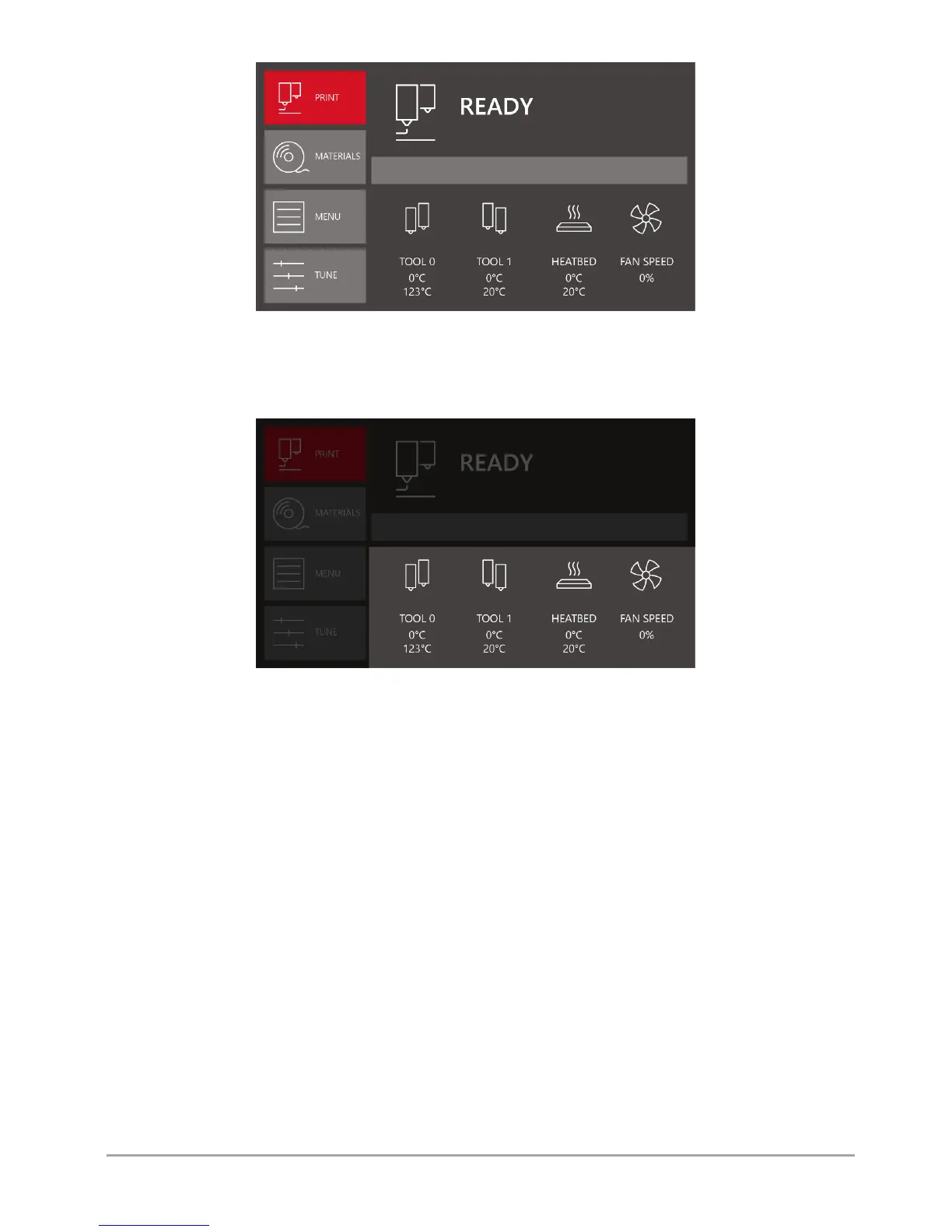
Fig. 17 The printer's main menu in idle state
In the lower part of the main panel there are fields containing information on temperatures and status of the printout cooling
fans (fig. 18).
Fig. 18 Control panel for temperatures and status of cooling fans
Tool 0 – temperatures for extruder 0 hotend.
preset temperature (at the top),
current temperature (at the bottom).
Tool 1 – temperatures for extruder 1 hotend:
preset temperature (at the top),
current temperature (at the bottom).
Heatbed – temperature of the printer's heatbed:
preset temperature (at the top),
current temperature (at the bottom).
Fan speed – percentage of current power of printout cooling fans.
The left panel of the idle state menu contains four function keys (fig. 19).



 To Next Page