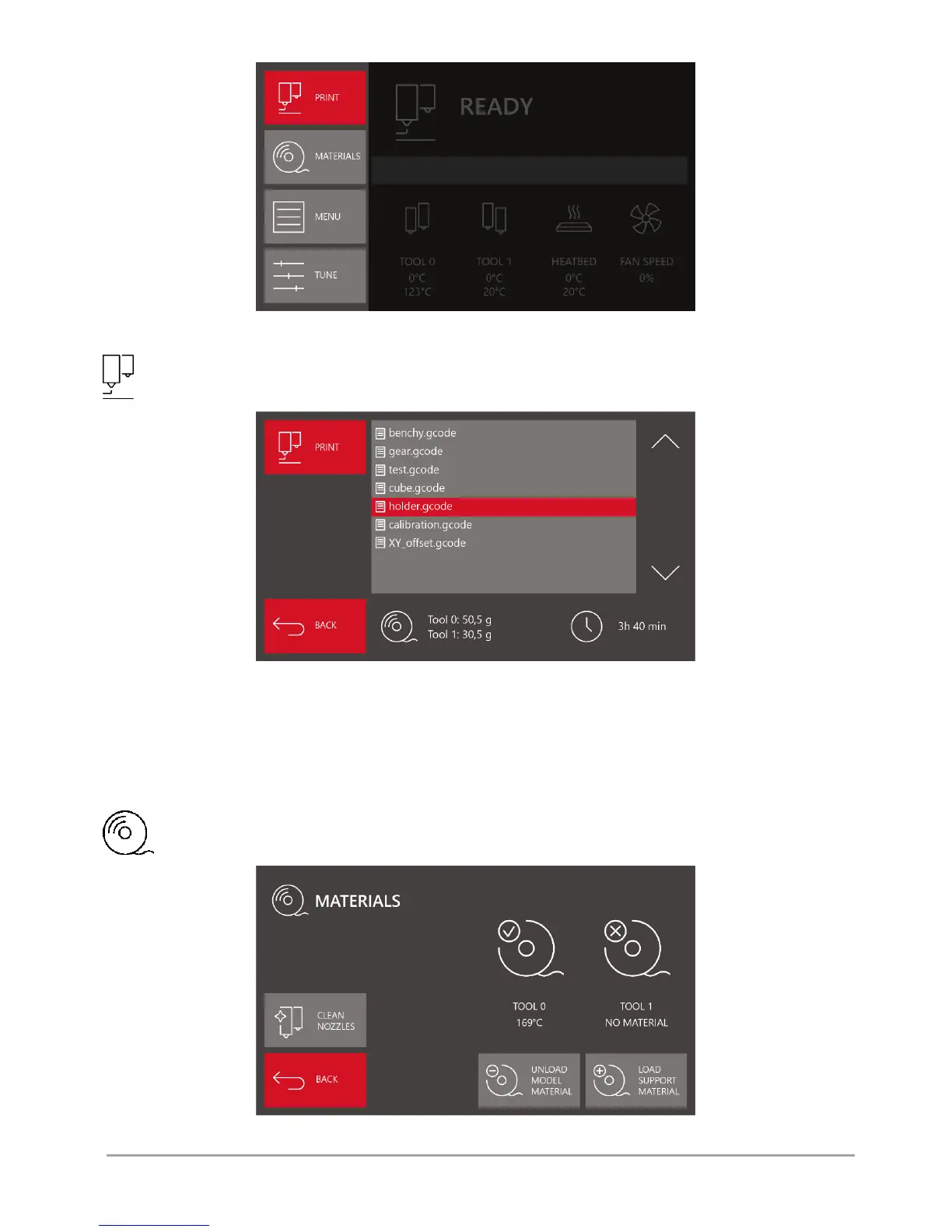
Fig. 19 The left panel of the main idle state menu
PRINT – displays the screen of the SD card manager, in which the files for printing (G-code) saved on the card are
available - .gcode (fig. 20).
Fig. 20 SD card manager screen
To scroll the list of files, use the arrows on the right. A file can be selected by pressing directly on its name. The background of
the indicated file is highlighted in red. When a file is selected, the information on the printing time and demand for consumables
for the given model is available – separately for model material and support material. When the PRINT key is pressed, the
process of printing the indicated file starts.
BACK – return to main MENU.
MATERIALS - displays the screen with information and options related to loading, unloading and change of
consumables (fig. 21).
Fig. 21 MATERIALS menu screen



 To Next Page