9
2.4.2 Powering
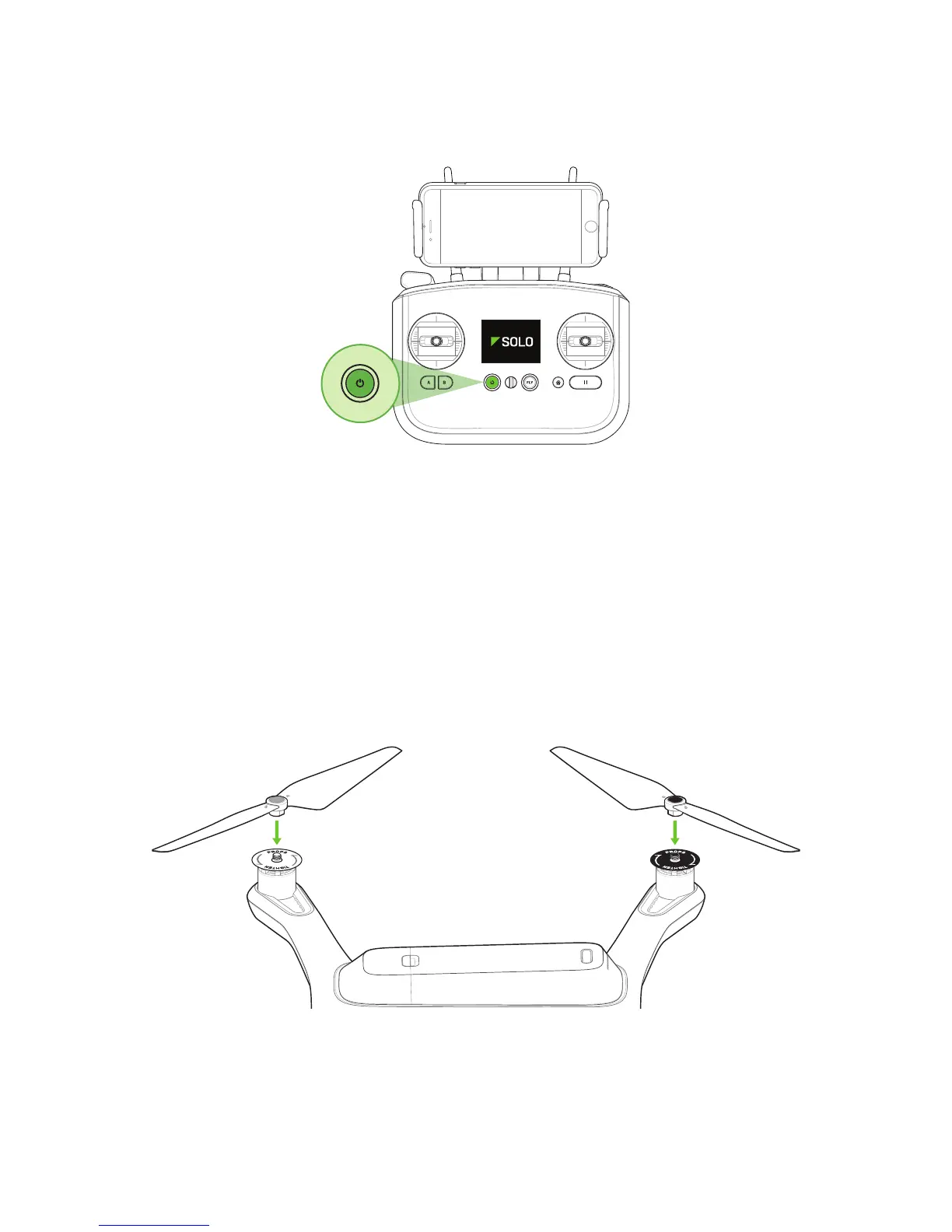
To power on the controller, press and hold the controller power button until you see the startup screen.
Figure 2.4.2.1: Power On Controller
2.5 Propellers
Solo uses two types of self-tightening propellers, indicated by the color of the circle at the center of the propeller.
2.5.1 Attaching
Attach the propellers with silver tops to the motors with a silver dot on the top of the motor shaft, and attach the
black-top propellers to the motors with black dots. Make sure to remove the paper labels from the motors before
attaching the propellers.
Silver-top propellers tighten clockwise; black-top propellers tighten counterclockwise. Check the lock and unlock
icons on each propeller to see the correct directions for tightening and removing.
Figure 2.5.1.1: Attach Propellers





 To Next Page