37
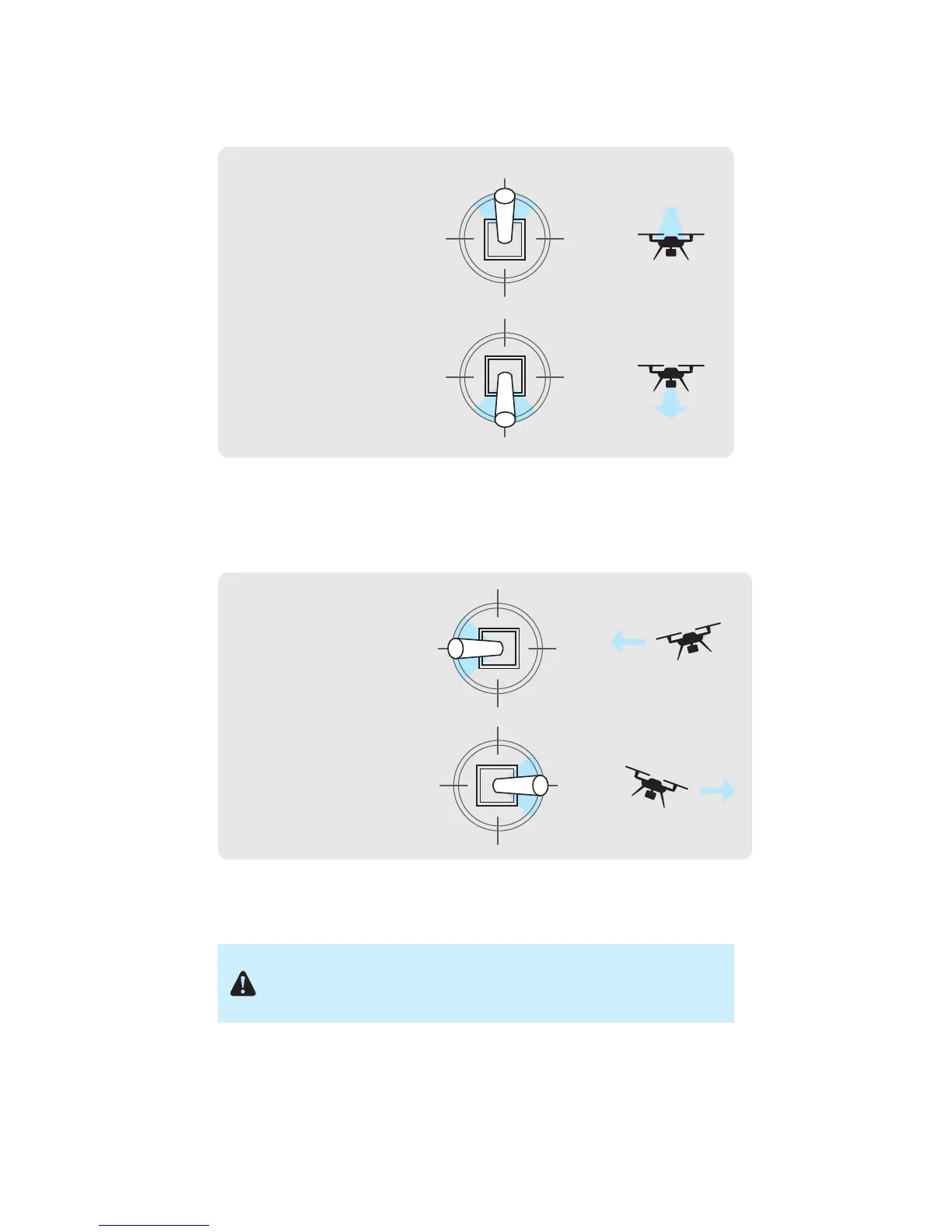
To control pitch, move the right stick vertically.
Figure 5.6.5: Pitch Joystick Controls
To control roll, move the right stick horizontally.
Figure 5.6.6: Roll Joystick Controls
Activate
Hold until propellers
start spinning.
Take-off + Lift
Raise just slightly
for take off
Hover + Land
Lower just slightly
to hover
Left Yaw
Left
Back
Forward
Right
Right Yaw
Deactivate
Hold until propellers
stop spinning
Activate
Hold until propellers
start spinning.
Take-off + Lift
Raise just slightly
for take off
Hover + Land
Lower just slightly
to hover
Left Yaw
Left
Back
Forward
Right
Right Yaw
Deactivate
Hold until propellers
stop spinning
Move the right stick
forward to fly forward.
Move the right stick
back to fly backward.
Activate
Hold until propellers
start spinning.
Take-off + Lift
Raise just slightly
for take off
Hover + Land
Lower just slightly
to hover
Left Yaw
Left
Back
Forward
Right
Right Yaw
Deactivate
Hold until propellers
stop spinning
Activate
Hold until propellers
start spinning.
Take-off + Lift
Raise just slightly
for take off
Hover + Land
Lower just slightly
to hover
Left Yaw
Left
Back
Forward
Right
Right Yaw
Deactivate
Hold until propellers
stop spinning
Move the right stick
left to fly left.
Move the right stick right
to fly right.
If you’re new to drones, take some time to learn the basics before your
first flight. Visit 3dr.com/solo/info or check out Flight School in the Solo
app to learn about flight controls and best practices.





 To Next Page