15
2.7.6 View Video
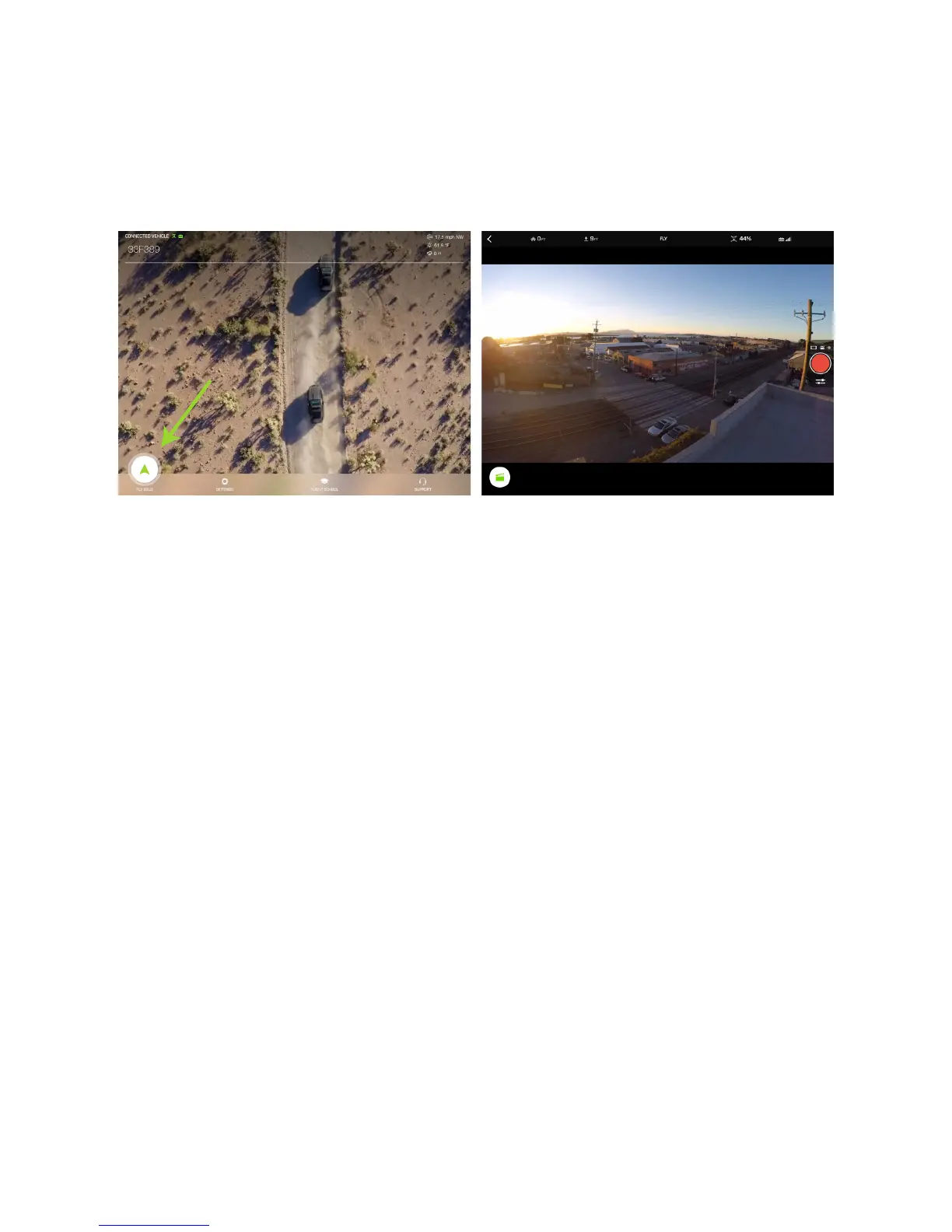
After the update is complete, to view video in the app, first make sure Solo, the controller, and the GoPro® are
powered on, and that the App is connected to Solo via Wi-Fi. Then, on the App home screen, tap Fly Solo.
Before your first flight, verify that you can see video. If the video is inverted, see section 2.6.
Figure 2.7.6.1: App - Viewing Video





 To Next Page