46
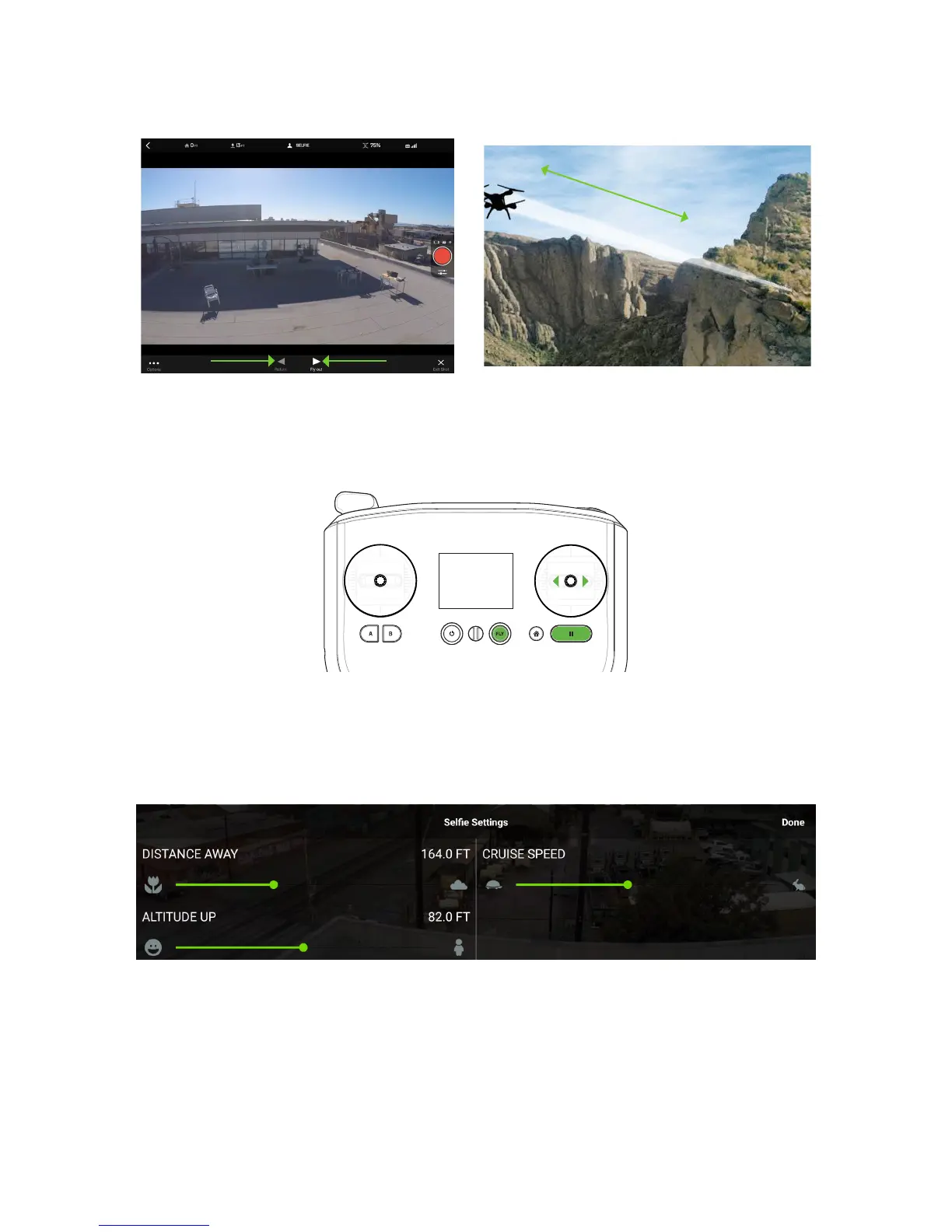
Figure 6.3.2.1: App - Selfie Control
To control Selfie using the controller, use the right stick to move Solo forward and back along the Selfie path. To
stop Solo at any time, press Pause. To exit to standard flight, press Fly.
Figure 6.3.2.2: Controller -
Move along
flight path
Selfie Control
6.3.3 Settings
To access the settings from the in-flight Selfie interface, select Options with the three dots at the bottom-left of the
main screen. To adjust Distance Away, Altitude Up, and Cruise Speed, use the sliders.
Figure 6.3.3.1: App - Selfie Settings





 To Next Page