59
Box. If you’re using mobile data, the choice is up to you, but if you’re using a Wi-Fi-only device, we recommend that
you use Map Box in order to be able to cache map data. For more information, see section 6.1.2 on page 39.
9 Support
3DR Support is here to help you get the most out of Solo. If you have any questions, send an email to support@3dr.
com or give us a call at 1 (855) 982-2898 (toll free in the US and Canada) or direct at +1 (858) 225-1414. To submit a
support request through our website, visit 3dr.com/support.
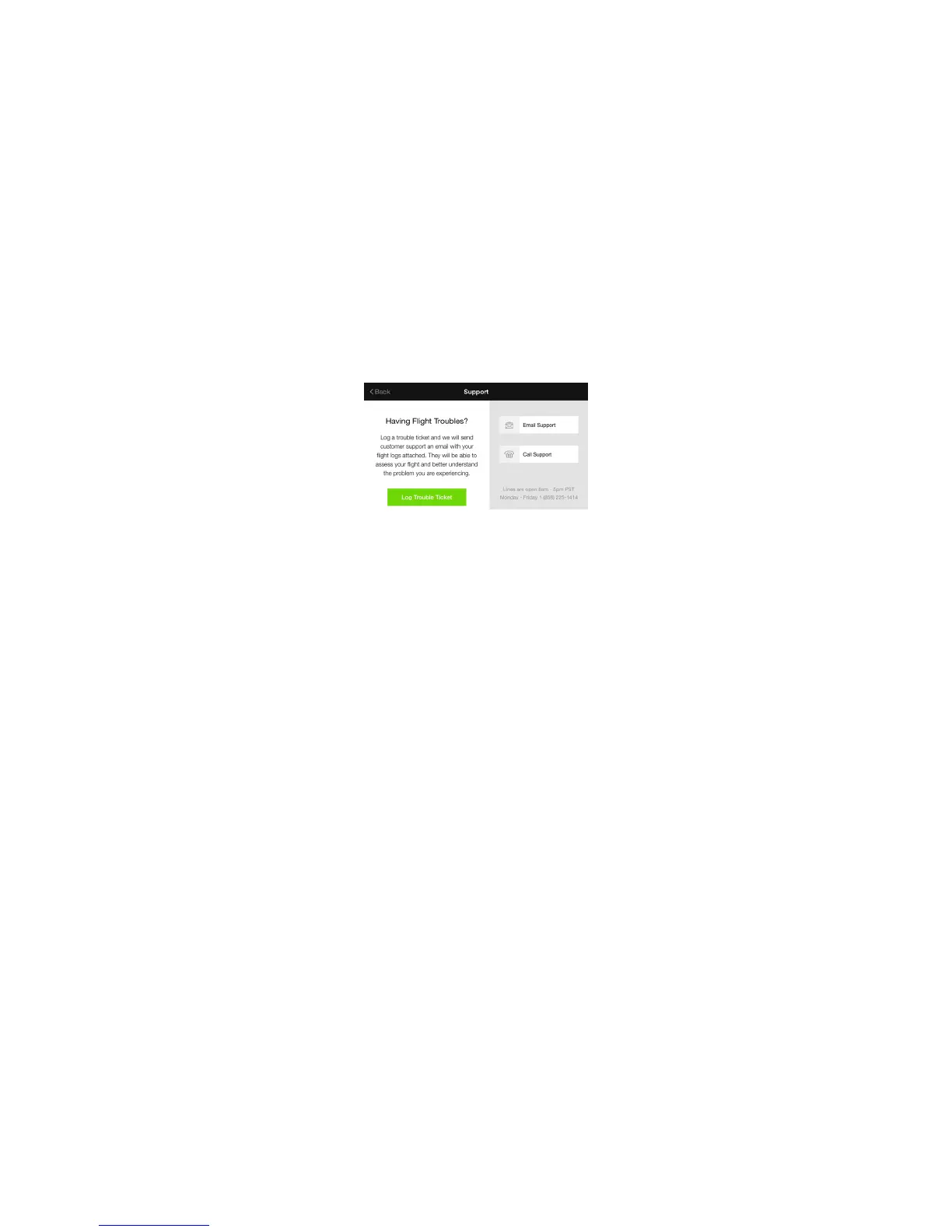
Use the Solo app to submit a trouble ticket; this automatically sends your flight logs be sent to 3DR Support. To
submit a support request within the Solo app, select Support from the home screen, tap Contact Us, and select Log
Trouble Ticket.
Figure 9.1: App - Submit Trouble Ticket





 To Next Page