62
6. When the controller detects Solo, it prompts you to accept the pairing request as seen in the screen below.
(If the controller does not detect Solo after thirty seconds, try pressing the Pair button underneath Solo
again and repeat as needed.)
Figure 10.3.2: Detected Solo
7. Press A, then B and hold both buttons down. Once the controller vibrates, release the buttons. Within 20
seconds, the Controller displays “Solo Paired.”
Figure 10.3.3: Solo Paired
10.4 Legs
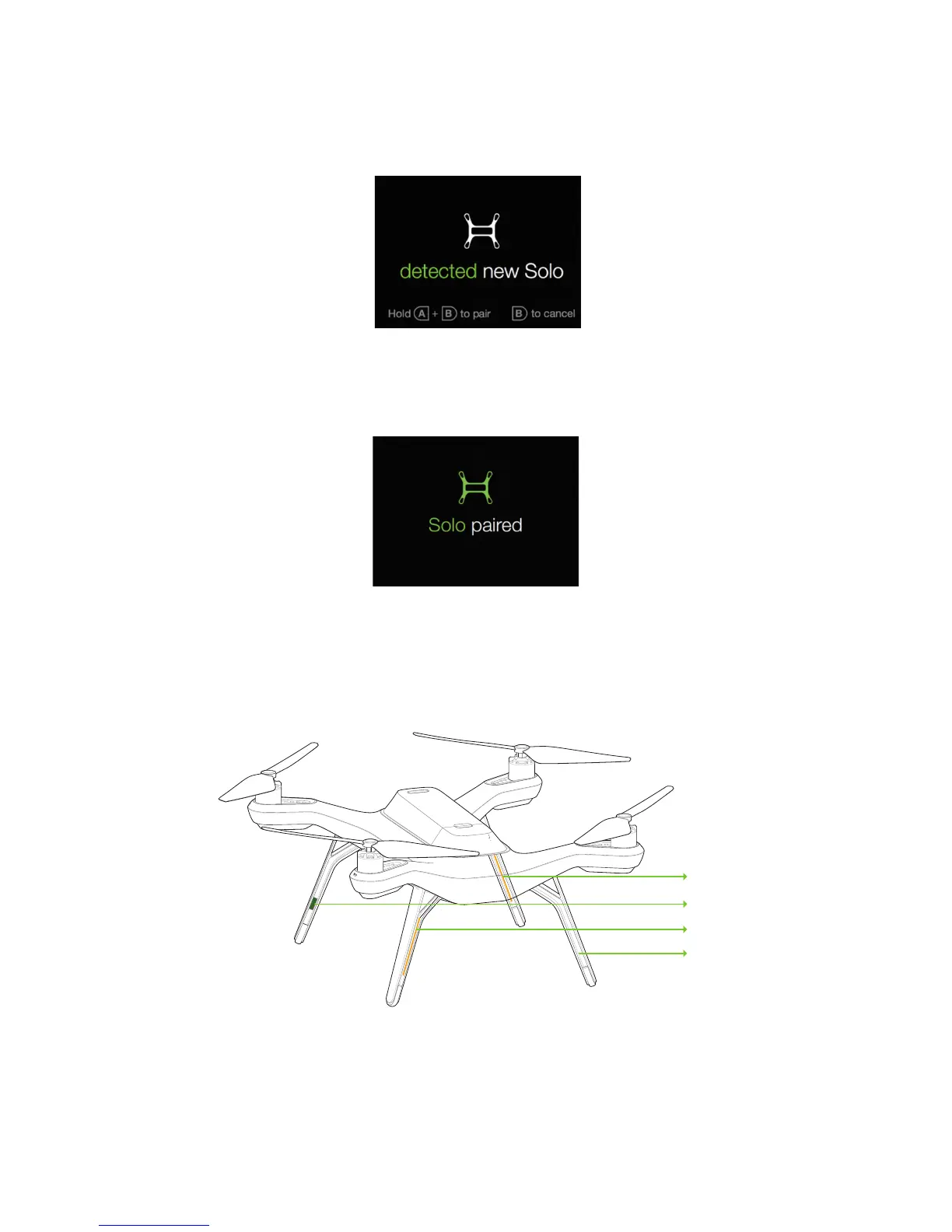
Solo uses three unique types of legs: two legs with an antenna module (#1 and #2), a leg with no electronic
components (leg #3), and a leg with a compass module (leg #4). You can purchase replacements for all types of leg
from store.3dr.com or an authorized retailer.
Figure 10.4.1: Leg T
1
Compass
Antenna
Antenna
Standard
ypes





 To Next Page