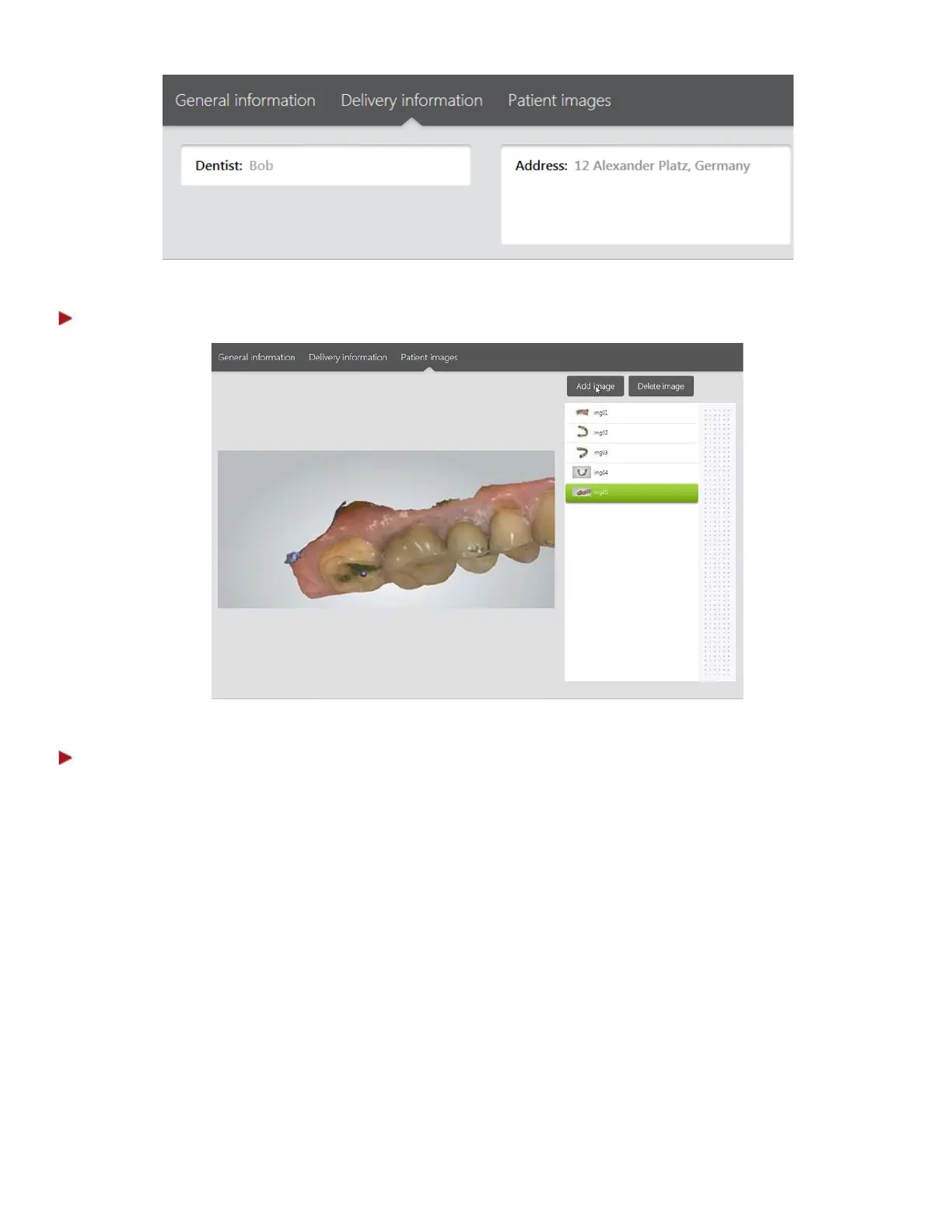
Step 5: Add Patient images (optional)
Step 6: Select Construction details for the restoration
Choose the necessary teeth in the map and specify the job Type (Crown, Implant etc.).
Open Color Tool
Press the Open color tool button to access tools for placing markings and annotations on the teeth,
allowing you to relay specific instructions to the lab:
• Draw - You can draw a line by pressing on a tooth and dragging your finger across.
• Type text - Pressing on a tooth opens a virtual keyboard and allows you to type specific comments.
• Color name - Lets you select the desired color from the table (e.g., A1). Press on a tooth to assign
the selected color.
13



 To Next Page