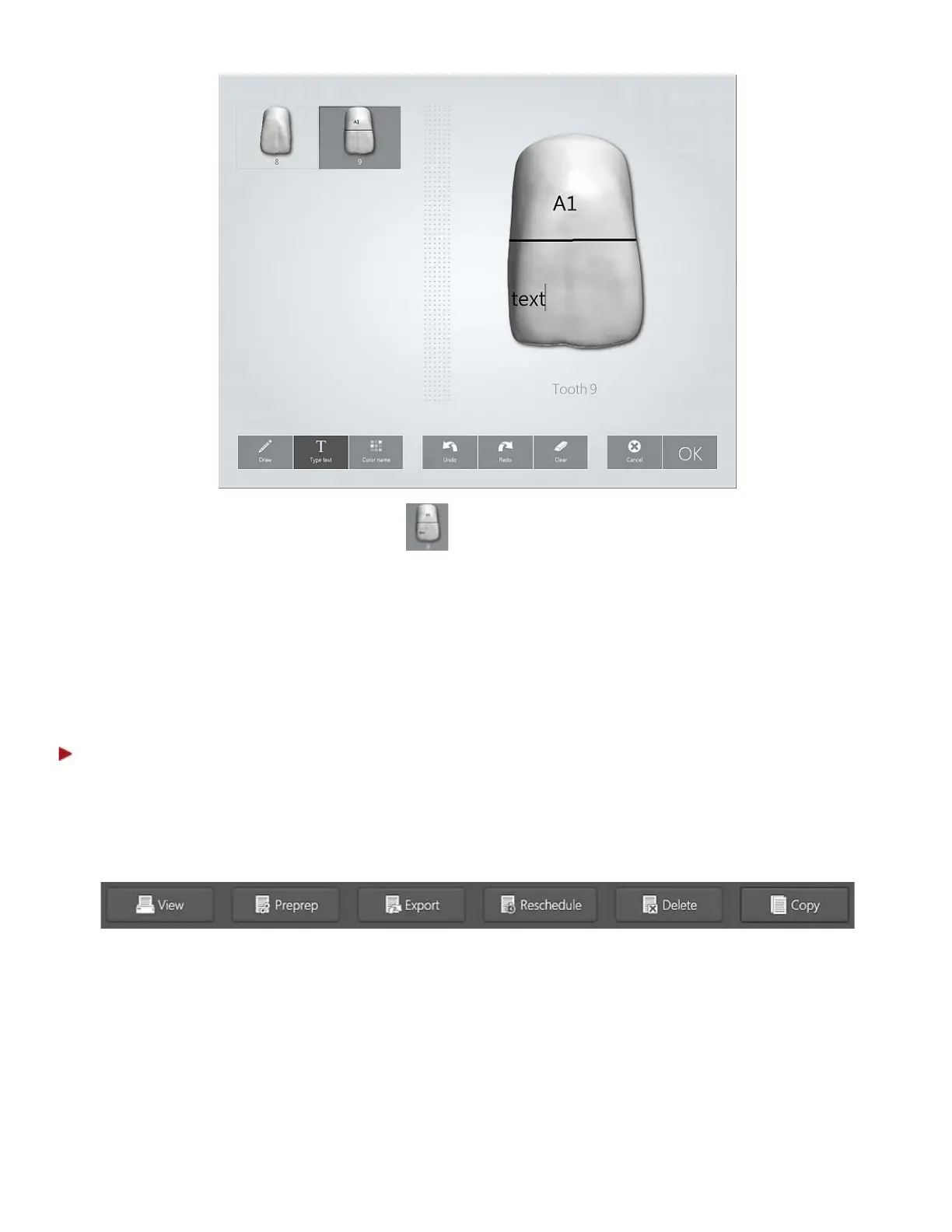
• To edit a specific tooth, press its icon . Use the middle bar to scroll through and select teeth
when there are many.
• Press OK to save the changes and close the Color Tool.
Study Order – Used for scanning study orders and orthodontic cases. When used it is not necessary to
define construction details.
Add pre-preparation scan - Enables you to add a pre-preparation scan to your order.
Step 7: Add comments
Use the comments field to add special instructions or comments to the lab.
Main Order Form buttons
• View - Opens the order details in a separate page for printing.
• Preprep - This button is only available if a Prepreparation copy of the order has been created
previously (see description of the Copy button below). Pressing the Preprep button opens the
original order.
• Export - Allows you to export orders to a folder in a different format.
• Reschedule - Opens a calendar with a list showing free time slots (see the image below). Press the
preferred date, time and Select to reschedule the session.
14



 To Next Page