Placing annotations on the model
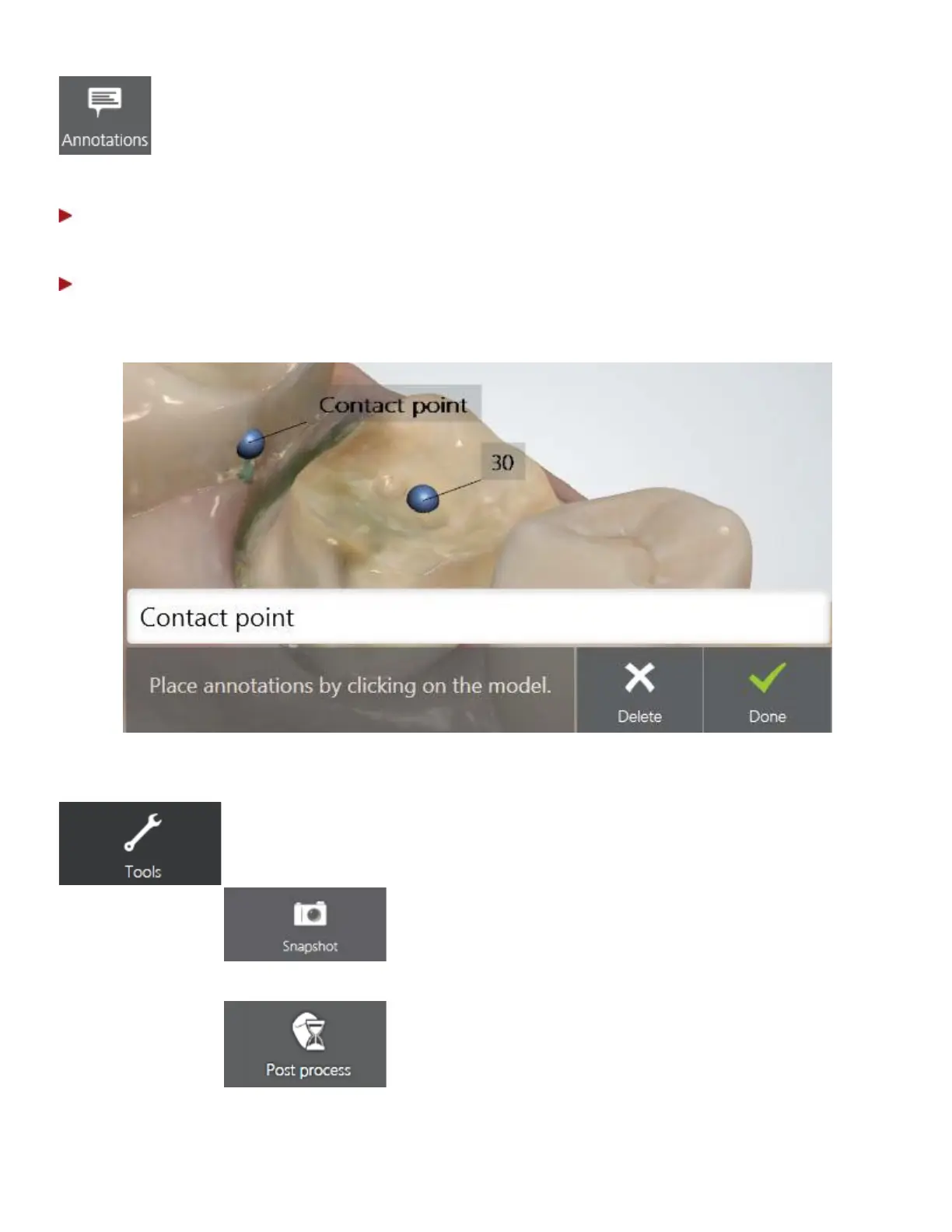
You can add comments to the digital impression:
Step 1: Placing annotation
Mark the target point for a new annotation by pressing the point on the 3D model.
Step 2: Typing annotation text
Enter your comment into the blank field and press Done. Use the Delete button to remove your
annotation if needed.
Annotations are sent together with the digital impression to the lab. Lab technicians can see the
annotations in 3Shape Dental System design software.
Tools menu
• Snapshot - Add a snapshot to the order.
Pressing the Post process button, automatically:
• Optimizes 3D model for better details around the
preparation(s).
• Reduces noise of the 3D model.
• Closes holes within the model.
33



 To Next Page