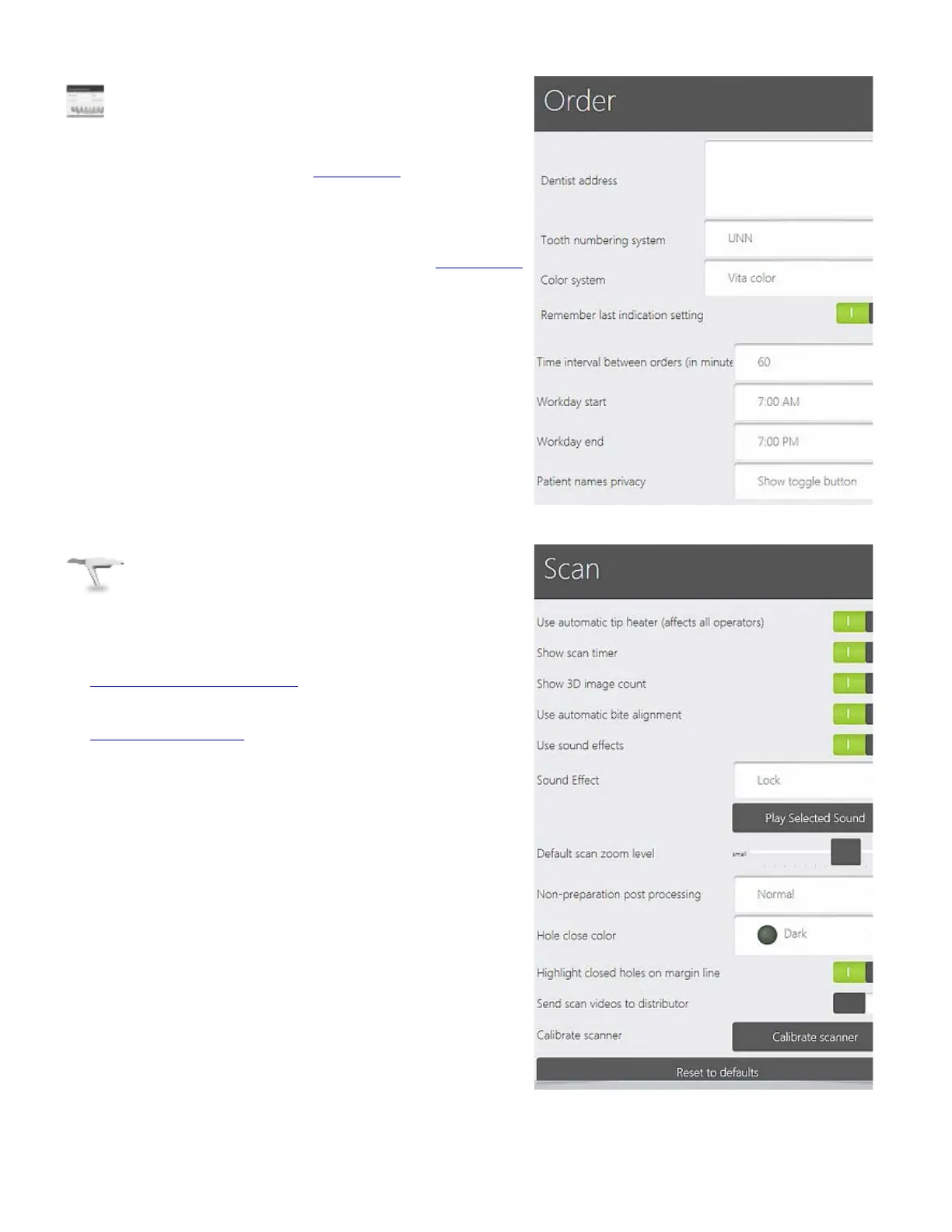
6. Order settings
Dentist address - Enter the address of your dental clinic.
This address is included into the
Order form information (if
supported by this order form).
Tooth numbering system - Allows you to select the
required tooth numbering system e.g., UNN or FDI, that
changes the way the teeth are numbered in the
Order form.
Color system – Allows you to select the color systems.
Remember last indication setting – Set the last used
indication as default for the next order form.
Time interval between orders (in minutes) – Specify
the time interval between new orders.
7. Scan settings
The Scan settings allow you to calibrate your scanner and
configure your scanning preferences.
See
Scan Options and Settings chapter for a detailed
description of all the parameters.
See
Scanner Calibration
chapter for detailed instructions on
scanner calibration.
50



 To Next Page