IX. Trash
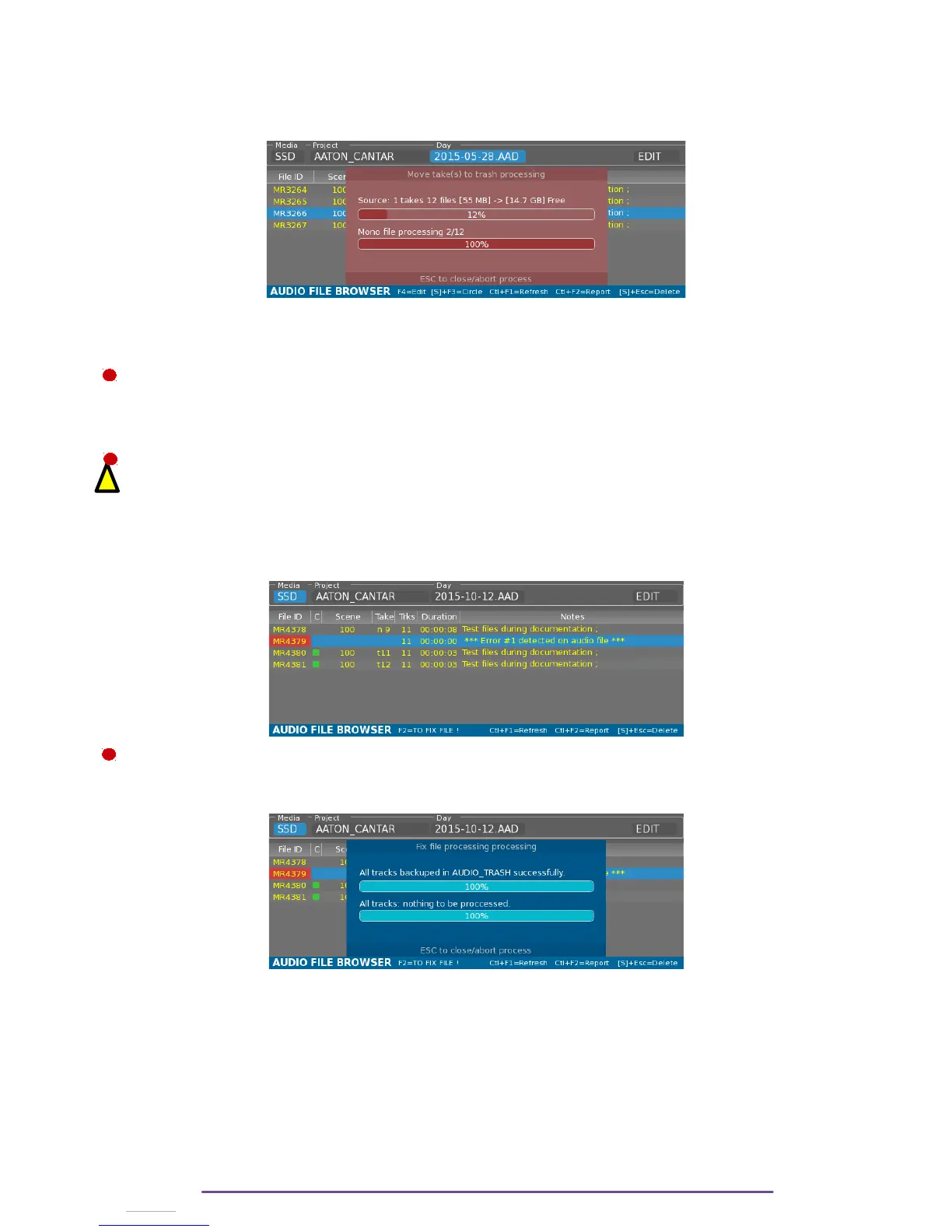
1. Send to Trash
From the Audio Browser Menu : • Select one or multiple Takes
• Press the Shift + Escape buttons.
2. Restore from Trash
From the Backup Menu, select AUDIO_TRASH as current source day folder and copy from this
folder to any media wanted or any project
3. Delete from Trash
From the Audio Browser Menu, select “AUDIO_TRASH” as day folder :
• Select one or multiple Takes
• Press the Shift + Escape buttons.
Deleting from Audio Trash is definitive, the files will be erased.
4. Fix Files
When a Take is improperly closed (upon power failure, system error, or media error), the Take is
colored in Red. Metadata editing is not possible as the files are missing the iXML data.
It is possible to try to fix the Take by pressing the F2 button.
The original Take (improperly closed) is copied in the Audio_Trash as a backup and the fixed
files are put into the current Day folder.
Cantar X3
49
!
1
2
3



 To Next Page