271
WIDGETS
On the main page, you can view
summary pages of Uconnect™
system functions (called "widgets")
from a list of available widgets. To add
a Widget, press the button on the
display and select the desired Widget
from the list.
Some Widgets can also be customised
by pressing the button next to the
title. This will open the customisation
screen.
The number of Widgets which can be
installed per page depends on their
size. You can add multiple pages (up to
a maximum of five in total) by pressing
the "+" button on the display. To switch
between pages, simply touch the page
briefly and swipe your finger rightwards
or leftwards.
Pages can be deleted using the "Delete
page" function or reordered using the
"Reorder pages" function.
NOTE The customisation is only active
when the car is stationary. If an attempt
is made to customise with the car in
motion or to resume driving without
having completed the procedure,
a warning message will appear on
the display and the operation will be
ended.
MOVING THE WIDGETS
Select the desired widget and then:
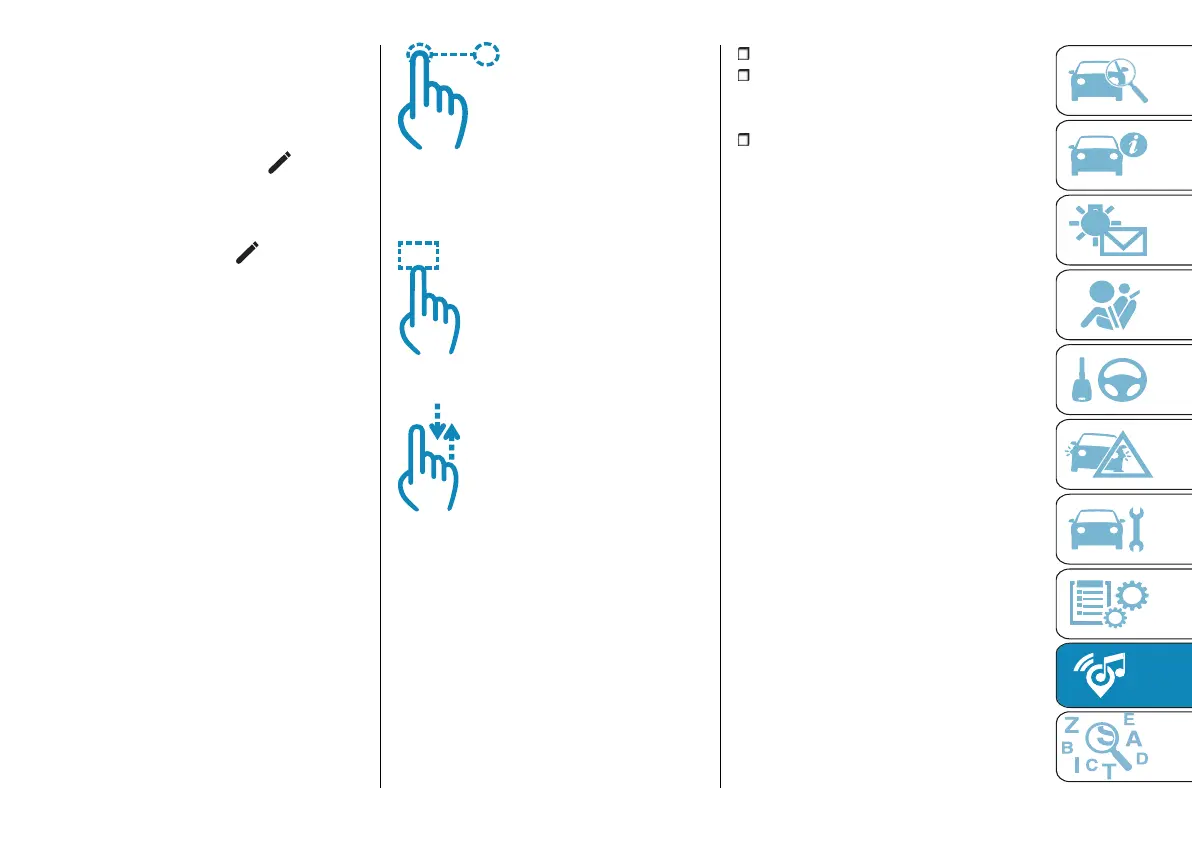
Moving the widget: hold the desired
widget pressed for a few seconds and
then move it to the right or left of the
display.
Resizing the widget: press the
widget resize icon to be resized.
View widget content: select the
desired widget and then scroll
vertically. When reordering the widgets
(viewing their thumbnails), it will not be
possible to view their contents.
SHORTCUTS WIDGETS
Shortcuts (which can only be added
with the car stationary) enable quick
access to contents offered by the
system such as, for example:
the "Call" function to start a call;
the "Media" widgets for starting
the radio and playback from
Bluetooth®/USB;
the "App" widgets for starting the
radio, Bluetooth®/USBplayback,
opening the comfort, SOS and
Uconnect™ and car settings screens.
PROFILES
By entering the “Profiles” mode you
can create an avatar and enter your
own customisations.
Selecting "All profiles” displays
the existing profile. Selecting "Edit
profile” allows you to enter or edit
customisations in the profile.
The profile customisations can be
deleted using either "Edit profile” or the
"Del. personal data” function in the
"Settings" menu.
UPDATING THE SYSTEM
The Uconnect™ system can be
updated remotely via Over The Air
upgrade.
NOTE The images are given by way
of example only. They may differ from
those shown below according to the
version/market.
NOTE Instead of using external Wi-Fi
connections, Over The Air software
updates use the data connectivity
included with the car, at no additional
cost to the customer.



 To Next Page