CentriMag
TM
Circulatory Support System Operation Manual (US) Page 57 of 126
© 2019 Abbott – Document No PL-0047, Rev 11 (December 2019)
CAUTION
The vertical pole or the edge of the solid surface used to mount the Monitor has
to be stable. Mounting the M
onitor to unstable objects may lead to personal
injury and/or property damage.
CAUTION
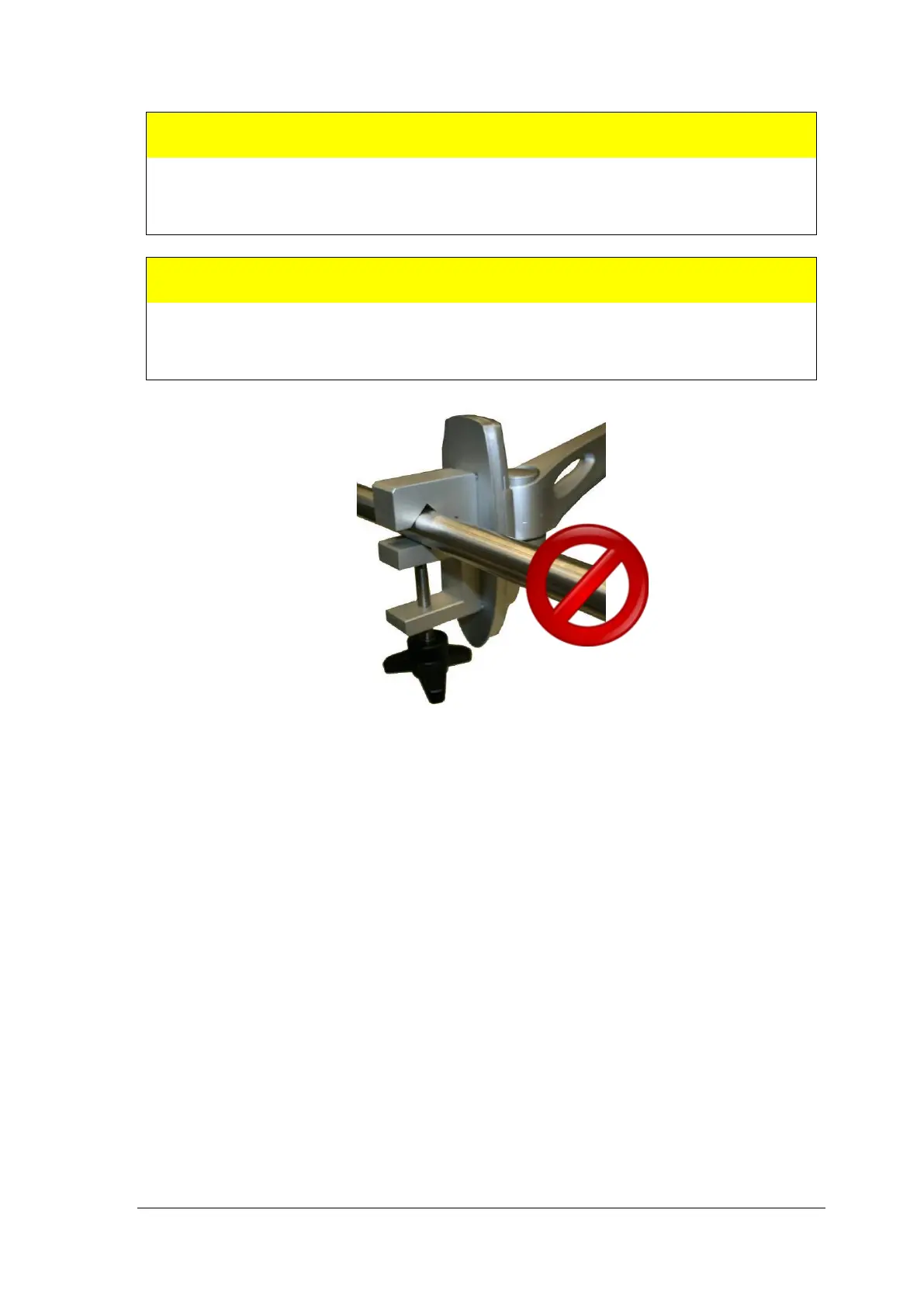
Do not mount the Monitor Arm on a horizontal pole to avoid injury or damage to
the equipment. Mount the Monitor Arm only
on vertical poles or on the edge of
solid surfaces.
Figure 28: Do not mount the Monitor Arm on a horizontal pole
7.4 Motor Mounting
It is crucial that the Motor is securely fixed to a solid object. This can be achieved with the
Motor Bracket provided by Abbott Medical. The Motor Bracket can be mounted on a
vertical pole.
7.4.1 Steps required to setup the Motor Bracket and the Motor:
1. To mount the Motor Bracket on a vertical pole, use the star screw attached to the
clamp of the Motor Bracket. The star screw can be screwed by hand to allow for easy
removal of the Motor Bracket. Make sure the screws are sufficiently tightened.














 To Next Page