CentriMag
TM
Circulatory Support System Operation Manual (US) Page 79 of 126
© 2019 Abbott – Document No PL-0047, Rev 11 (December 2019)
7.22 The System Data Logger
Pressure Display
Speed Step Resolution
Flow Range
Flow Limit Sensitivity
Flow Recorder Speed*
Set RPM
Exit
Menu
Active
Inactive
Set RPM
Set RPM
Set RPM
Set RPM
Set RPM
Set RPM
Menu
Menu
Menu
Menu
Menu
Menu
Normal
(100 rpm)
Fine
(
50
rpm)
Set RPM
Menu
R
Normal
Sensitive
Set RPM
Menu
Next
Normal
(0 – 10 lpm)
Reduced
(0
–
3
lpm)
Slow
(
2
min)
Fast
(20
sec)
Set RPM
Menu
L
Select
Enter
Return
* Monitor only
Extended Menu
Set RPM
Menu
[ |Confirm]
[
Execute|
Cancel]
Set RPM
Menu
[
|Confirm]
[Start
|
Cancel]
Copy Data*
Management*
Support Type
Language
Data Logger*
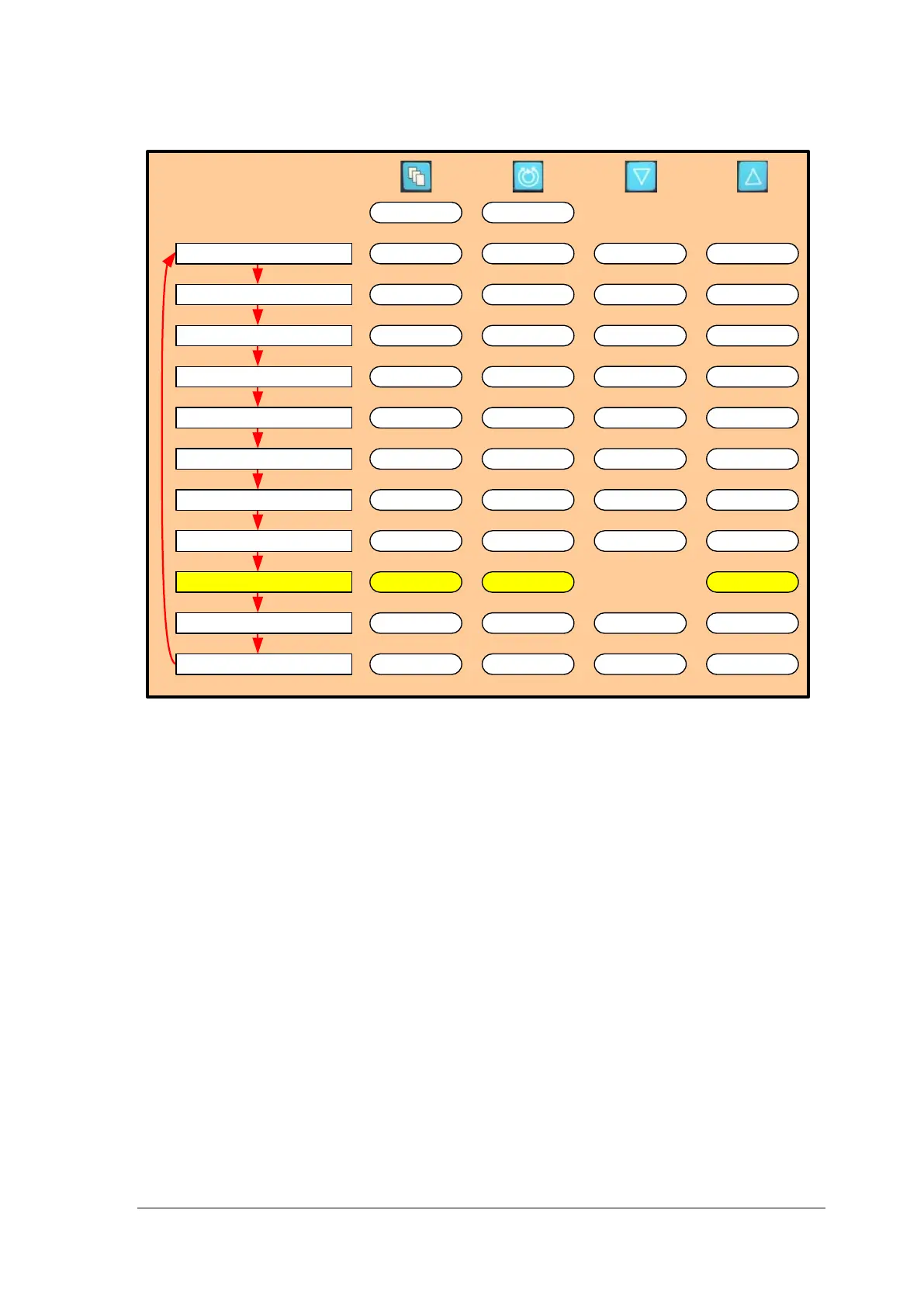
Figure 50: Monitor MENU Structure
System Data Logger
The Console has the ability to record significant events. To access the DATA LOGGER
setting, depress the MENU keypad and scroll down to the EXTENDED MENU option, then
use the MENU key to scroll through the menu options until the DATA LOGGER option
appears.
The Console can record approximately 16 hours of data. When a Console is connected to
the Monitor, it uploads the data stored in the Console to the Monitor. The Monitor can
store several consecutive days of data. The number of days is dependent on the number
of events for a given period. If a Monitor is not connected to a Console within 16 hours, the
oldest recorded data on the Console will be overwritten with new data as it is generated.
When the Console is used with the Monitor, the data are recorded directly into the Monitor.
The Monitor must be attached to the Console to allow viewing of the stored data. If a
Console is powered off or rebooted then all recorded data will be lost.
The System data logger allows users to view a log of significant events that have occurred
since the System was powered up. Each logged event follows the format shown in the
figure below.














 To Next Page