CentriMag
TM
Circulatory Support System Operation Manual (US) Page 78 of 126
© 2019 Abbott – Document No PL-0047, Rev 11 (December 2019)
To choose between the NORMAL and SENSITIVE options, depress the MENU keypad
and scroll down to the EXTENDED MENU option, then use the MENU key to scroll
through the menu options until the FLOW LIMIT SENSITIVITY option is displayed.
Depress either the NORMAL or SENSITIVE keypads to select the option. The sensitivity
chosen affects both FLOW BELOW MINIMUM alert and FLOW ABOVE MAXIMUM alert.
7.21 Setting the Application Mode
Pressure Display
Speed Step Resolution
Flow Range
Flow Limit Sensitivity
Flow Recorder Speed*
Set RPM
Exit
Menu
Active
Inactive
Set RPM
Set RPM
Set RPM
Set RPM
Set RPM
Set RPM
Menu
Menu
Menu
Menu
Menu
Menu
Normal
(100
rpm)
Fine
(50 rpm)
Set RPM
Menu R
NormalSensitive
Set RPM
Menu Next
Normal
(0
–
10
lpm)
Reduced
(
0 –
3 lpm
)
Slow
(
2 min)
Fast
(20
sec)
Set RPMMenu
L
Select
Enter
Return
* Monitor only
Extended Menu
Set RPMMenu
[
|Confirm
]
[Execute
|Cancel]
Set RPMMenu
[
|Confirm
]
[Start
|Cancel]
Copy Data
*
Management*
Support Type
Language
Data Logger*
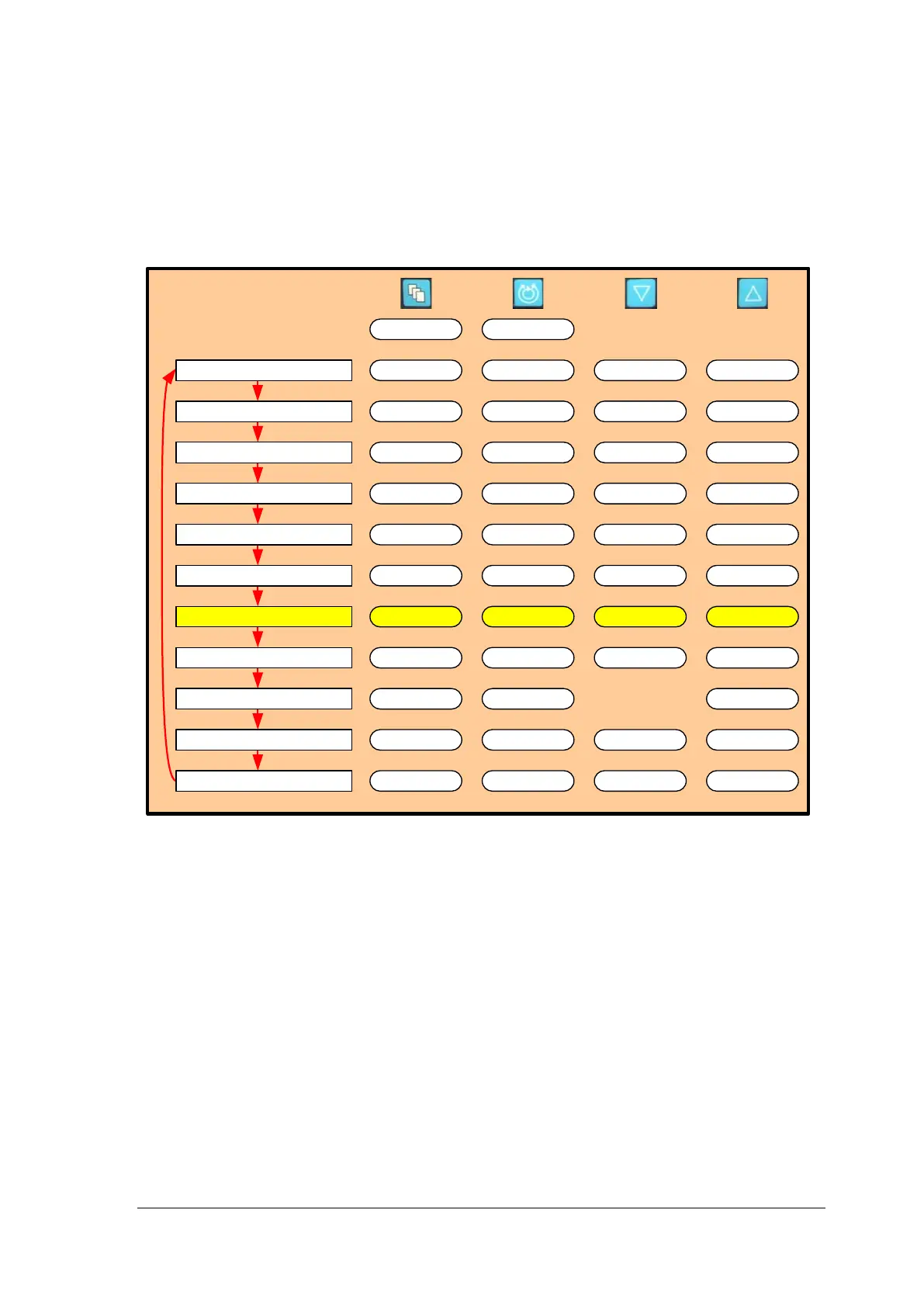
Figure 49: Monitor MENU Structure
Setting Application Mode
The Console can be used for a variety of conditions. The display for each Console can be
set to identify the Console as the L or R Console identifying use of an LVAD (L) or as an
RVAD (R). The specific mode must be selected during startup, and can be altered through
the user menu. To access the APPLICATION MODE setting, depress the Menu keypad
and scroll down to the APPLICATION MODE setting. Choose between the L or R using
the UP and DOWN arrows. Please note that this selection only affects the background
color of the Monitor and does not affect function or options available on the Consoles.
Identification of each Console allows an easy differentiation in case the System is used in
a bilateral configuration.














 To Next Page