CentriMag
TM
Circulatory Support System Operation Manual (US) Page 63 of 126
© 2019 Abbott – Document No PL-0047, Rev 11 (December 2019)
7.7 Configuring the Console
The ability to set the Pump speed, flow alert thresholds, flow alert sensitivity, language, set
speed resolution, enable and disable the pressure measurement capability, and calibrate
the pressure transducers is accessed through the MENU keypad. Figure 35 outlines the
basic MENU scheme which is available after the support type has been selected
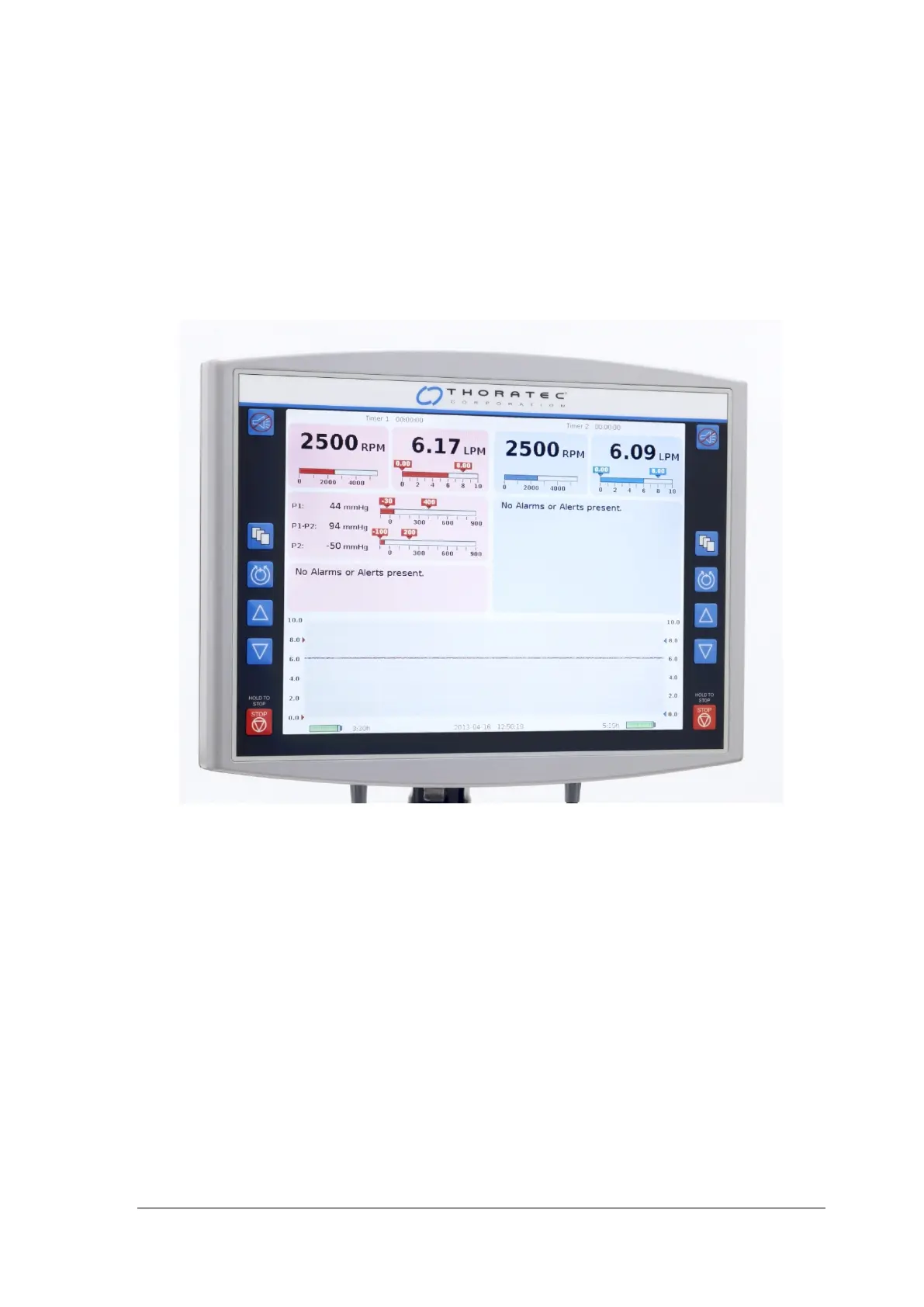
When the System is driven by the Console and is connected to the Monitor, the main user
interface is the Monitor (Figure 33); however, most of the selections described below are
accessible through the Monitor as well as on the Console’s user interface (Figure 34).
Figure 33: Monitor – Front Panel














 To Next Page