CentriMag
TM
Circulatory Support System Operation Manual (US) Page 73 of 126
© 2019 Abbott – Document No PL-0047, Rev 11 (December 2019)
7.16 Flow range
Pressure Display
Speed Step Resolution
Flow Range
Flow Limit Sensitivity
Flow Recorder Speed*
Set RPM
Exit
Menu
ActiveInactive
Set RPM
Set RPM
Set RPM
Set RPM
Set RPM
Set RPM
Menu
Menu
Menu
Menu
Menu
Menu
Normal
(100 rpm)
Fine
(50 rpm)
Set RPMMenu R
NormalSensitive
Set RPMMenu Next
Normal
(0 – 10 lpm)
Reduced
(0 – 3 lpm)
Slow
(2 min)
Fast
(20 sec)
Set RPMMenu
L
Select
Enter
Return
* Monitor only
Extended Menu
Set RPM
Menu
[ |Confirm][Execute|Cancel]
Set RPMMenu
[ |Confirm][Start|Cancel]
Copy Data*
Management*
Support Type
Language
Data Logger*
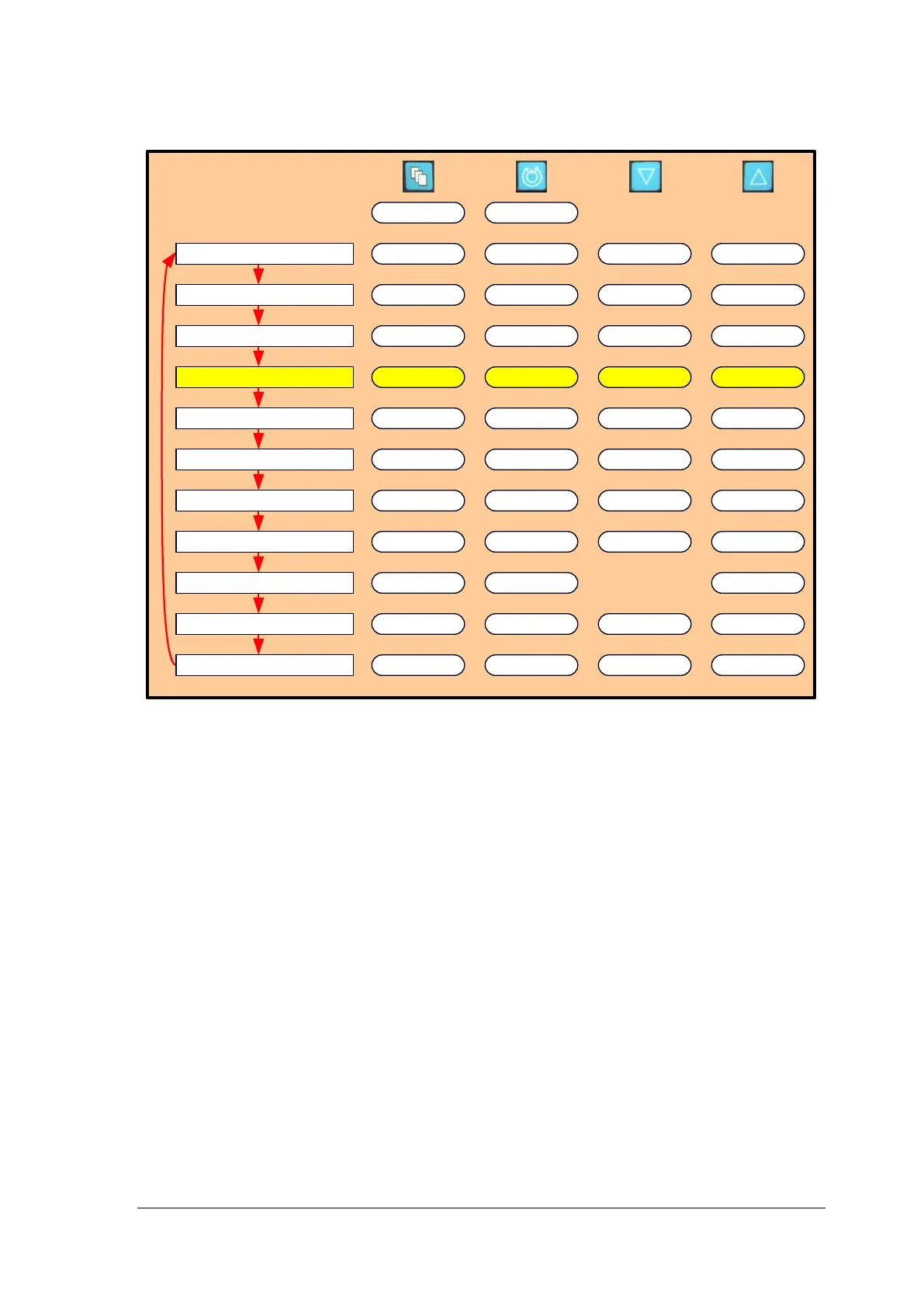
Figure 44: Monitor MENU Structure
Flow Range
The System may be used to treat a variety of conditions to accommodate different ranges
of flow. Under different conditions, the System may be operated in one of two flow ranges
0 – 10 LPM and 0 – 3 LPM. Changing the flow range will adjust the range of the flow
display bar, as well as the default limit for the maximum flow alarm if the high limit is more
than 3.0 LPM. The most common use of the low flow range is for display of flow during
use of the smaller flow transducer designed to be placed on ¼” ID tubing.
To change between the two ranges, depress the MENU button until the EXTENDED
MENU option is displayed, then use the MENU key to scroll through the menu options until
the FLOW RANGE option is displayed. Select between the two options using the arrow
keys.














 To Next Page