CentriMag
TM
Circulatory Support System Operation Manual (US) Page 68 of 126
© 2019 Abbott – Document No PL-0047, Rev 11 (December 2019)
7.11 Entering the Pressure Menu
Main Menu
Minimum Flow Alert
Maximum Flow Alert
Pressure Menu
Stopwatch*
Extended Menu
Set RPM
Exit
Menu
IncreaseDecrease
Set RPM
Set RPM
Set RPM
Set RPM
Set RPM
Set RPM
Menu
Menu
Menu
Menu
Menu
Menu
IncreaseDecrease
Enter
Enter
[Start|Stop|Reset]
Stop Watch 2
[Start|Stop|Reset]
Stop Watch
1
* Monitor only
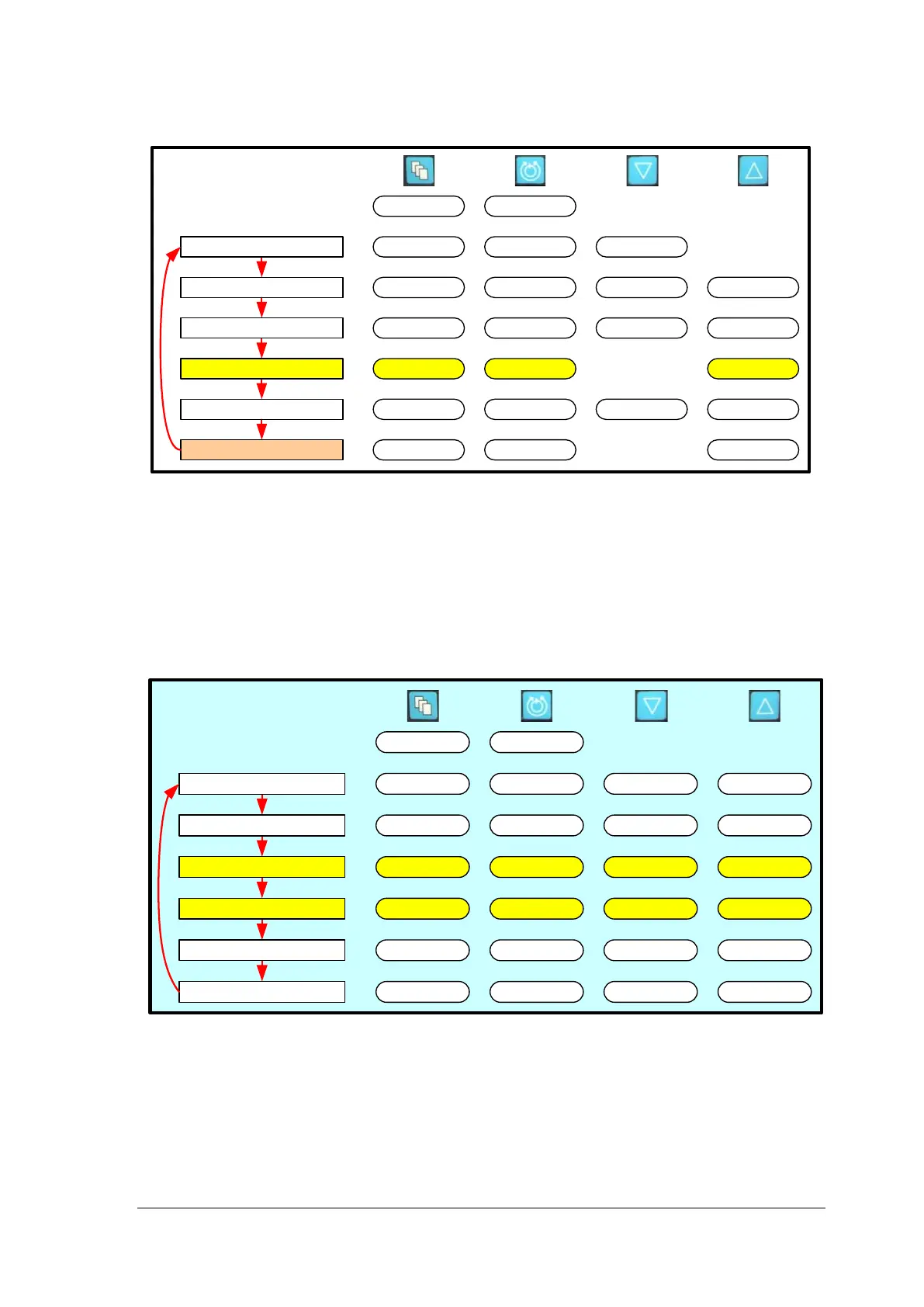
Figure 38: Monitor MENU Structure
Entering Pressure Menu
If the pressure subsystem is active, the pressure menu can be accessed by pressing
ENTER, while the PRESSURE MENU option is highlighted. Activation and deactivation of
the pressure subsystem is explained in Section 7.14.
7.12 Setting the Max or Min Pressure Alert Settings for the P1 Transducer
Pressure Menu
Minimum P1 Alert
Maximum P1 Alert
Minimum P2 Alert
Maximum P2 Alert
Pressure Calibration
Set RPM
Exit
Menu
IncreaseDecrease
Set RPM
Set RPM
Set RPM
Set RPM
Set RPM
Set RPM
Menu
Menu
Menu
Menu
Menu
Menu
IncreaseDecrease
IncreaseDecrease
IncreaseDecrease
Return
[New|Cal P1]
[Previous|Cal P2]
Figure 39: Monitor MENU Structure
Setting the Max or Min Pressure Alert Settings for the P1 Transducer














 To Next Page