CentriMag
TM
Circulatory Support System Operation Manual (US) Page 74 of 126
© 2019 Abbott – Document No PL-0047, Rev 11 (December 2019)
7.17 Changing the flow recorder speed
The flow recorder function is only available via the Monitor.
Pressure Display
Speed Step Resolution
Flow Range
Flow Limit Sensitivity
Flow Recorder Speed*
Set RPM
Exit
Menu
ActiveInactive
Set RPM
Set RPM
Set RPM
Set RPM
Set RPM
Set RPM
Menu
Menu
Menu
Menu
Menu
Menu
Normal
(100 rpm)
Fine
(50 rpm)
Set RPMMenu R
NormalSensitive
Set RPMMenu Next
Normal
(0 – 10 lpm)
Reduced
(0 – 3 lpm)
Slow
(2 min)
Fast
(20 sec)
Set RPM
Menu
L
Select
Enter
Return
* Monitor only
Extended Menu
Set RPM
Menu
[ |Confirm]
[Execute|Cancel]
Set RPMMenu
[ |Confirm][Start|Cancel]
Copy Data*
Management*
Support Type
Language
Data Logger*
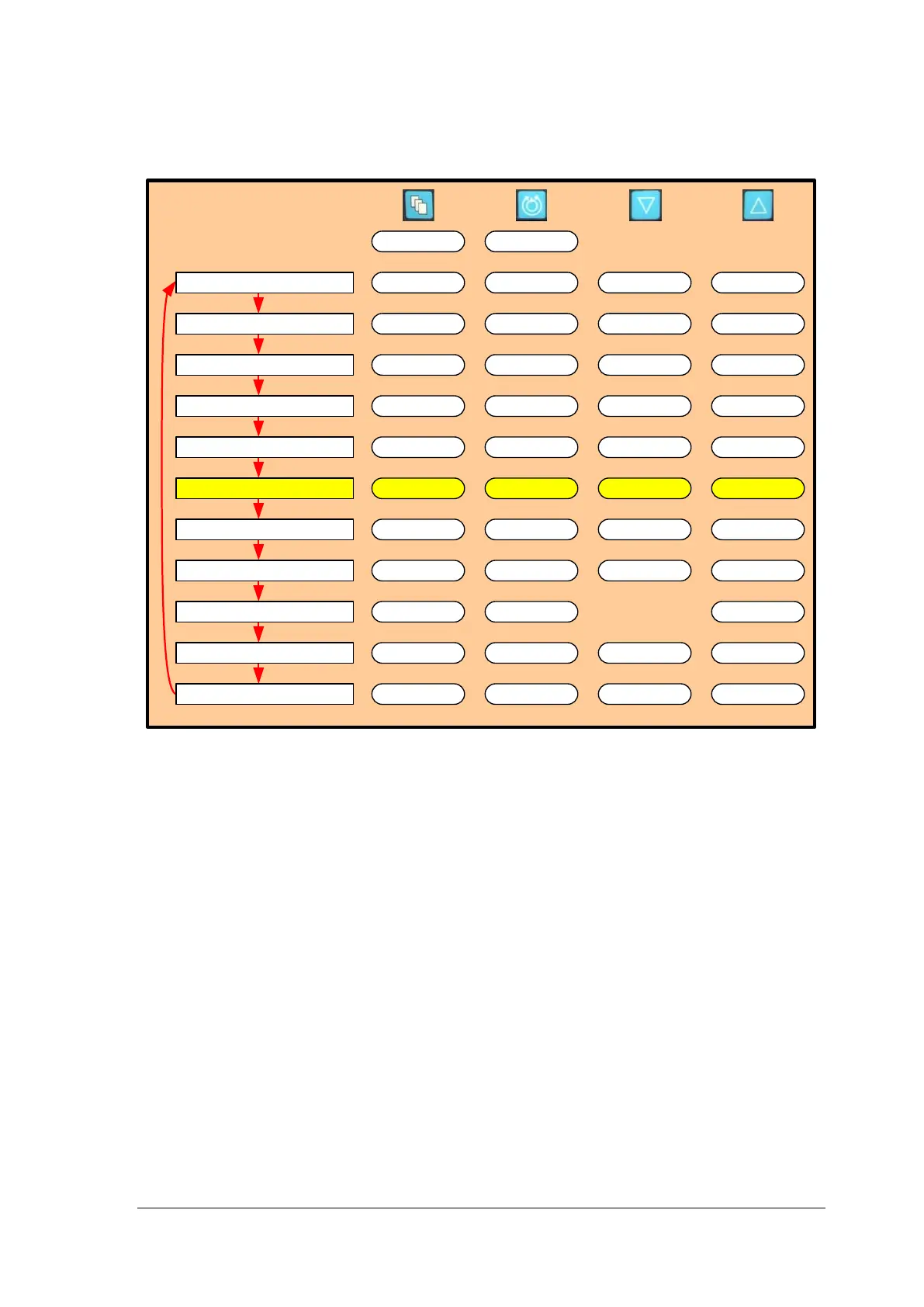
Figure 45: Monitor MENU Structure
Changing the flow recorder speed
The System allows the user to alter the speed of the moving flow graph displayed on the
bottom of the Monitor screen. The available speeds are 2 minutes and 20 seconds. The
speed changes the amount of time taken to fill one screen with flow data; changing this
parameter allows the user to see flow trends over different time periods.
To change between the available options, depress the MENU button until the EXTENDED
MENU option is displayed and then use the MENU key to scroll through the menu options
until the RECORDER SPEED option is displayed. Select between the two available
options using the arrow keys.














 To Next Page