CentriMag
TM
Circulatory Support System Operation Manual (US) Page 77 of 126
© 2019 Abbott – Document No PL-0047, Rev 11 (December 2019)
7.20 Setting the Console flow limit sensitivity
Pressure Display
Speed Step Resolution
Flow Range
Flow Limit Sensitivity
Flow Recorder Speed*
Set RPM
Exit
Menu
Active
Inactive
Set RPM
Set RPM
Set RPM
Set RPM
Set RPM
Set RPM
Menu
Menu
Menu
Menu
Menu
Menu
Normal
(100 rpm)
Fine
(
50
rpm)
Set RPM
Menu
R
Normal
Sensitive
Set RPM
Menu
Next
Normal
(0 – 10 lpm)
Reduced
(0
–
3
lpm)
Slow
(
2
min)
Fast
(20
sec)
Set RPM
Menu
L
Select
Enter
Return
* Monitor only
Extended Menu
Set RPM
Menu
[ |Confirm]
[
Execute|
Cancel]
Set RPM
Menu
[
|Confirm]
[Start
|
Cancel]
Copy Data*
Management*
Support Type
Language
Data Logger*
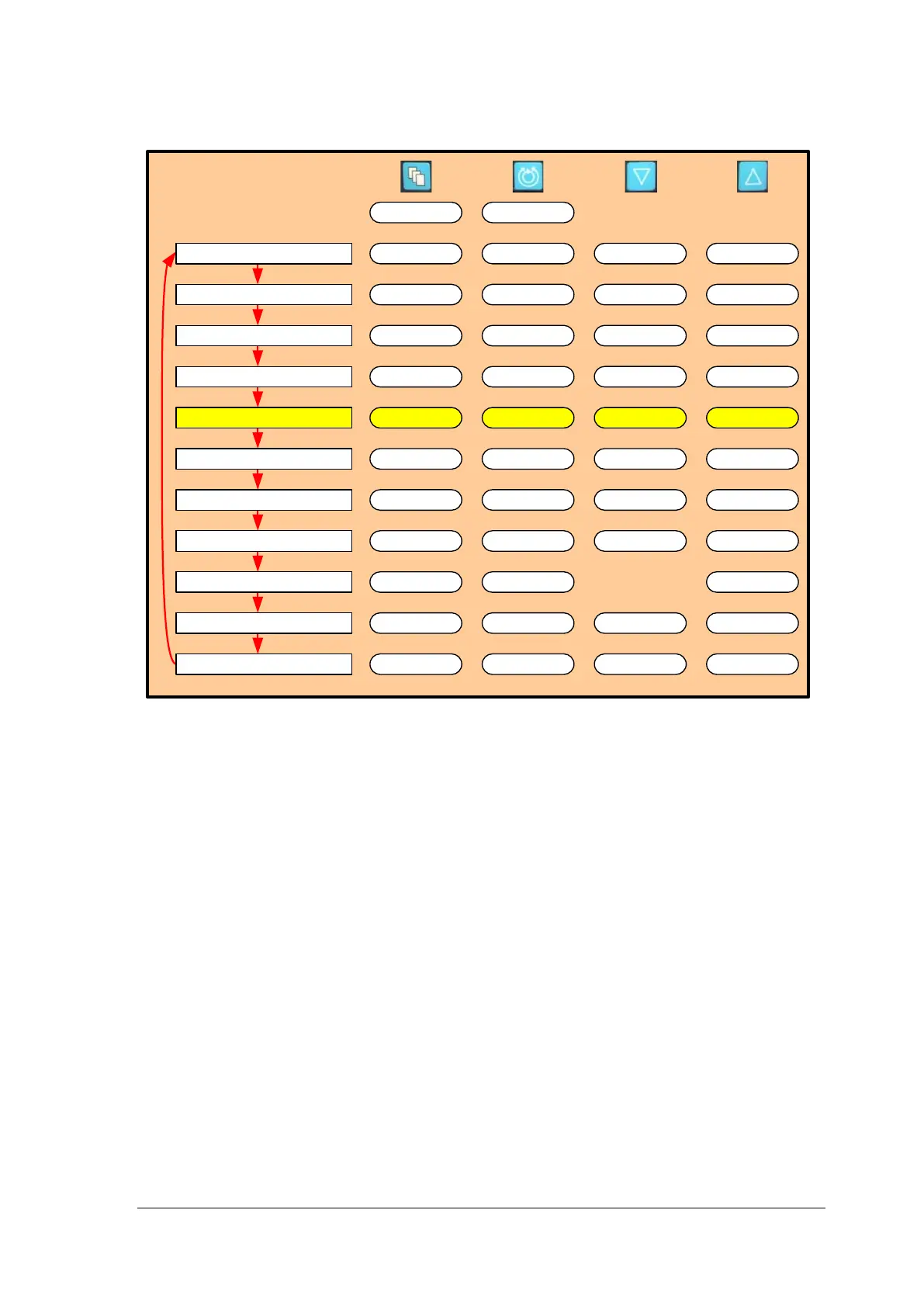
Figure 48: Monitor MENU Structure
Flow Limit Sensitivity
A sudden decrease in flow below the MINIMUM FLOW ALERT setting could indicate a
potentially hazardous condition. The Console incorporates sensing technology to alert the
user of such transient events. Should the System alert the user that the flow has dropped
below the MINIMUM FLOW ALERT setting, the user is instructed to carefully reduce the
speed (RPM) of the Pump until the hazardous condition is resolved. Naturally, care must
be taken to provide sufficient flow for the patient while investigating the root cause of the
event.
The Console may be operated with the FLOW LIMIT SENSITIVITY set in one of two
modes: NORMAL or SENSITIVE. Under routine use, the System is designed to be
operated in the NORMAL mode which is the factory default setting. The NORMAL mode
is capable of detecting reductions in flow below the minimum flow setting under routine
conditions. There are circumstances, however, especially with small patients or during the
early postoperative period, where the operator may wish to run the System in the
SENSITIVE mode. The SENSITIVE mode increases the flow data sampling frequency in
order to detect shorter duration low flow events compared to the NORMAL mode. As a
result, a sudden, brief reduction in flow below the MINIMUM FLOW ALERT setting that
may occur with patient movement is more likely to be detected in the SENSITIVE mode
than the NORMAL mode.














 To Next Page