CentriMag
TM
Circulatory Support System Operation Manual (US) Page 84 of 126
© 2019 Abbott – Document No PL-0047, Rev 11 (December 2019)
7.25 Accessing the Monitor Management Application
Pressure Display
Speed Step Resolution
Flow Range
Flow Limit Sensitivity
Flow Recorder Speed*
Set RPM
Exit
Menu
Active
Inactive
Set RPM
Set RPM
Set RPM
Set RPM
Set RPM
Set RPM
Menu
Menu
Menu
Menu
Menu
Menu
Normal
(100 rpm)
Fine
(50 rpm)
Set RPM
Menu R
Normal
Sensitive
Set RPM
Menu
Next
Normal
(0 – 10 lpm)
Reduced
(0 – 3 lpm)
Slow
(2 min)
Fast
(20 sec)
Set RPM
Menu
L
Select
Enter
Return
* Monitor only
Extended Menu
Set RPM
Menu
[ |Confirm][Execute|Cancel]
Set RPM
Menu
[ |Confirm][Start|Cancel]
Copy Data*
Management*
Support Type
Language
Data Logger*
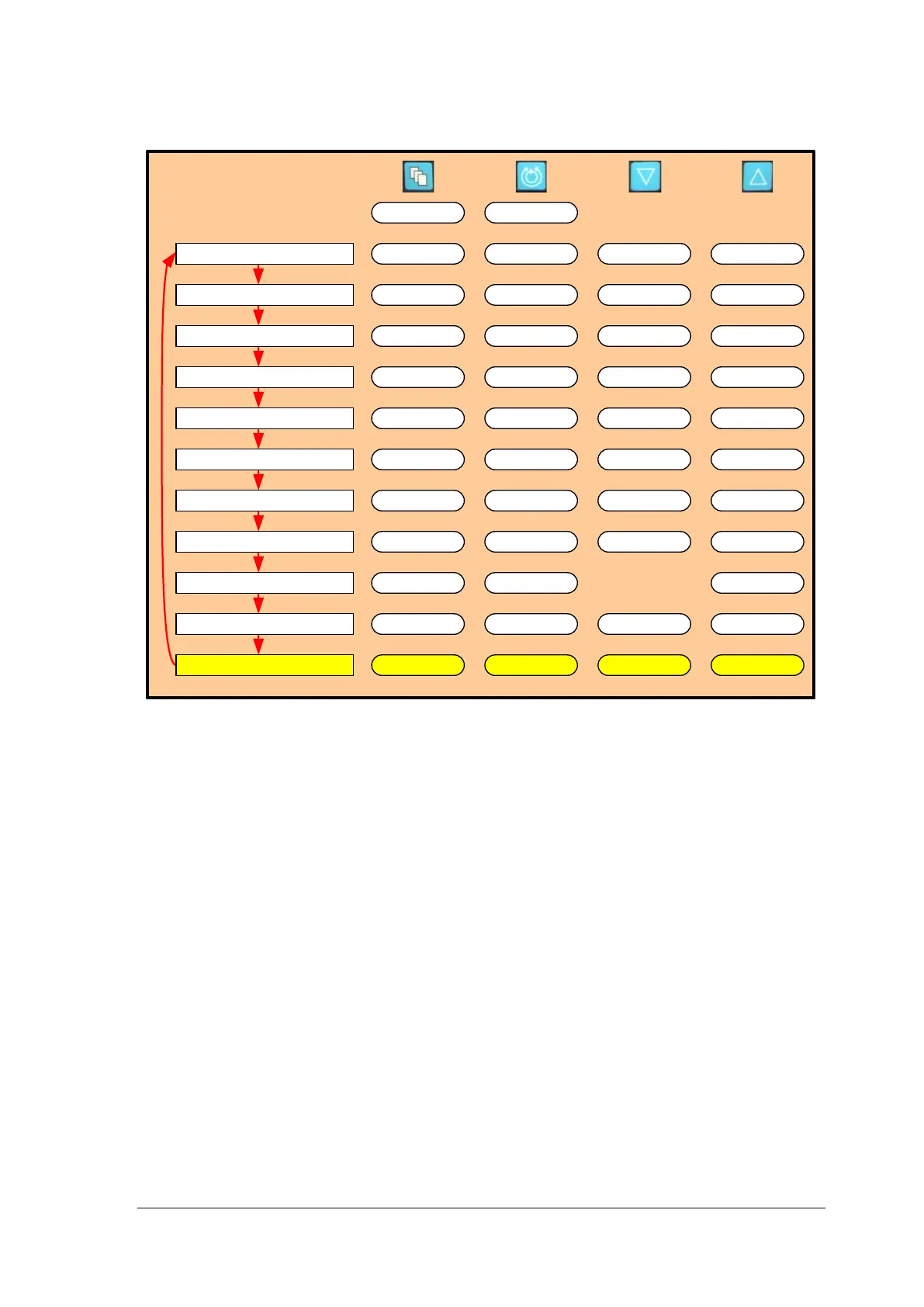
Figure 53: Monitor MENU Structure
Starting Management Application
The Monitor has a Management Application which allows users to change options,
including time and date, as well as retrieve information about the software version installed
on the Monitor.
To access the MANAGEMENT Application, depress the Menu keypad and scroll down to
the MANAGEMENT entry. Select START and CONFIRM using the UP and DOWN
arrows. The Monitor will reboot and display the words “MANAGEMENT. LOADING
APPLICATION…”. Note: The rebooting sequence will only restart the Monitor, and not the
Console.
One other option to access the Management Application is to hold down the MENU key
while the Monitor is being connected to the Console. The system will display the words
“MANAGEMENT. LOADING APPLICATION…”.
The Management Application has a menu on the left side and an Information Panel on the
right side. Menu items are accessible with the MENU key.
1) Time & Date Menu:
This menu item allows users to set the System time and date. This is essential for
ensuring that the System data logger is recording data with the correct timestamps.
On the “Time & Date Menu” press the UP key to enter the sub menu. In the sub menu,
time/date can be changed by using the MENU key (selection) and UP key (increase) or
DOWN key (decrease).














 To Next Page