CentriMag
TM
Circulatory Support System Operation Manual (US) Page 70 of 126
© 2019 Abbott – Document No PL-0047, Rev 11 (December 2019)
Pressure Display
Speed Step Resolution
Flow Range
Flow Limit Sensitivity
Flow Recorder Speed*
Set RPM
Exit
Menu
Active
Inactive
Set RPM
Set RPM
Set RPM
Set RPM
Set RPM
Set RPM
Menu
Menu
Menu
Menu
Menu
Menu
Normal
(100 rpm)
Fine
(50 rpm)
Set RPM
Menu
R
Normal
Sensitive
Set RPM
Menu
Next
Normal
(0 – 10 lpm)
Reduced
(0 – 3 lpm)
Slow
(2 min)
Fast
(20 sec)
Set RPM
Menu
L
Select
Enter
Return
* Monitor only
Extended Menu
Set RPM
Menu
[ |Confirm]
[Execute|Cancel]
Set RPM
Menu
[ |Confirm]
[Start|Cancel]
Copy Data*
Management*
Support Type
Language
Data Logger*
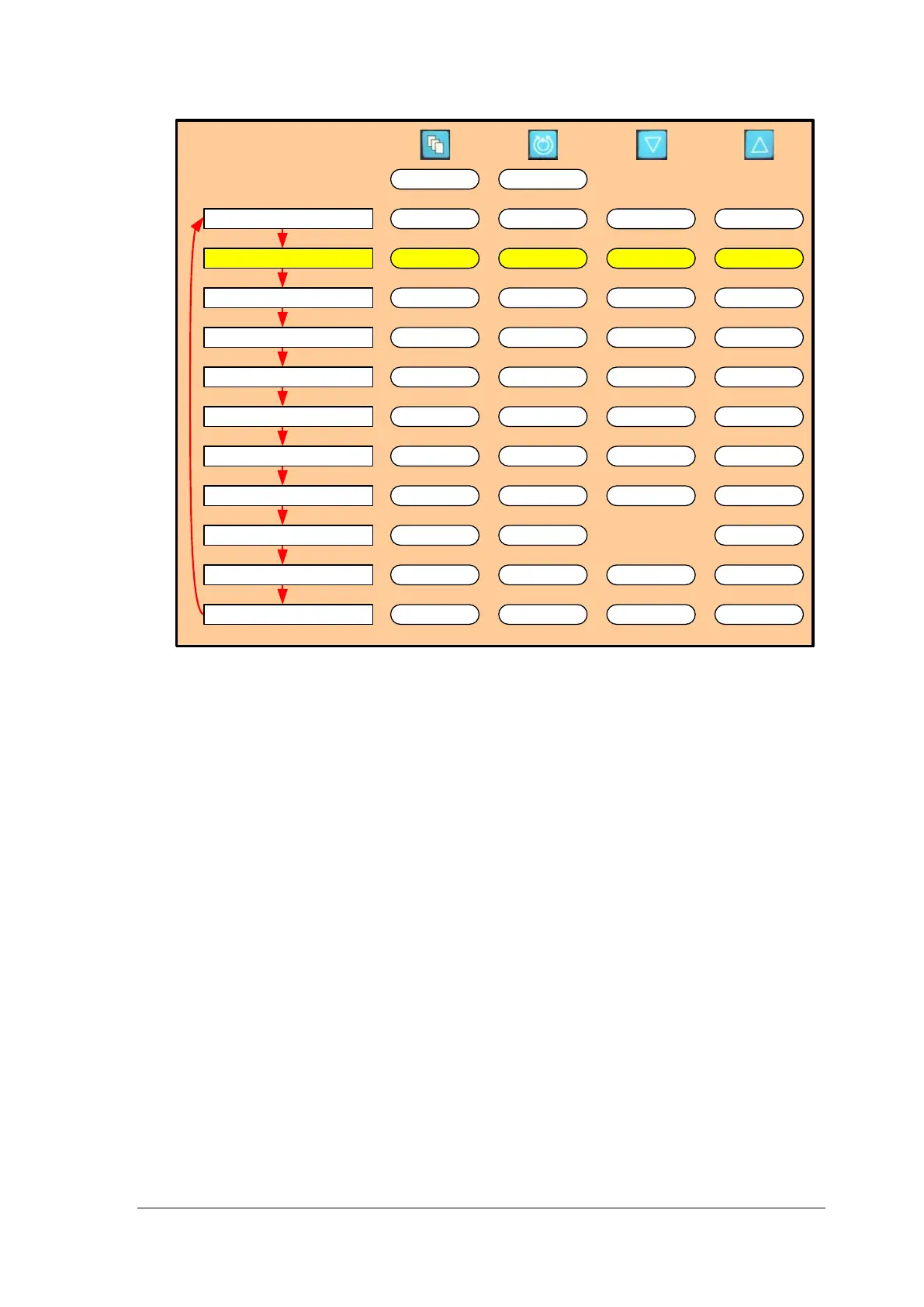
Figure 41: Monitor MENU Structure
Activating the Pressure Subsystem
2. To activate the pressure subsystem from the Monitor, depress the MENU keypad to
display EXTENDED MENU and ENTER. Press MENU to display the PRESSURE
DISPLAY option and press the UP arrow to select ACTIVE. The default setting is with
the pressure subsystem INACTIVE.
3. Depress the MENU keypad to display PRESSURE MENU, and then select
PRESSURE CALIBRATION in order to calibrate the Pressure Probe(s) using the
following method.














 To Next Page