3
.
S
lide the battery tray back into the
m
eter
until it locks into place.
• The battery sy
m
bol on th e screen
m
eans
the batter y is low and should be
changed soon.
• If the
m
eter shuts off after 3 seco nds, no
m
ore tests can be run.
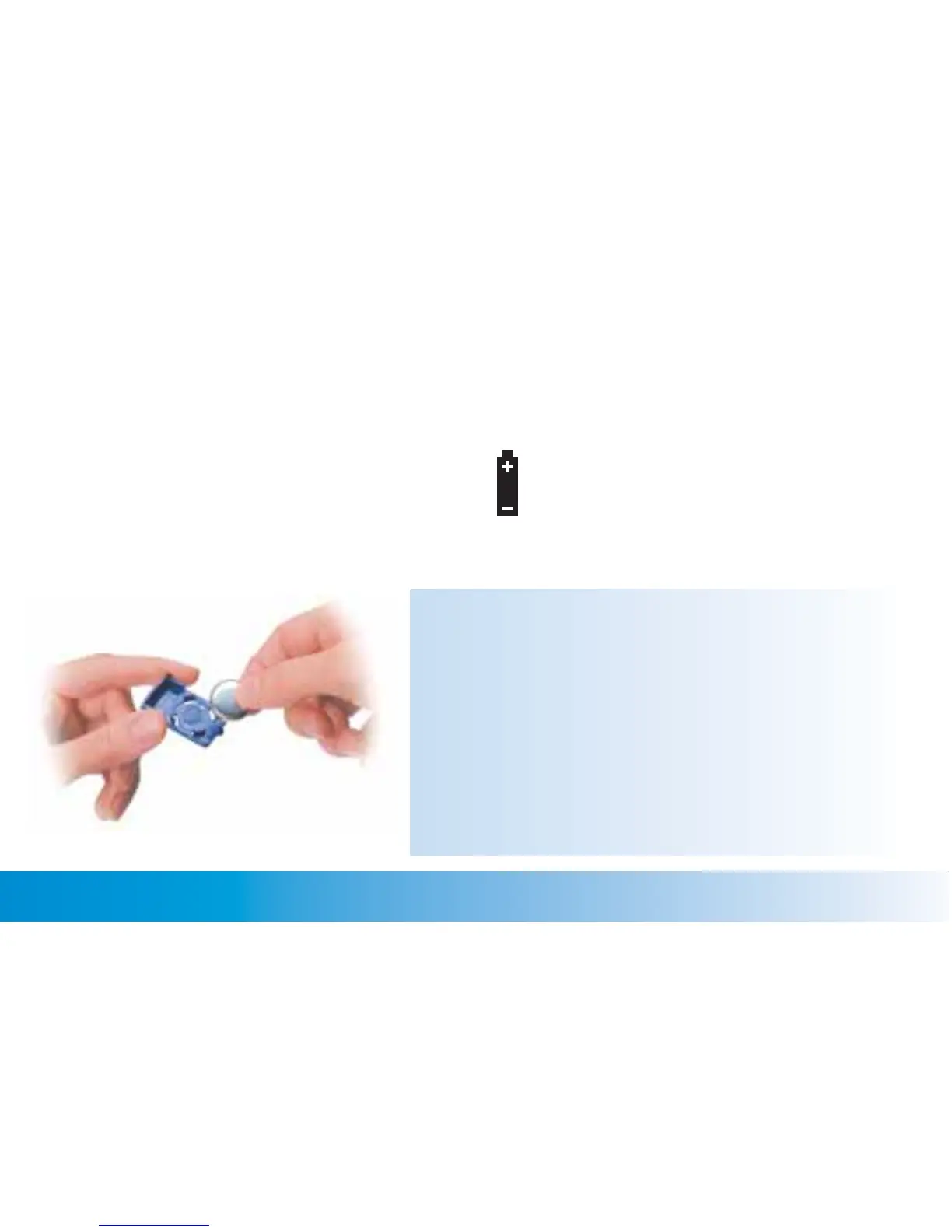
To change the batter y, re
m
ove the ol d
battery and place the new one in the
tray with the + side facing down.
N
otes:
• The
m
eter uses one lith iu
m
battery. Always keep an
extra battery on hand.
• After you change the battery, you will ha ve to reset the
ti
m
e and date, but all test results stay in
m
e
m
ory with
their ti
m
e and date.
• The
m
eter turn s off auto
m
atically after two
m
inu tes of
nonuse.
W
hen this happens, test results are still saved
in
m
e
m
ory.
Chapter 1: Understanding Your New System ACCU-CHEK Customer Care Service Center 1-800-858-8072
13


 To Next Page
 Loading...