28 Chapter 3
Pre-disassembly Procedure
Before proceeding with the disassembly procedure, perform the steps listed below:
1. Turn off the system and all the peripherals connected to it.
2. Unplug the AC adapter and all power and signal cables from the system.
3. Unplug all peripheral cables from the system.
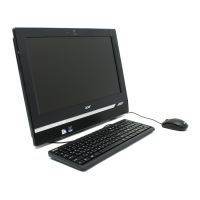
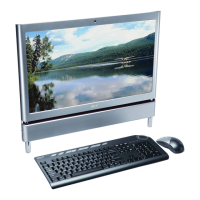
4. Place the system unit on a flat, stable surface.












 To Next Page