Chapter 3 29
External Module Disassembly
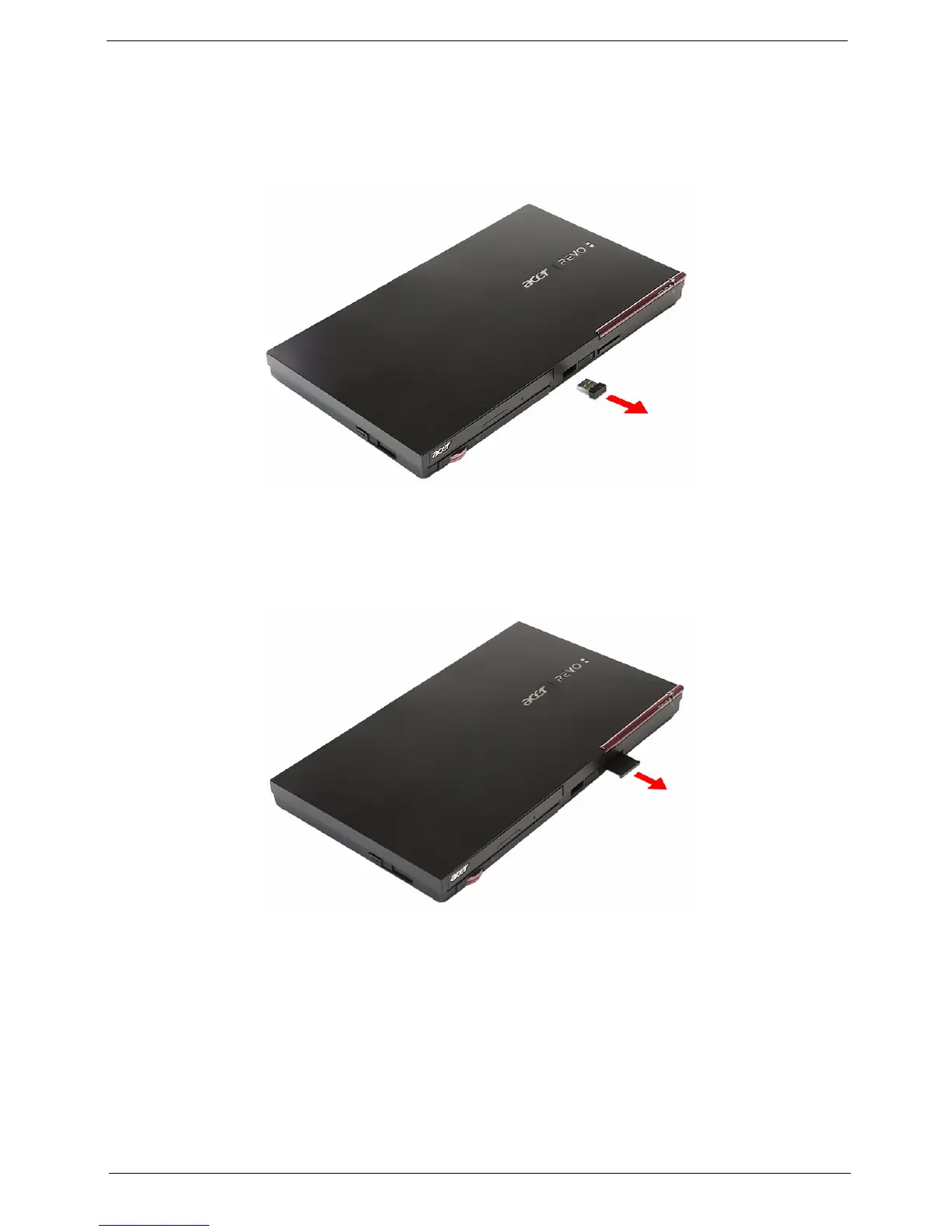
Removing the USB RF Receiver
1. Pull the USB RF receiver out of the port.
Removing the Card Reader Dummy Card
1. Push against the card, as if you were pushing it further into the slot, letting the card spring out.
2. Remove the card from the slot.












 To Next Page