Chapter 4 53
BIOS Flashing and Recovery
This section includes two ways to recover the BIOS, using a Windows-based Flash utility or DOS-based Flash
utility.
Windows-based BIOS recovery
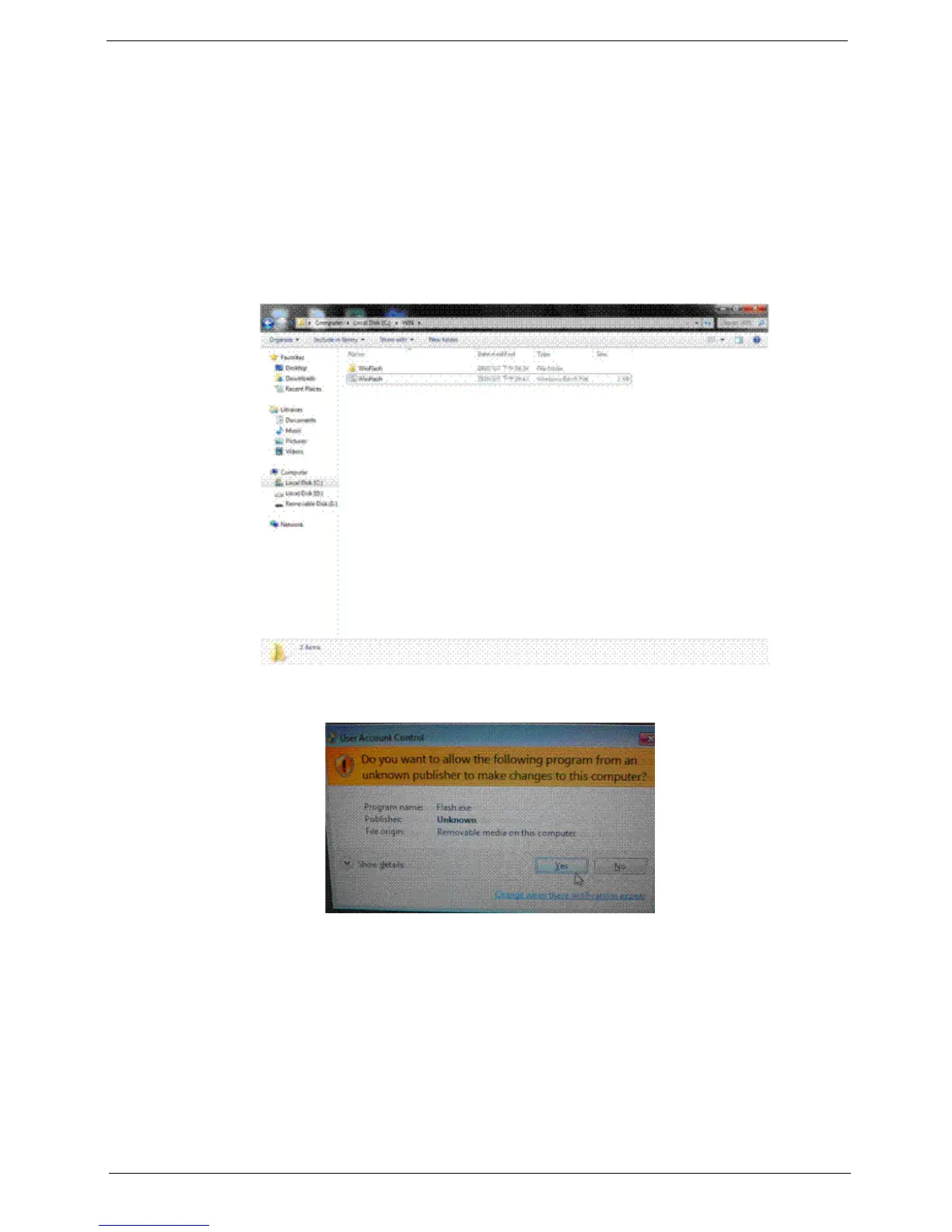
1. Locate the WinFlash utility on the computer’s local disk.
(1). Open Local Disk C on the computer.
(2). Go to the WIN folder. The WIN folder contains the WinFlash utility.
2. Double-click the WinFlash.bat file to start BIOS flash utility.
3. At the prompt, click Yes.
4. The BIOS update begins and the Firmware Update Utility screen appears.












 To Next Page