Turning on for the first time
12 Acer x960 Smartphone User Guide
Power LED status during charging:
Charging: LED indicator steady red.
Charging complete: LED indicator steady green.
If the battery level becomes low in the course of normal use, a
status icon appears on the Acer x960 Smartphone screen indi-
cating low battery status and an alarm sounds. The charge
indicator will flash red.
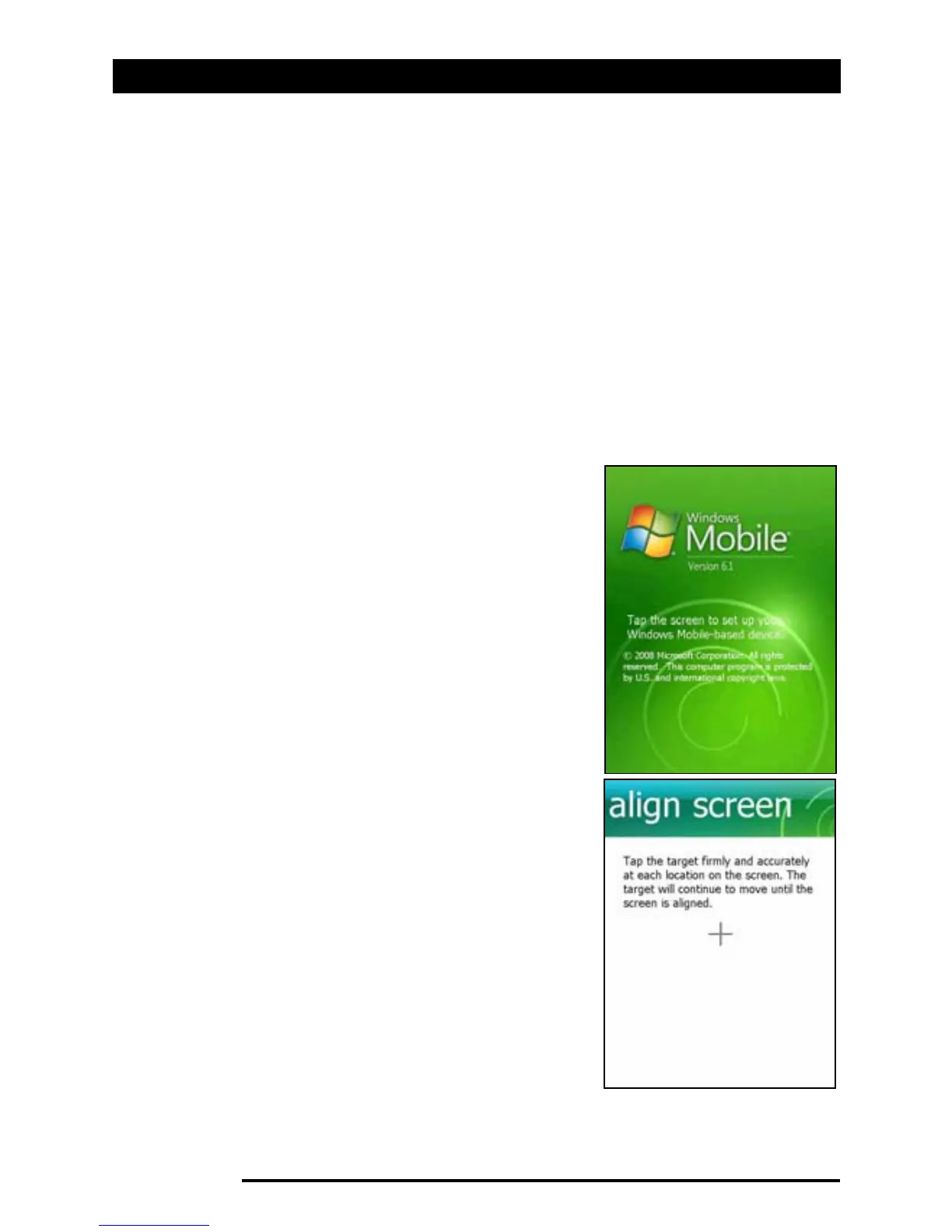
Turning on for the first time
To turn on your Acer x960 Smartphone
for the first time, press and hold the
power button until the system bootup
screen appears. Tap the screen to set up
your Acer x960 Smartphone.
Follow the onscreen instructions to
align the screen, practice using the
stylus, set the date and time, and con-
figure a password to protect your Acer
x960 Smartphone.



 To Next Page