Resetting your Acer x960 Smartphone
74 Acer x960 Smartphone User Guide
Performing a cold boot
A cold boot will clear the RAM of your Acer x960 Smartphone.
It is similar to turning a computer off and then turning it back
on.
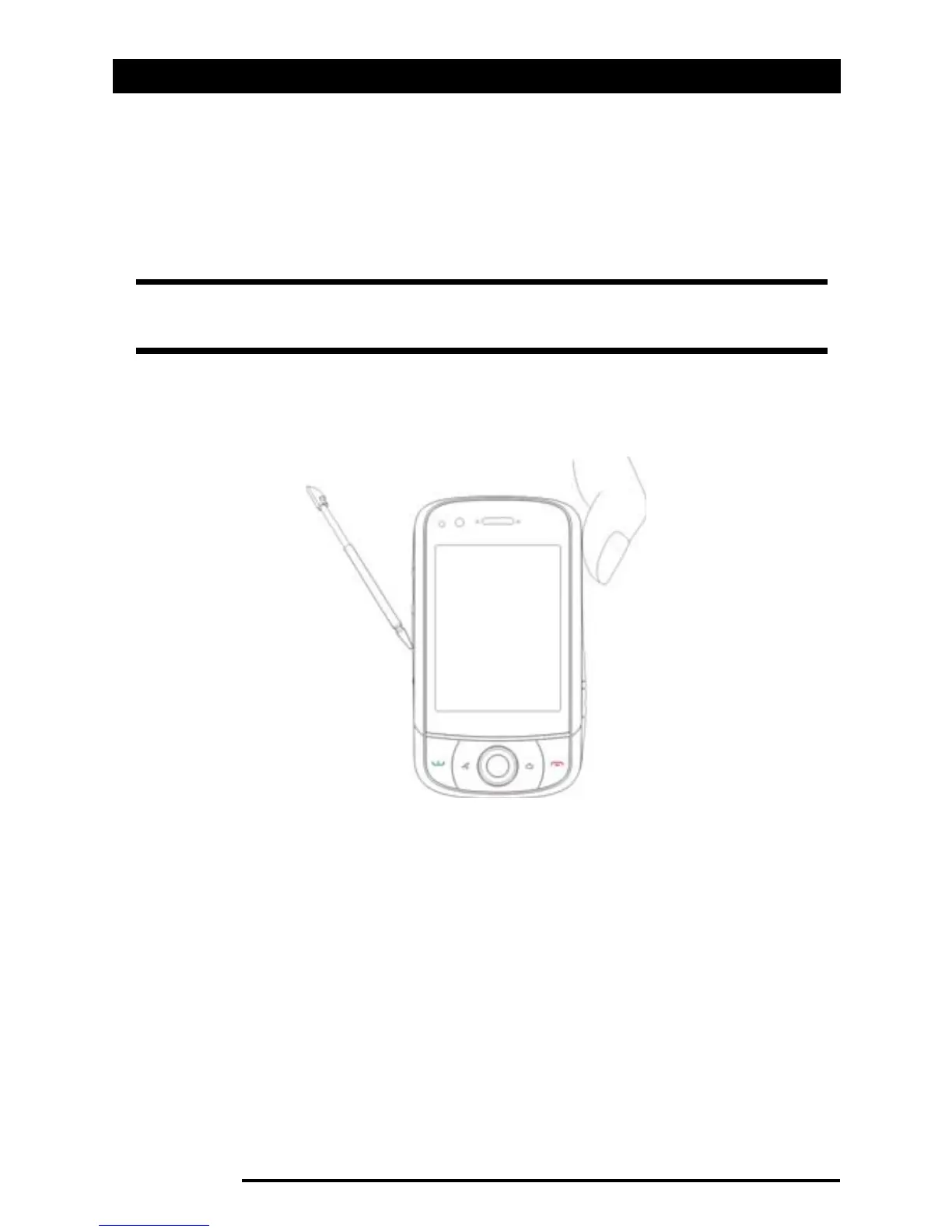
Hold down the power button and use the tip of your stylus to
lightly press the Reset button inside the hole on the side of
your Acer x960 Smartphone.
Note: To reduce risking damage to your Acer x960 Smartphone, only
use the supplied stylus to reset the device.



 To Next Page