Connecting to your PC and synchronizing data
16 Acer x960 Smartphone User Guide
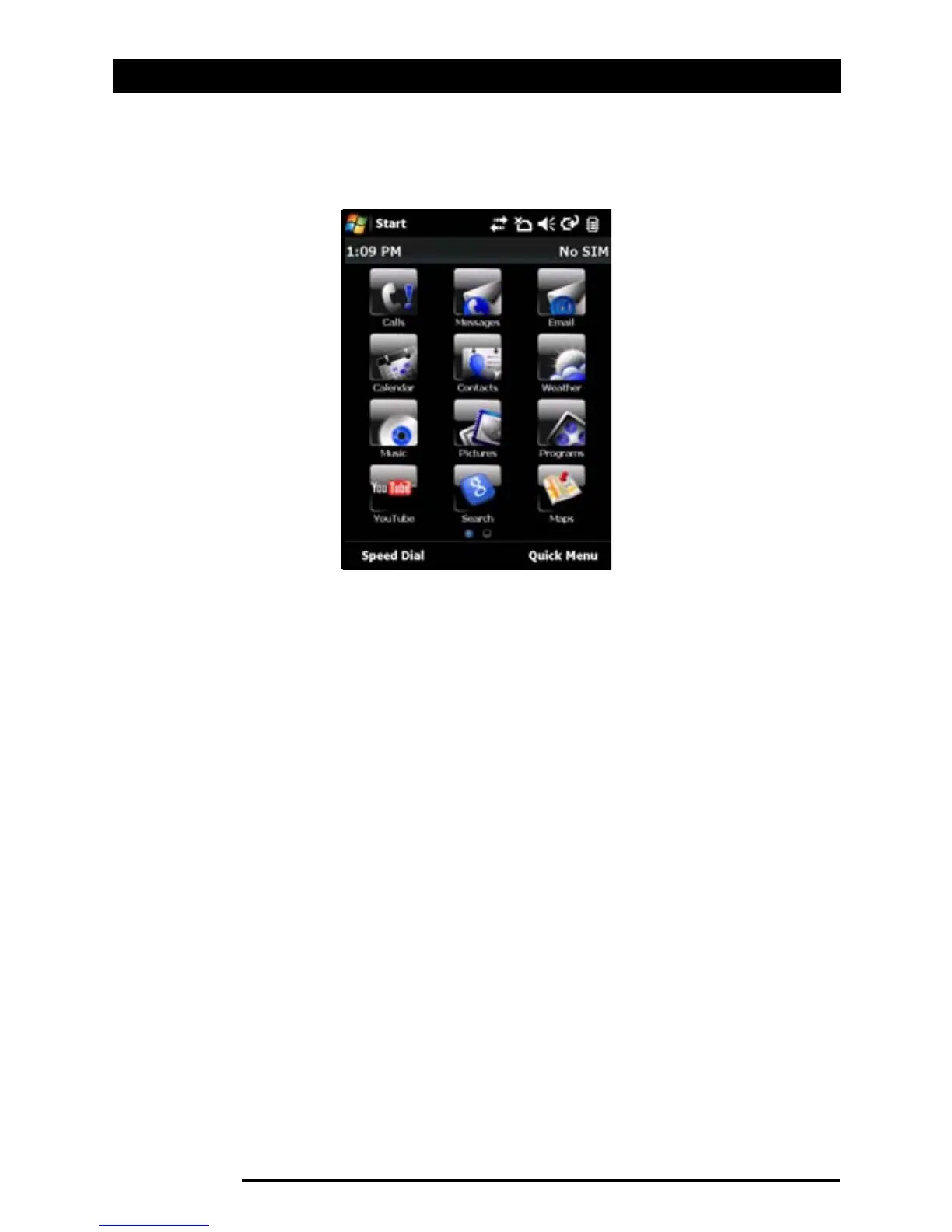
Alternatively, if you prefer a more traditional appearance, you
can swipe your finger up or down the screen to use the Icon
Matrix.
Connecting to your PC and
synchronizing data
You can synchronize the data on your Acer x960 Smartphone
with the data on your PC using the supplied USB sync cable
and the Windows Vista Sync Center.
Refer to “Connecting to a PC and installing software” on
page 65 for more details on connecting and
synchronizing.



 To Next Page