Acer x960 Smartphone User Guide 47
Chapter 6: Using the Camera
Your Acer x960 Smartphone features two cameras, a 300K
pixel VGA camera mounted on the front of the unit, and a 3.2-
megapixel digital camera mounted on the rear. This section
will take you through all the steps to get you up and taking
photos and videos with your Acer x960 Smartphone.
To activate the camera, press the camera button or go to Start
> Programs > Multimedia > Camera.
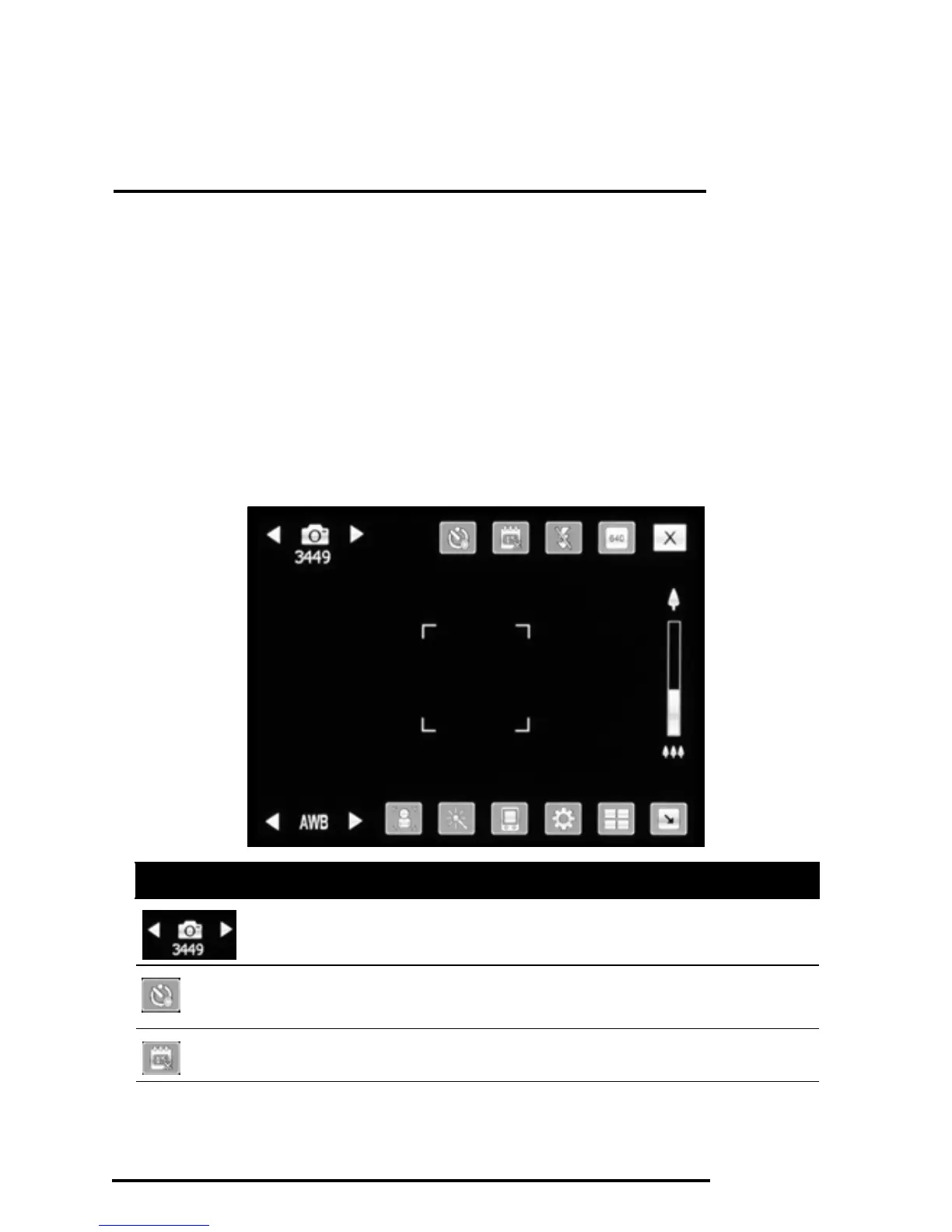
Camera icons and indicators
Icon Description
Displays whether the camera is in photo or video cap-
ture mode.
Tap to turn the self-timer on or off and to set the timer
delay.
Tap to display the date and time on the photo or not.



 To Next Page