Security options
84 Acer x960 Smartphone User Guide
Security options
Password protection
You can protect your Acer x960 Smartphone with a password
to prevent unauthorized use. When enabled, this means the
password must be entered before the device can be used.
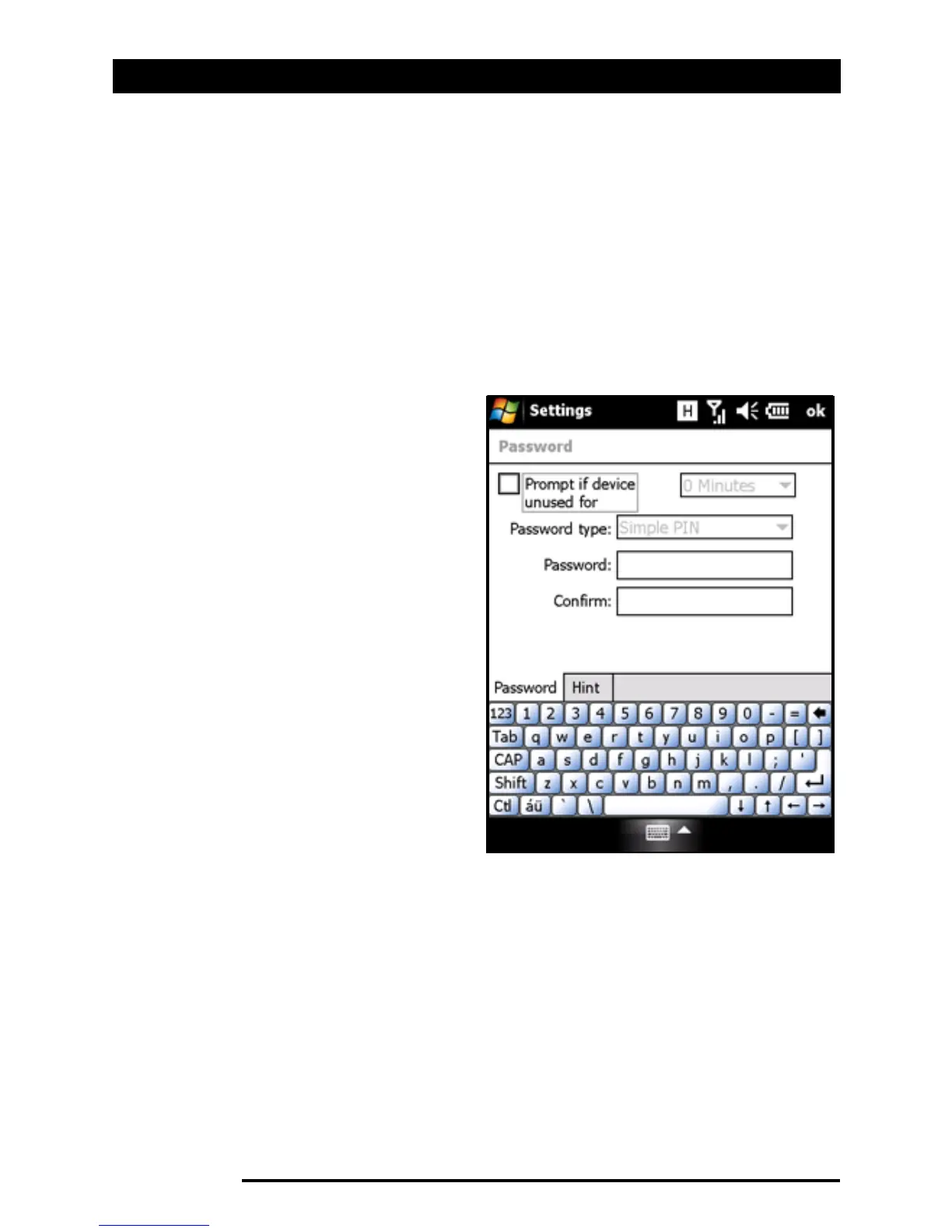
To enable password protection:
1. Tap Start > Settings >
Lock.
2. Check the checkbox and
select a time after which a
password prompt will
appear.
3. Choose your password
type, either a simple 4-
digit PIN or a ‘strong’
alphanumeric password
which must contain at
least three of the follow-
ing: upper or lower case
letters, punctuation and
numbers.
4. Reconfirm your password.
Tap OK or press the OK button to save.
You can also enter a hint in case you forget your password.
Tap the Hint tab and enter your hint. Tap OK or press the OK
button to save.



 To Next Page