The voice call screen
Acer x960 Smartphone User Guide 23
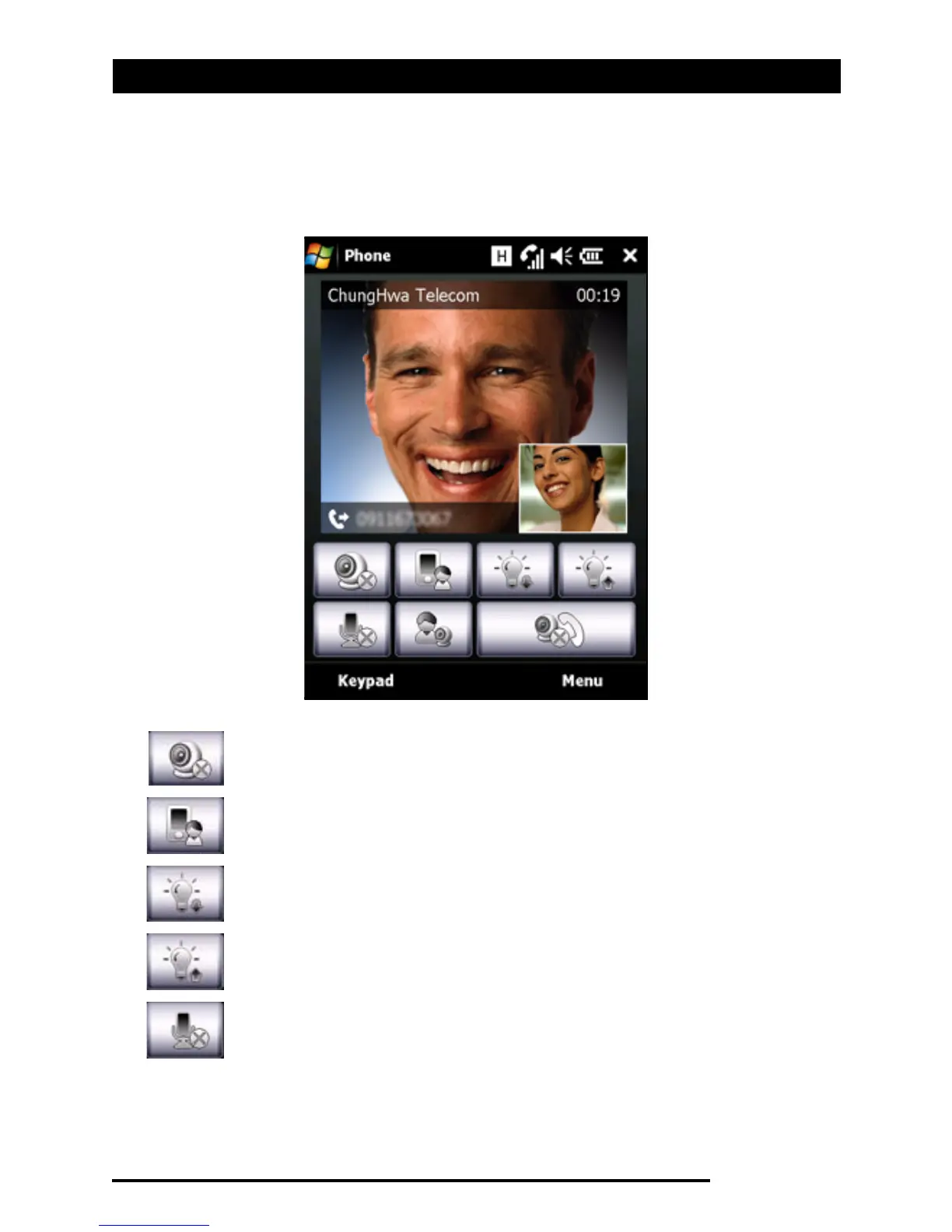
The video call screen
There are also several options available on the video call
screen.
Turn the camera on or off.
Switch from the front camera to the back camera.
Decrease screen brightness.
Increase screen brightness.
Mute the call.



 To Next Page