Photo and video options
Acer x960 Smartphone User Guide 51
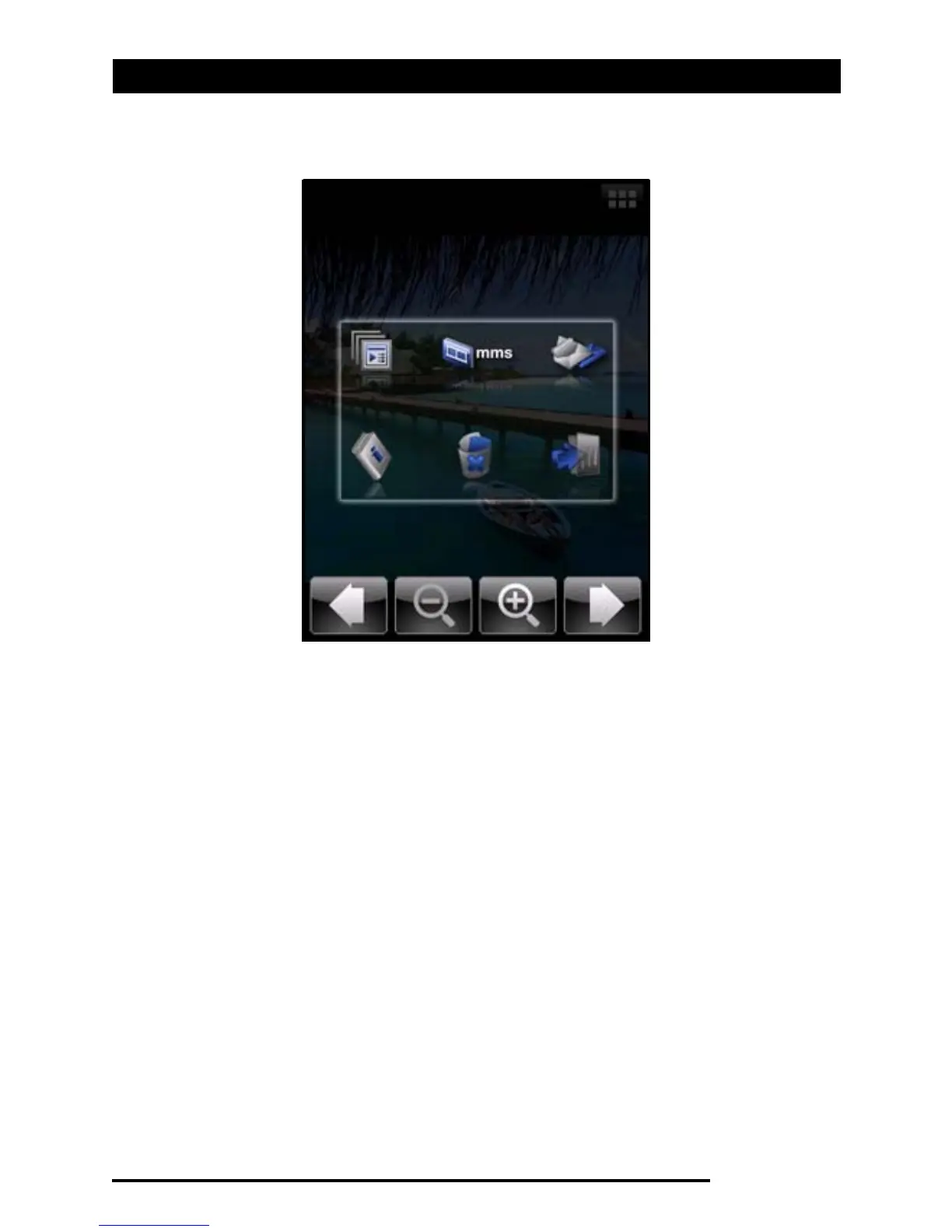
Tap the Album icon and select a photo to view. Tap the photo
to display the option icons.
From this interface, you can start a slideshow with all the pic-
tures in the folder, send the current picture to a contact as an
MMS or email message, view the picture’s information, delete
the picture or return to the thumbnail view.
You can also zoom into the picture or zoom out and navigate
to the previous or following file.
Editing photos
You can crop or rotate your saved photos.
1. Tap Start > Programs > Pictures & Videos.
2. All your photos and videos are displayed as thumbnails.
Select a photo to edit.
3. Tap Menu to view the list of editing options.



 To Next Page