Acer x960 Smartphone User Guide 17
Chapter 2: Making Calls
This chapter shows you how to make voice and video calls, and
the various options available to you during your call.
Before making a call
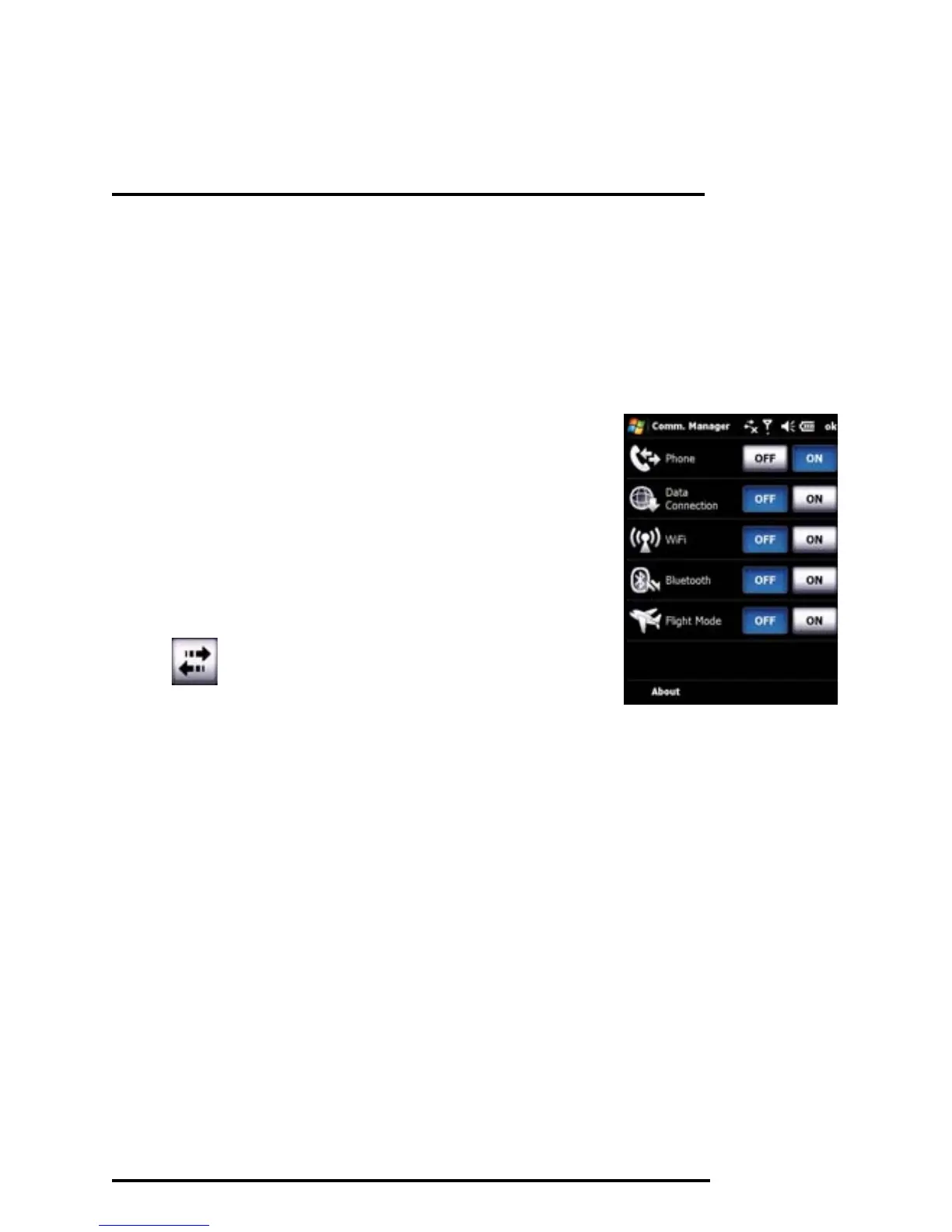
The phone function needs to be turned
on before you can make voice and video
calls; you can turn the phone on from the
Comm. Manager (refer to “Comm. Man-
ager” on page 54), or by pressing and
holding the End key.
1. To access the Comm. Manager, tap
on the Home screen or Start >
Settings > Connections tab > Comm.
Manager.
2. Tap the phone connection icon so it displays On.



 To Next Page