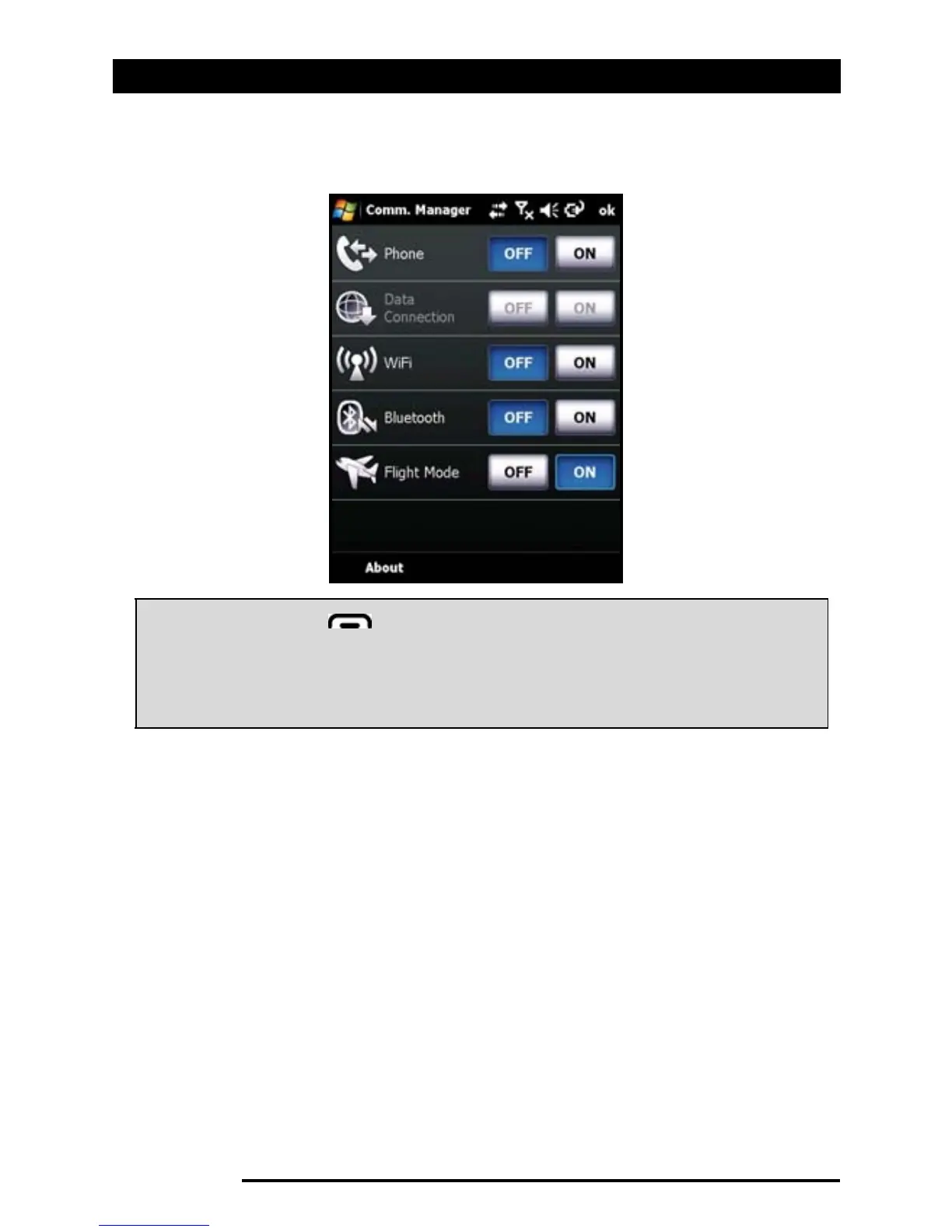
Comm. Manager
54 Acer x960 Smartphone User Guide
2. Tap Flight Mode On to turn off all phone, Bluetooth and
WLAN functions.
Comm. Manager
Your Acer x960 Smartphone features phone, Bluetooth and
WLAN functions. This section will explain how to activate and
set basic phone, Bluetooth and wireless network (WLAN) con-
nection settings through the Comm. Manager screen.
Using the Comm. Manager
To access the Comm. Manager, tap any of the communication
icons at the top of the screen or Start > Programs > Comm.
Manager.
Tip: Press and hold for five seconds to exit flight mode and
re-activate wireless connections (note: only connections that
were enabled prior to entering flight mode will be
re-activated)
.



 To Next Page