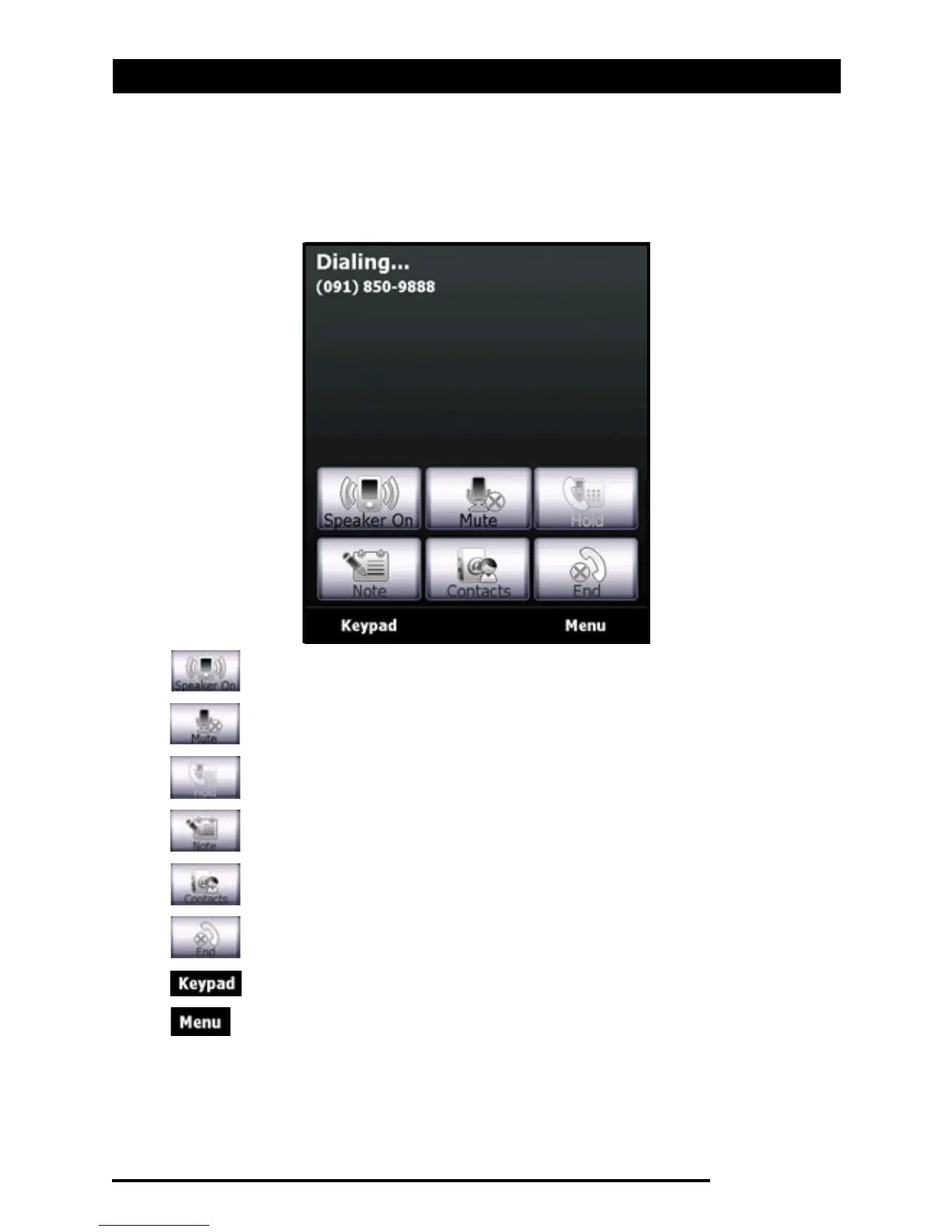
The voice call screen
Acer x960 Smartphone User Guide 21
The voice call screen
Once you have dialed your number the voice call screen
appears, where several options are available.
Turn on the speakerphone.
Mute the call.
Put the current call on hold.
Add a note.
Tap to enter the contacts list.
End the call.
Display the keypad.
Open the menu.



 To Next Page