Acer x960 Smartphone User Guide 41
Chapter 5: Home Screen
Overview
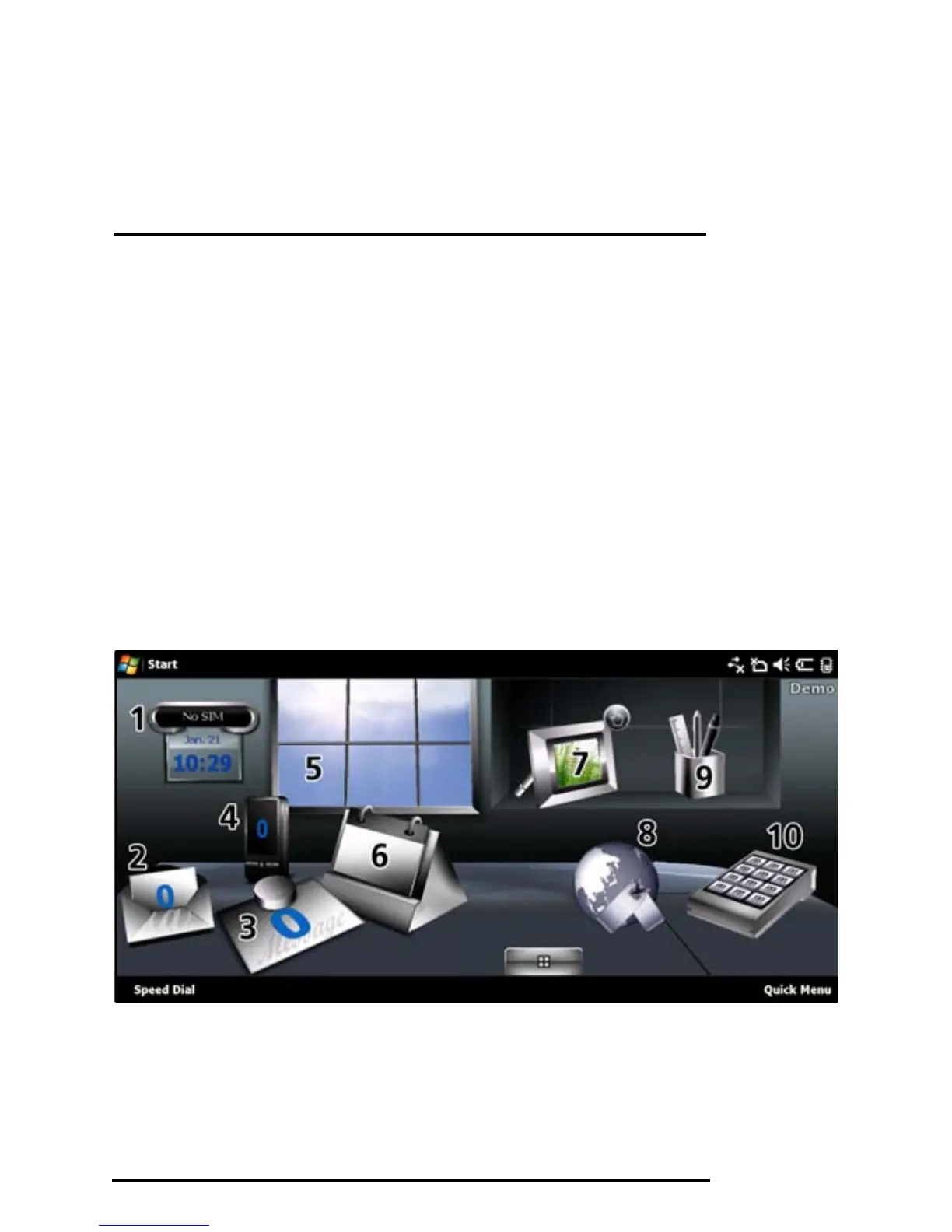
Introducing the home screen
When you switch on your Acer x960 Smartphone, the Home
screen appears following boot up.
The Home screen is the main point from which you can navi-
gate your Acer x960 Smartphone. The screen features connec-
tion status information, displays the date and time, and
features a set of shortcut icons that help you to access the most
frequently used applications quickly and easily.
In the Acer 3D view, scroll from side to side by dragging your
finger or stylus to the left or right (only part of the screen will
be visible at any time) to reveal more icons.



 To Next Page