Using the home page
Acer x960 Smartphone User Guide 15
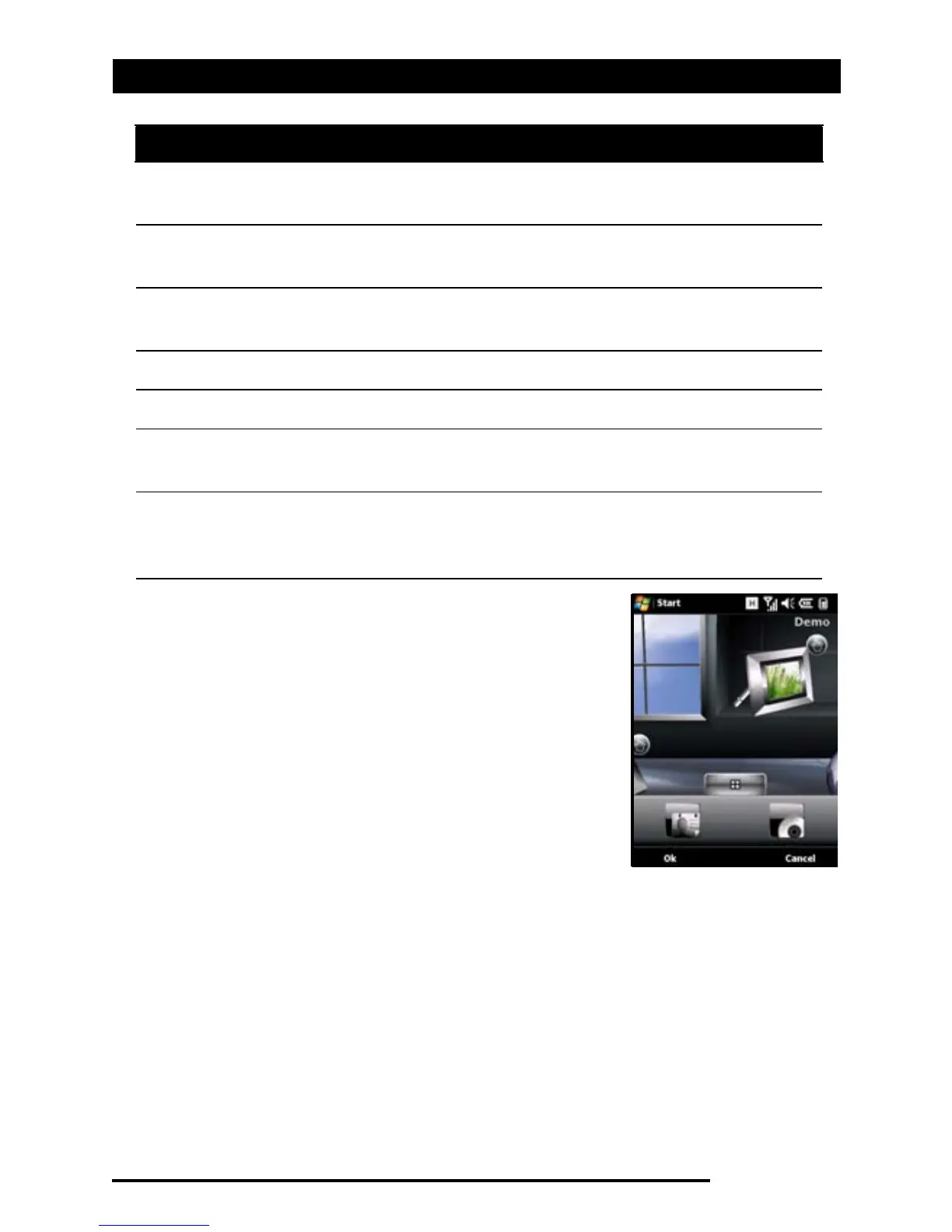
You can add or remove icons by tapping
and holding anywhere on the Acer 3D
view. This will reveal a tab that you can
tap and drag up to show additional func-
tions. Tap and drag icons between the
desktop and the tab to add or remove
them. You can also move the icons on the
desktop while the tab is visible.
4 Calls Open the list of recently dialed numbers, missed
calls.
5 Weather View local weather forecasts for your set loca-
tions.
6 Calendar Open your calendar to view upcoming appoint-
ments.
7 Pictures View content in
My pictures
as a slideshow.
8 Bookmarks Open your
Favorites
folder.
9 Settings Open the toolkit to customize your Acer x960
Smartphone.
10 Programs Open the
Quick Menu
; you can set shortcuts here
for quick access to frequently used applications
and programs.
No. Feature Description


 To Next Page
 Loading...











