2-2. RECEIVING A CALL
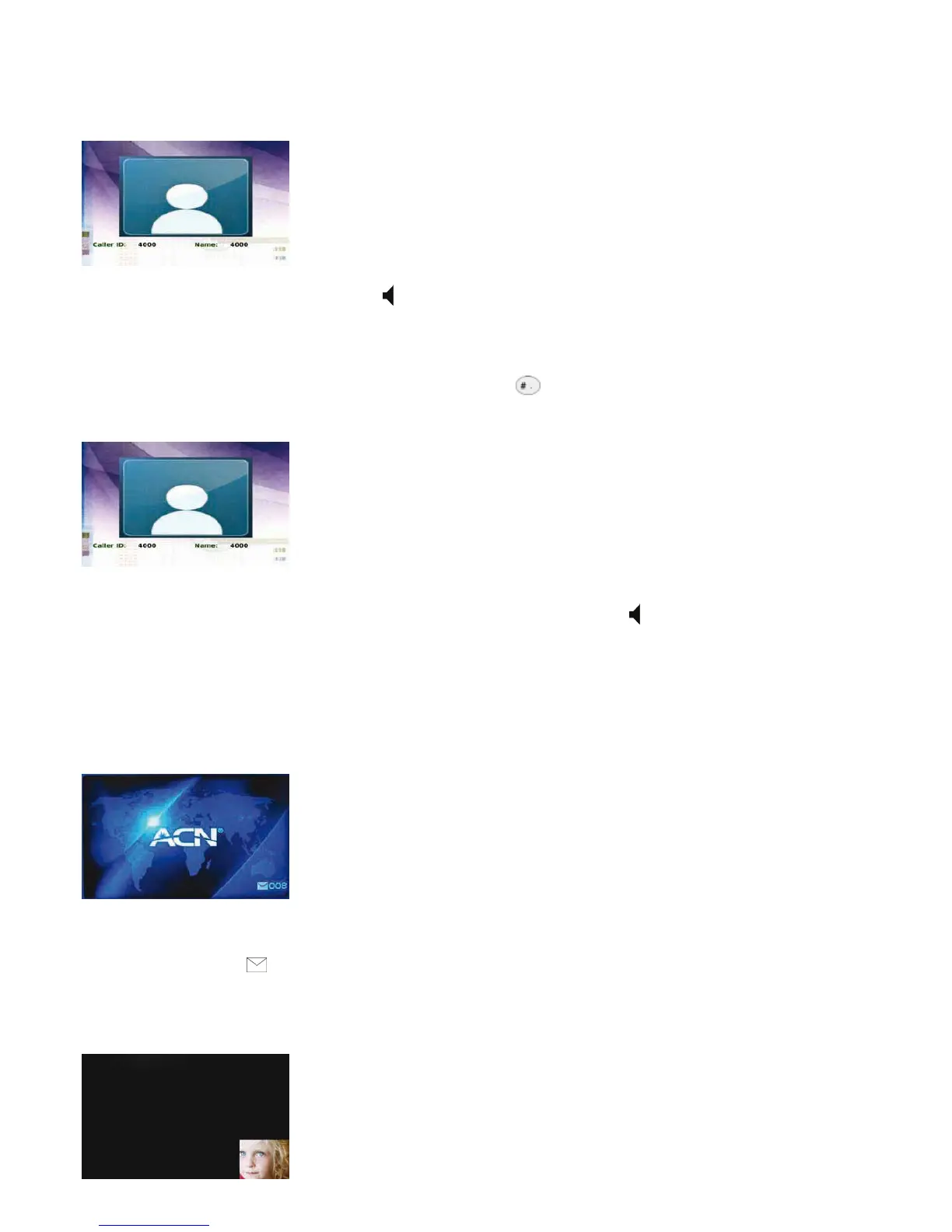
When your Videophone rings the LCD screen will show the person calling or the name and phone number of the person calling.
Pick up the handset or press the “Speaker” button
to answer the call. If there is a picture associated with a contact, it will be
displayed.
2-3. REJECTING A CALL
If you are unable, or do not want to answer, a call simply press the button to reject it. The call will then be sent directly to your
voicemail.
2-4. ENDING A CALL
Simply hang up the handset or if you are in speakerphone mode, press the “Speaker” button .
NOTE: Your call data will be stored in your Call Log.
2-5. RETRIEVING YOUR VOICEMAIL
An envelope will appear in the bottom right-hand corner of your screen indicating that you have voicemail and the number of
message(s) waiting.
To retrieve your voicemail:
• Press the “Mail” button
on the front of your Videophone
• Enter your 4 digit access code and press #
• Press
• Press 7 for user options
1 to retrieve your voicemail
11



 To Next Page