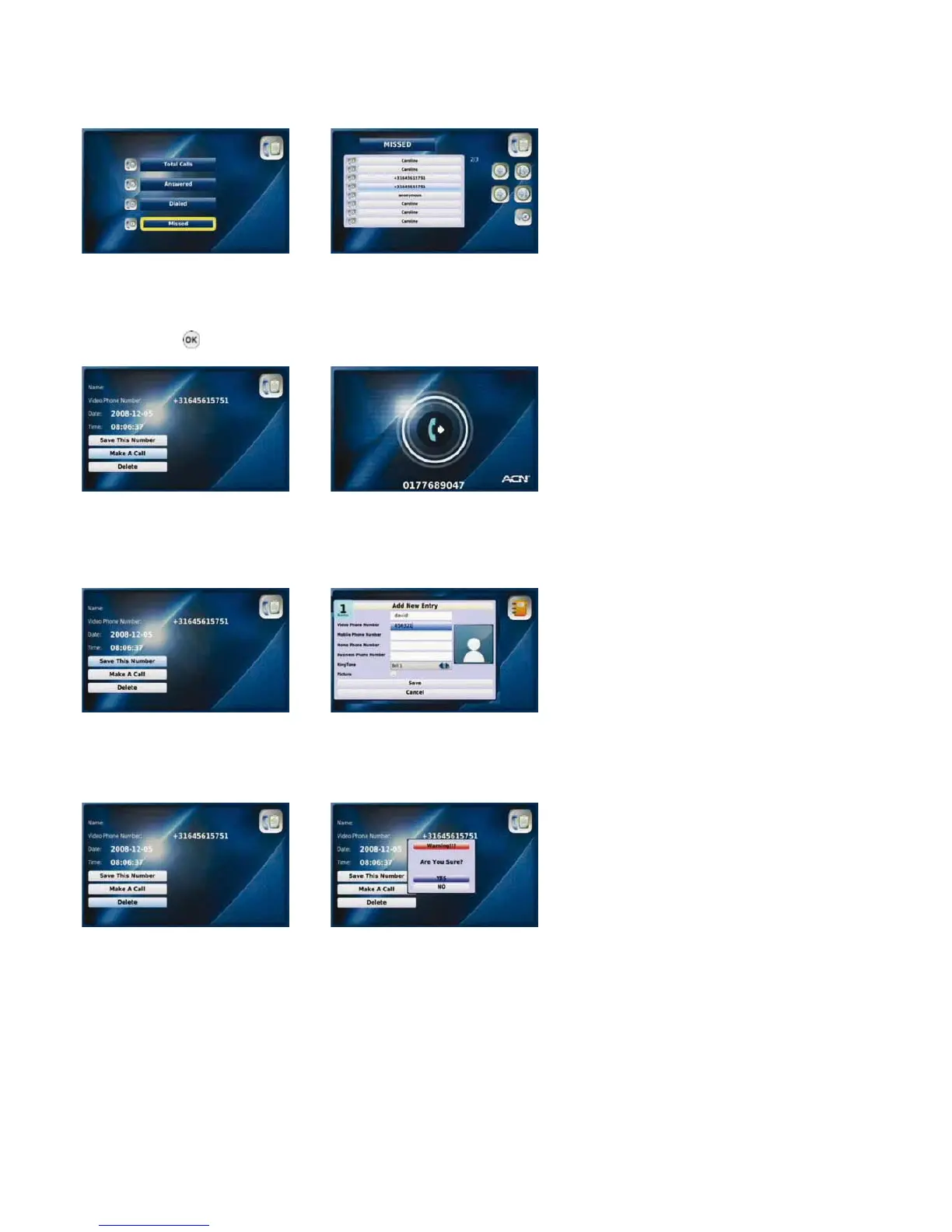
3-5-5. plACiNg A CAll, sAViNg or deletiNg A NuMBer
You can directly place a call to a selected number in your “Call Log” in addition to saving or deleting numbers.
Placing a call
Select the required option from Select the desired number
the “Call Log” menu and press
the “OK” button
Select “Make A Call” Your Videophone calls the
selected number
Saving a number
Select “Save This Number” Complete the “Add New
Entry” window and select
“Save”
Deleting a number
Select “Delete” Select “YES” to delete the
phone number
22



 To Next Page